Stable Diffusion 线稿转3D人物
(全套教程文末领取哈)


如何利用SD将人物线稿转3D?一起来学习吧!
PART01.
准备好一张线稿图

PART02.
进入文生图界面

模型:
revAnimated_v11.safetensors
Lora:
blindbox
提示词:
正向:
A cartoon character,3D
rendering,C4D
rendering,olender rendering,1boy,male focus,monochrome,simple
background,single person,blue armor,blue hair,orange eyes,
一个卡通人物,3D渲染,C4D渲染,olender渲染,一个男孩,男性焦点,单色,简单背景,单人,蓝色盔甲,蓝色头发,橙色眼睛
(可以利用反推提示词快速得到基础的画面角色特征,在以想要的结果加以删减修改)
反向:
EasyNegative, paintings, sketches, ugly, 3d, (worst quality:2), (low
quality:2), (normal quality:2), lowres, normal quality, ((monochrome)),
((grayscale)), skin spots, acnes, skin blemishes, age spot, manboobs,
backlight,(ugly:1.3), (duplicate:1.3), (morbid:1.2), (mutilated:1.2),
(tranny:1.3), mutated hands, (poor draw hands:1.3), blur, (bad anatomy:1.2),
(bad proportions:1.3), extra limbs, (disfigured:1.3), (more than 2
nipples:1.3), (more than 1 navel:1.3), (missing: 1.3), (extra arms:1.3),
(fused fingers:1.6), (too many fingers:1.6), (unclear eyes:1.3), bad hands,
missing fingers, extra digit, (futa:1.1), bad body, double navel, mutad arms,
hused arms, (puffy nipples, dark areolae, dark nipples, nipples), nipples no
hong, no hong, fat rolls, obese, bad-picture-chill-75v,(without clothes),
earphones, earmuffs,EasyNegative, paintings, sketches, ugly, 3d, (worst
quality:2), (low quality:2), (normal quality:2), lowres, normal quality,
((monochrome)), ((grayscale)), skin spots, acnes, skin blemishes, age spot,
manboobs, backlight,(ugly:1.3), (duplicate:1.3), (morbid:1.2),
(mutilated:1.2), (tranny:1.3), mutated hands, (poorly drawn hands:1.3),
blurry, (bad anatomy:1.2), (bad proportions:1.3), extra limbs,
(disfigured:1.3), (more than 2 nipples:1.3), (more than 1 navel:1.3), (missing
arms:1.3), (extra legs:1.3), (fused fingers:1.6), (too many fingers:1.6),
(unclear eyes:1.3), bad hands, missing fingers, extra digit, (futa:1.1), bad
body, double navel, mutad arms, hused arms, (puffy nipples, dark areolae, dark
nipples, rei no himo, inverted nipples, long nipples), NG_DeepNegative_V1_75t,
pubic hair, fat rolls, obese, bad-picture-chill-75v,(without clothes)

**采样方法:**Euler a
**迭代步数:**20
**CFG:**7
PART03.
打开ControlNet
启用Lineart,预处理选择invert

PART04.
点击生成并放大图片


选择一张满意的图片,进入图生图,使用相同的提示词,同样的采样器,同样的参数。
打开Tiled Diffusion重绘幅度调整为0.25,选择放大算法R-ESRGAN 4x+ Anime6B放大倍数调整为2倍。
(在高清放大的过程中,原图的一些细节会被改变,可用PS蒙版功能,保留原图合适的细节)

(放大前)

(放大后)
原本布料的材质细节被重绘平了,利用PS保留细节。
最终效果图如下:

文章使用的AI绘画SD整合包、各种模型插件、提示词、AI人工智能学习资料都已经打包好放在网盘中了,有需要的小伙伴文末扫码自行获取。
关于AI绘画技术储备
学好 AI绘画 不论是就业还是做副业赚钱都不错,但要学会 AI绘画 还是要有一个学习规划。最后大家分享一份全套的 AI绘画 学习资料,给那些想学习 AI绘画 的小伙伴们一点帮助!
对于0基础小白入门:
如果你是零基础小白,想快速入门AI绘画是可以考虑的。
一方面是学习时间相对较短,学习内容更全面更集中。
二方面是可以找到适合自己的学习方案
包括:stable diffusion安装包、stable diffusion0基础入门全套PDF,视频学习教程。带你从零基础系统性的学好AI绘画!

零基础AI绘画学习资源介绍
👉stable diffusion新手0基础入门PDF👈
(全套教程文末领取哈)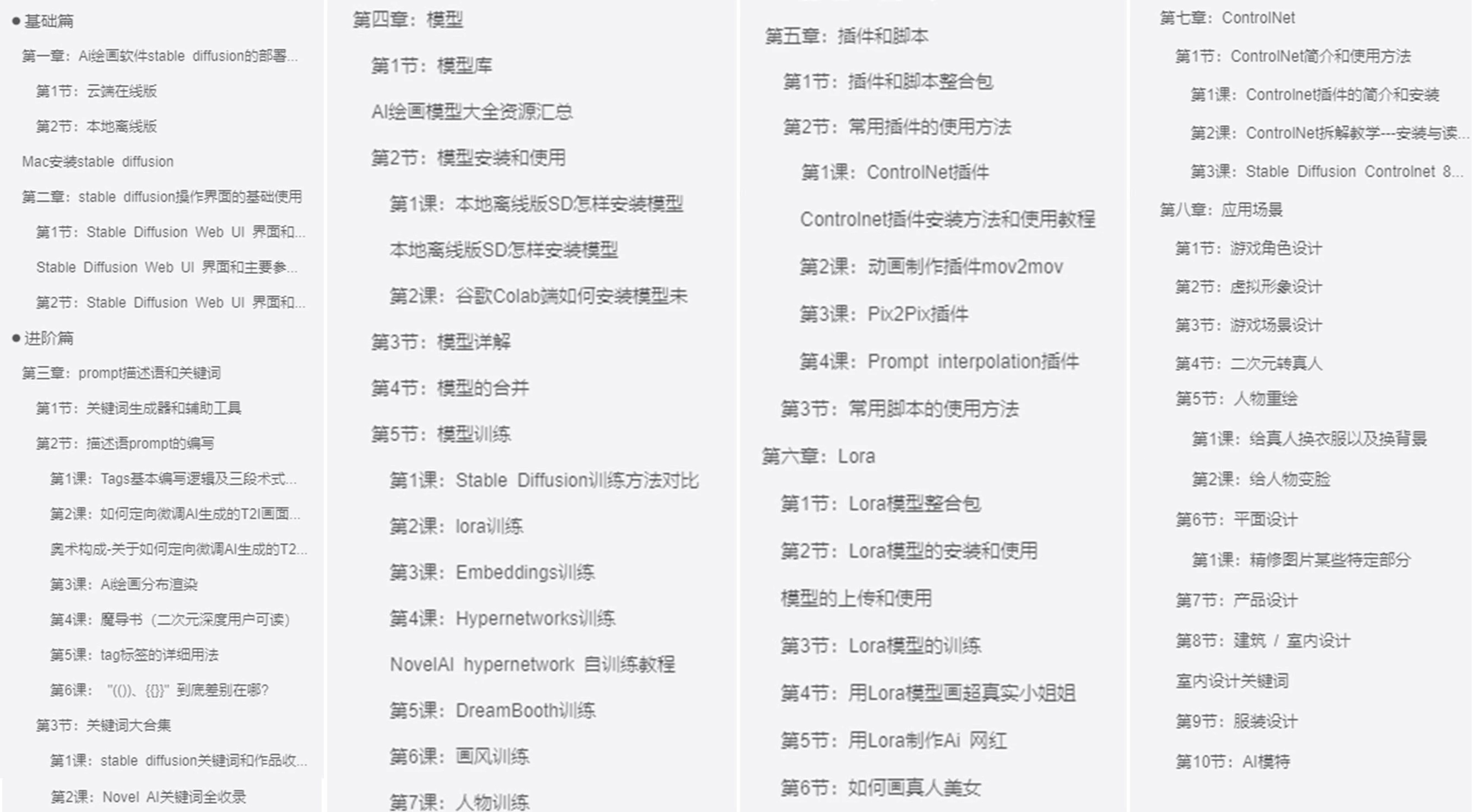
👉AI绘画必备工具👈

温馨提示:篇幅有限,已打包文件夹,获取方式在:文末
👉AI绘画基础+速成+进阶使用教程👈
观看零基础学习视频,看视频学习是最快捷也是最有效果的方式,跟着视频中老师的思路,从基础到深入,还是很容易入门的。
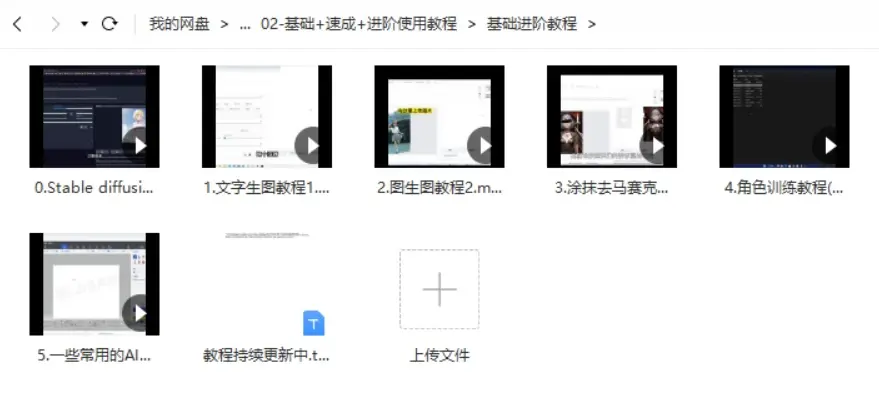
温馨提示:篇幅有限,已打包文件夹,获取方式在:文末
👉12000+AI关键词大合集👈

这份完整版的AI绘画全套学习资料已经上传CSDN,朋友们如果需要可以微信扫描下方CSDN官方认证二维码免费领取【保证100%免费】

火山引擎开发者社区是火山引擎打造的AI技术生态平台,聚焦Agent与大模型开发,提供豆包系列模型(图像/视频/视觉)、智能分析与会话工具,并配套评测集、动手实验室及行业案例库。社区通过技术沙龙、挑战赛等活动促进开发者成长,新用户可领50万Tokens权益,助力构建智能应用。
更多推荐
 20
20 0
0- 0


 已为社区贡献184条内容

所有评论(0)