《玩转 Deepseek——第2篇、知识库部署及使用》
《玩转 Deepseek——第2篇、知识库部署及使用》
阅读对象:本文章适用于对Deepseek本地化部署知识感兴趣的同志,需要有入门级的网络基础,软件架构基础知识即可。
前言:
本篇文章在《玩转 Deepseek ——第一篇、本地化部(Windows+Ollama+Docker+OpenWebUI)》之上,对知识库的部署及使用方式讲解,建议请先阅读上一篇:玩转 Deepseek ——第一篇、本地化部署(Windows+Ollama+Docker+OpenWebUI)
目录
一、本地客户端部署Deepseek知识库:
1.1适用场景:
举例:公司内部搭建,用于处理招投标,涉密文档编写等工作,提高员工效率。等其他需要独立知识库的场景。
1.2优势分析:
个人知识库隐私保密强,仅调用模型能力处理,个人知识库不外泄。
1.3示意图:
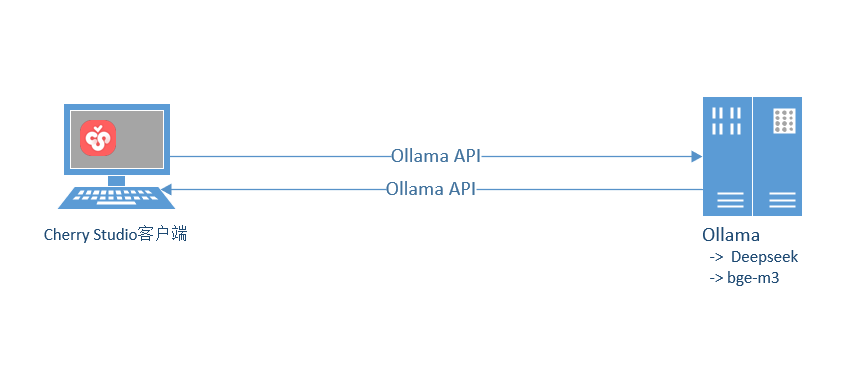
1.4部署步骤:
下载网址:客户端下载 | CherryStudio
1.关闭硅基流动
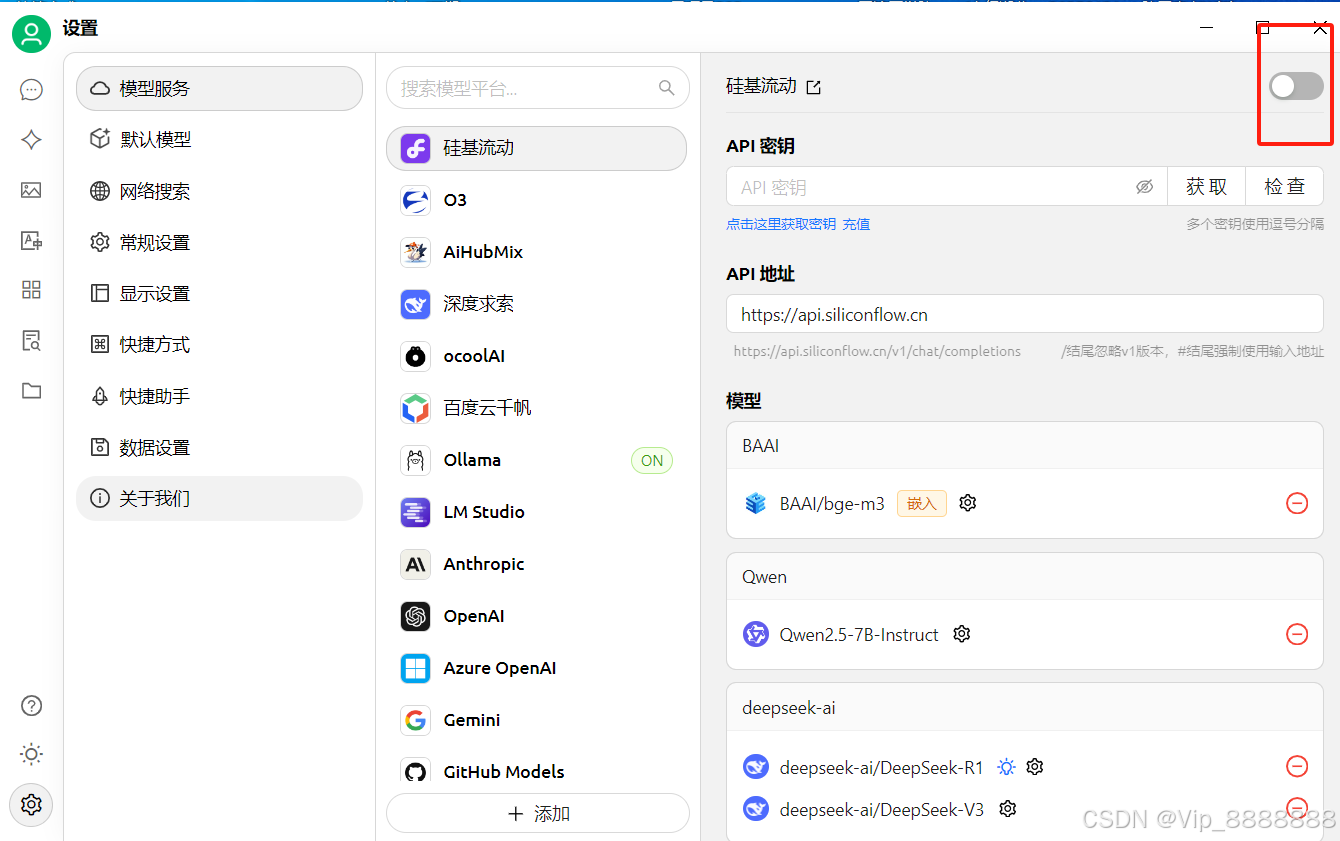
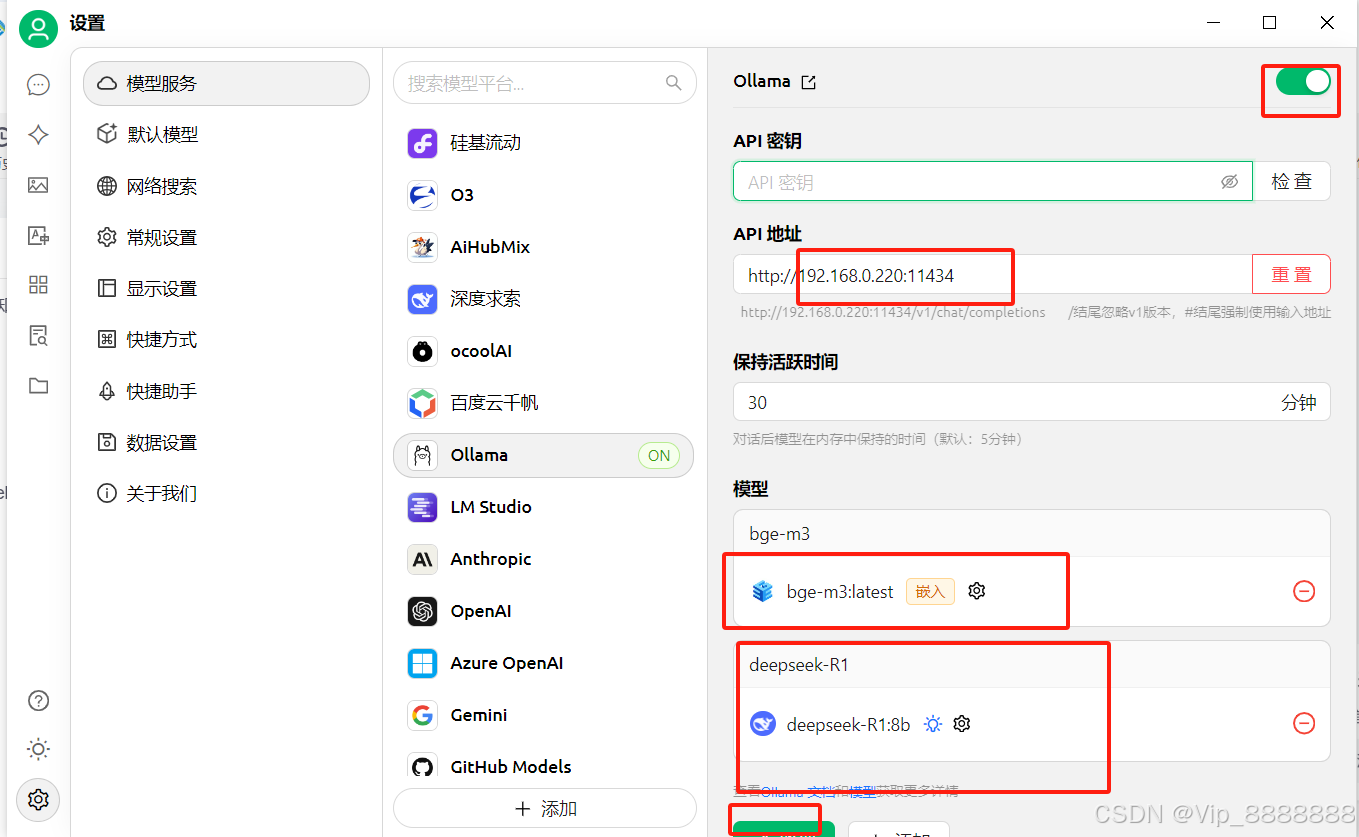
2.选择Ollama打开并输入对应API地址
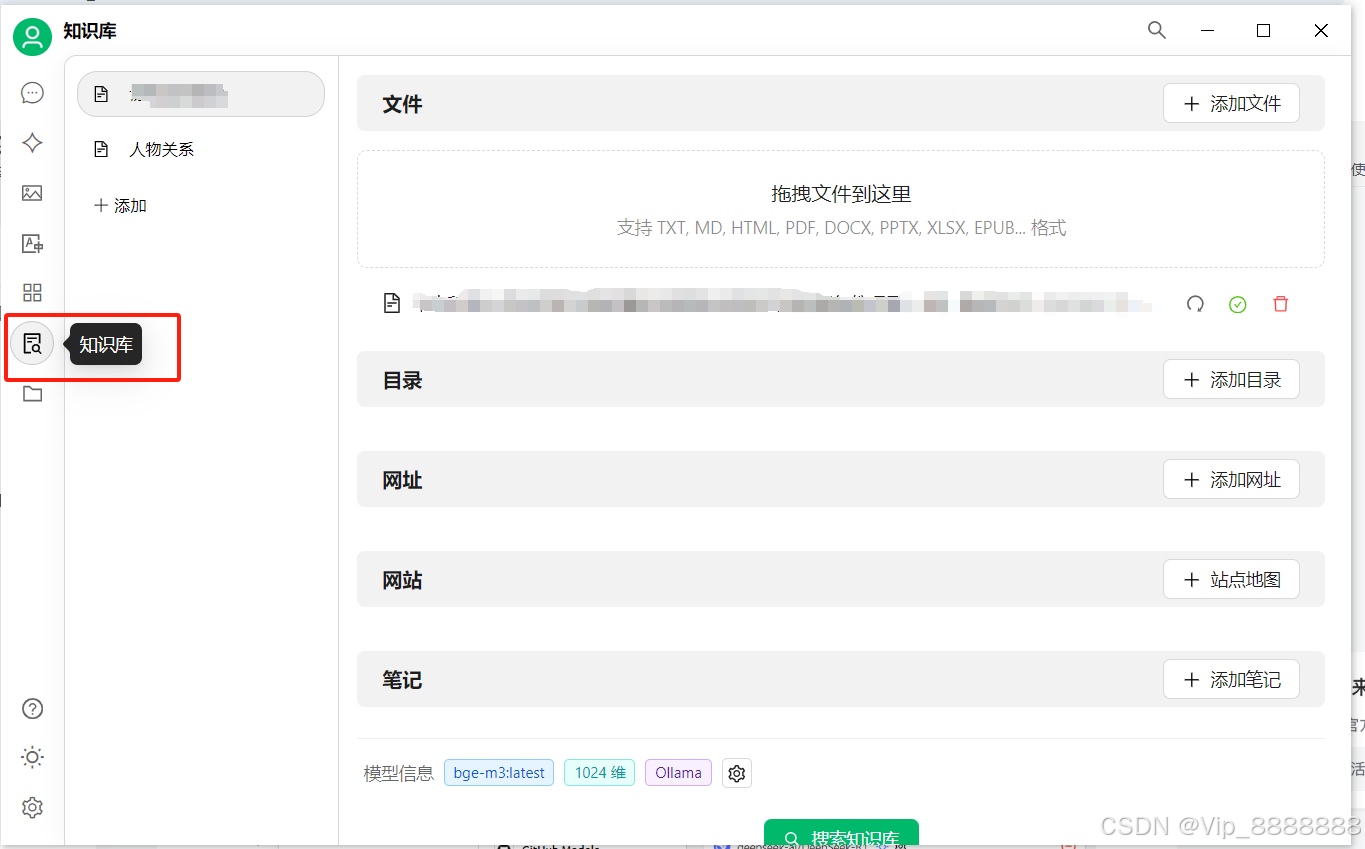
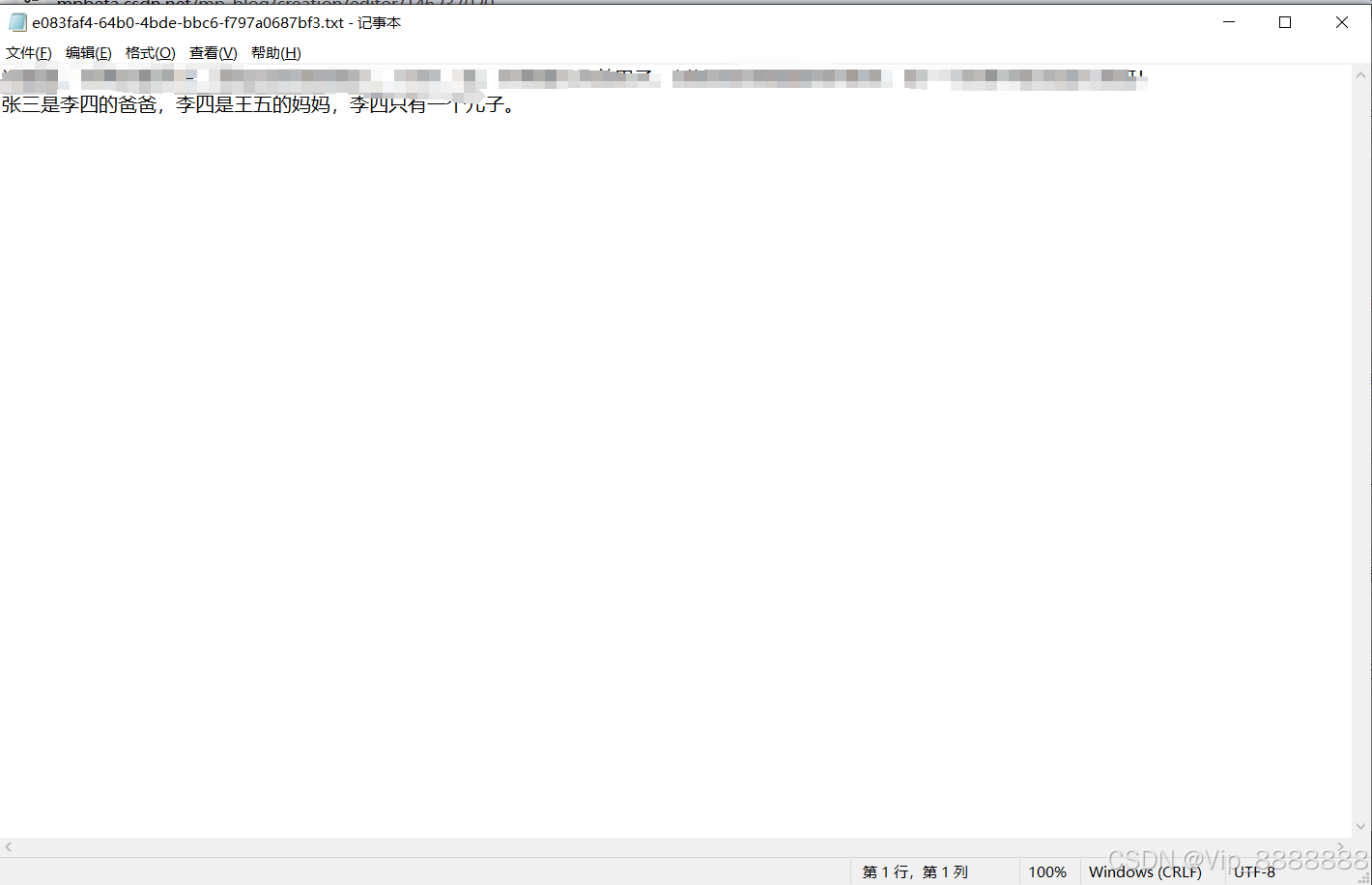
3.点击【知识库】--》添加文件
4.例:
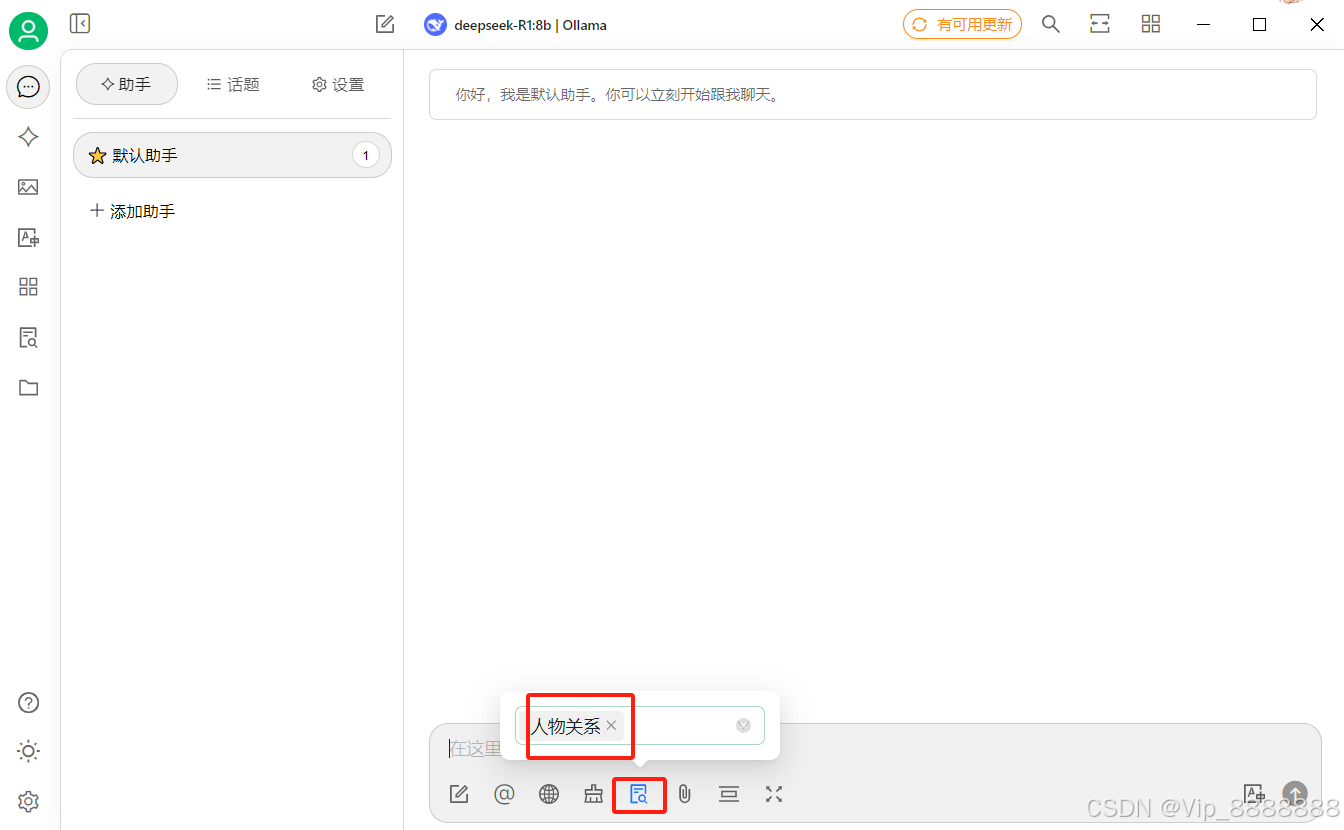
返回对话框,点亮知识库,选择相应的库
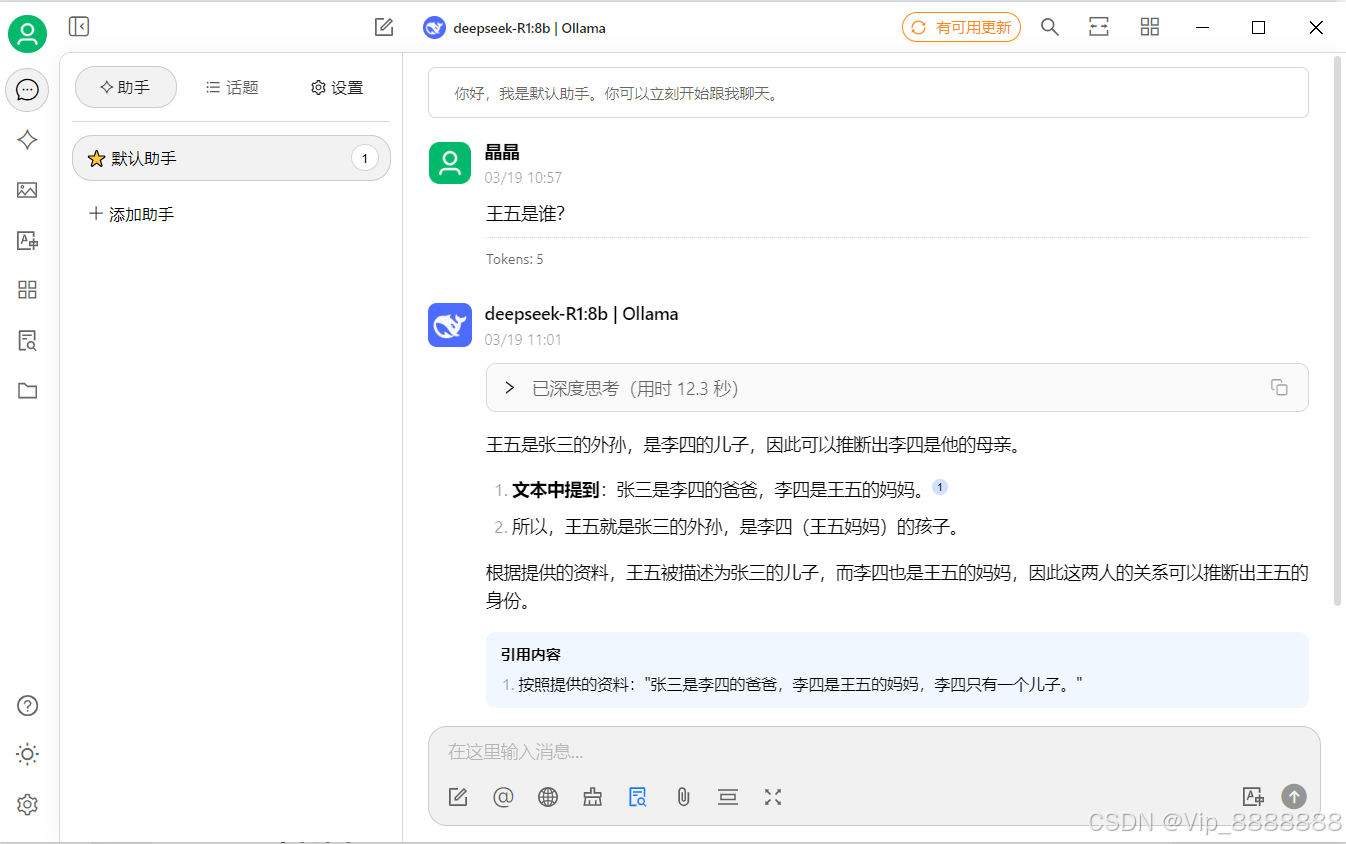
提出问题,查看回复结果
二、OpenUI服务器端部署Deepseek知识库:
2.1适用场景:
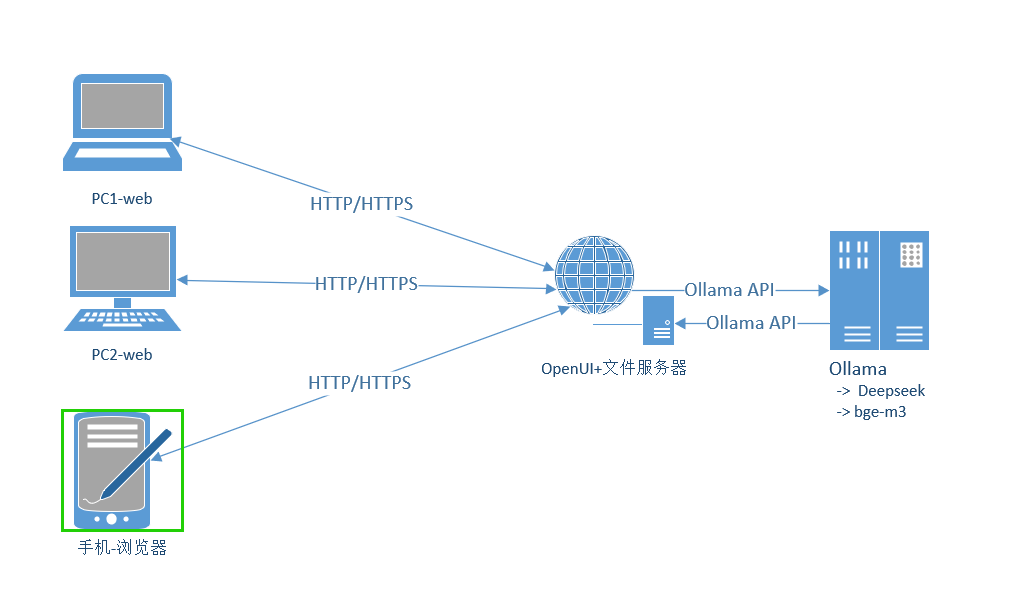
举例:公司/单位内 多部门共用同一套系统,可实现多角色多分组管理功能,共享共有知识库、同分组知识库内容等;云SaaS服务商提供多租户模式等。
2.2优势分析:
知识库上传至服务上统一管理,可进行权限管理等,灵活性高。协同搭建知识库等。
2.3示意图:
2.4部署步骤:
OpenUI部署详见:
OpenUI部署详见:玩转 Deepseek ——第一篇、本地化部署(Windows+Ollama+Docker+OpenWebUI)
登录到OpenUI 界面:
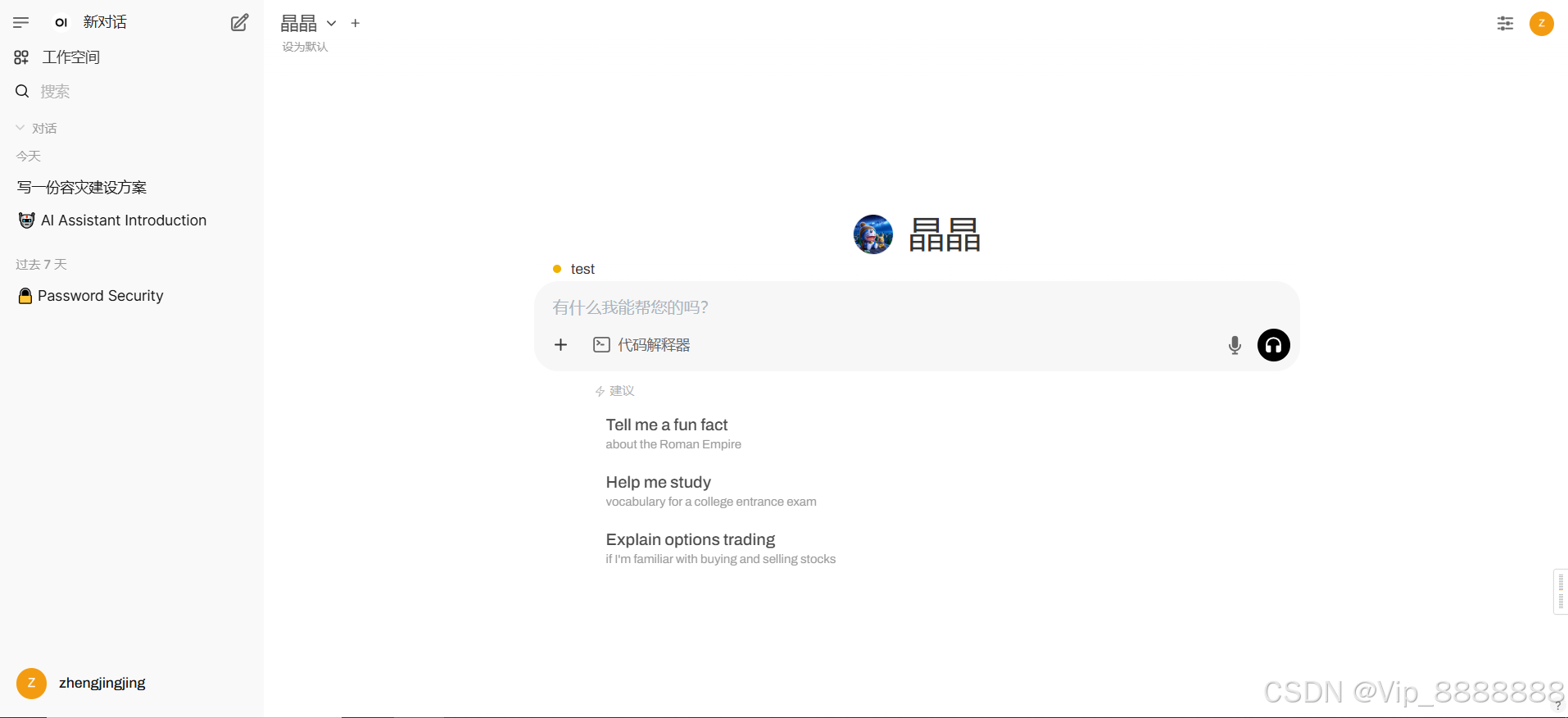
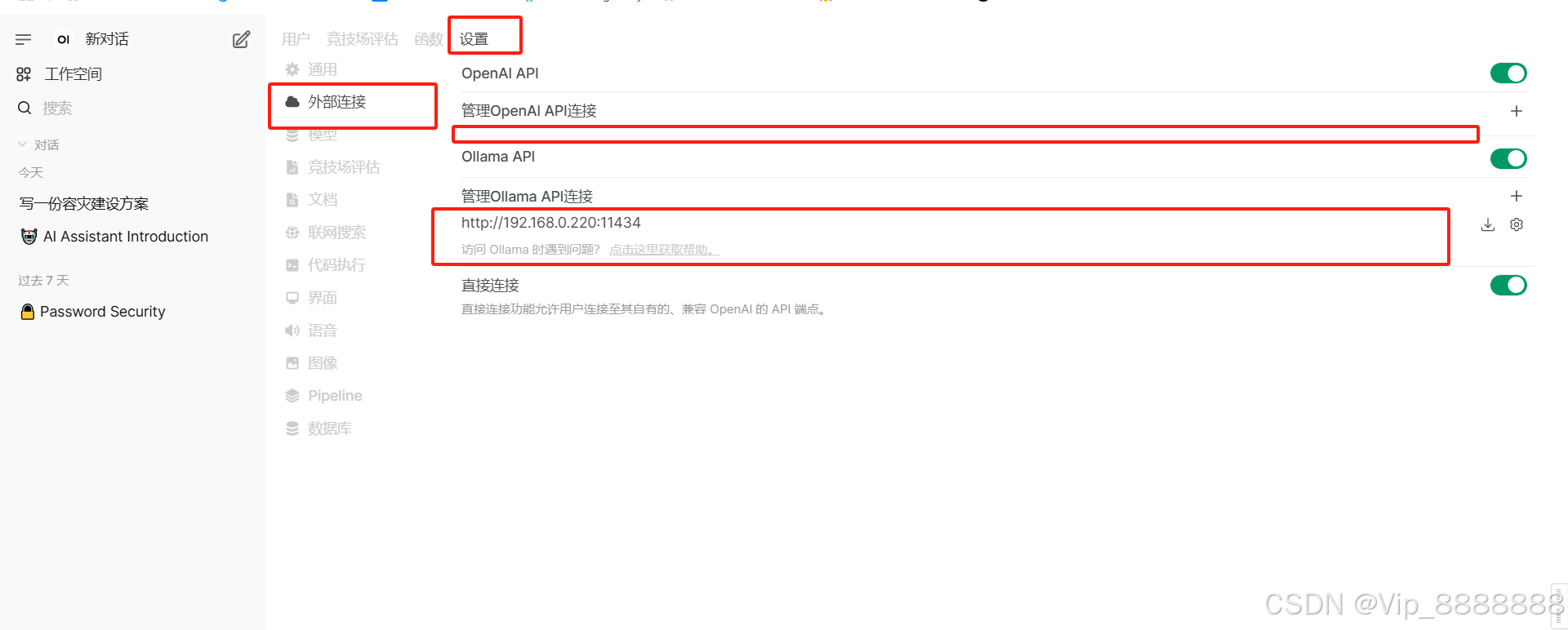
优化(针对打开web界面出现“IO”后加载延时问题优化步骤):
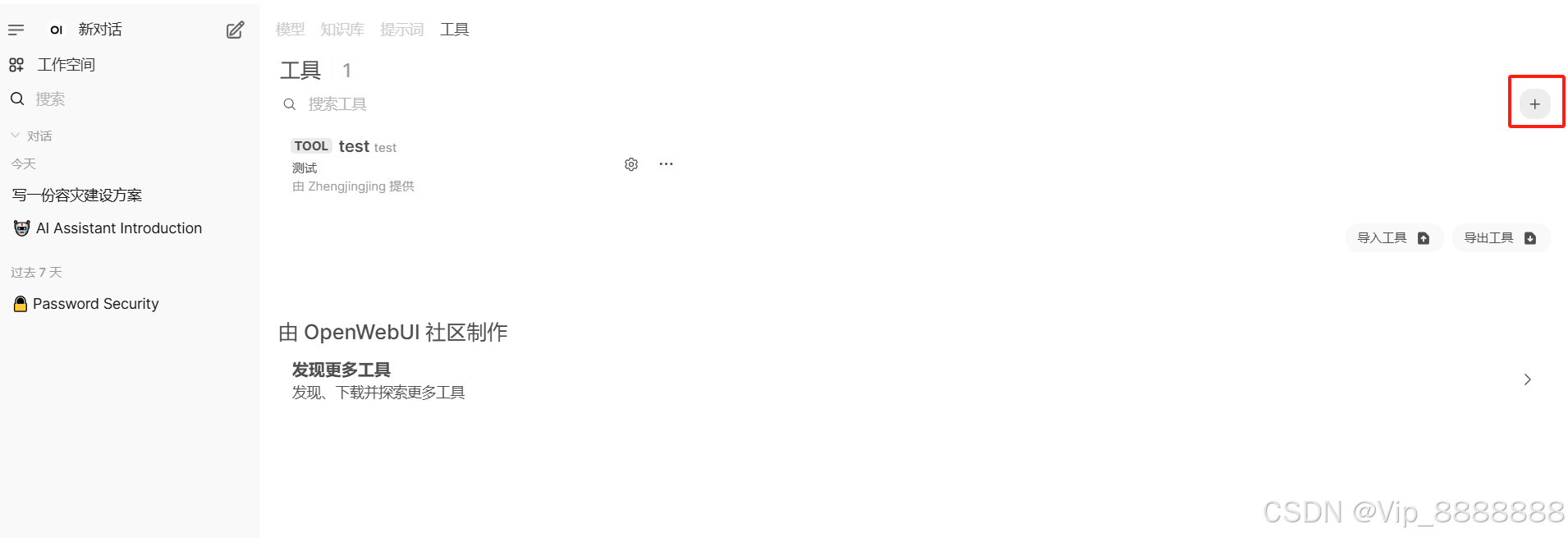
创建工具:(默认即可)
import os
import requests
from datetime import datetime


class Tools:
    def __init__(self):
        pass

    # Add your custom tools using pure Python code here, make sure to add type hints
    # Use Sphinx-style docstrings to document your tools, they will be used for generating tools specifications
    # Please refer to function_calling_filter_pipeline.py file from pipelines project for an example

    def get_user_name_and_email_and_id(self, __user__: dict = {}) -> str:
        """
        Get the user name, Email and ID from the user object.
        """

        # Do not include :param for __user__ in the docstring as it should not be shown in the tool's specification
        # The session user object will be passed as a parameter when the function is called

        print(__user__)
        result = ""

        if "name" in __user__:
            result += f"User: {__user__['name']}"
        if "id" in __user__:
            result += f" (ID: {__user__['id']})"
        if "email" in __user__:
            result += f" (Email: {__user__['email']})"

        if result == "":
            result = "User: Unknown"

        return result

    def get_current_time(self) -> str:
        """
        Get the current time in a more human-readable format.
        :return: The current time.
        """

        now = datetime.now()
        current_time = now.strftime("%I:%M:%S %p")  # Using 12-hour format with AM/PM
        current_date = now.strftime(
            "%A, %B %d, %Y"
        )  # Full weekday, month name, day, and year

        return f"Current Date and Time = {current_date}, {current_time}"

    def calculator(self, equation: str) -> str:
        """
        Calculate the result of an equation.
        :param equation: The equation to calculate.
        """

        # Avoid using eval in production code
        # https://nedbatchelder.com/blog/201206/eval_really_is_dangerous.html
        try:
            result = eval(equation)
            return f"{equation} = {result}"
        except Exception as e:
            print(e)
            return "Invalid equation"

    def get_current_weather(self, city: str) -> str:
        """
        Get the current weather for a given city.
        :param city: The name of the city to get the weather for.
        :return: The current weather information or an error message.
        """
        api_key = os.getenv("OPENWEATHER_API_KEY")
        if not api_key:
            return (
                "API key is not set in the environment variable 'OPENWEATHER_API_KEY'."
            )

        base_url = "http://api.openweathermap.org/data/2.5/weather"
        params = {
            "q": city,
            "appid": api_key,
            "units": "metric",  # Optional: Use 'imperial' for Fahrenheit
        }

        try:
            response = requests.get(base_url, params=params)
            response.raise_for_status()  # Raise HTTPError for bad responses (4xx and 5xx)
            data = response.json()

            if data.get("cod") != 200:
                return f"Error fetching weather data: {data.get('message')}"

            weather_description = data["weather"][0]["description"]
            temperature = data["main"]["temp"]
            humidity = data["main"]["humidity"]
            wind_speed = data["wind"]["speed"]

            return f"Weather in {city}: {temperature}°C"
        except requests.RequestException as e:
            return f"Error fetching weather data: {str(e)}"
创建账号角色(多角色管理):
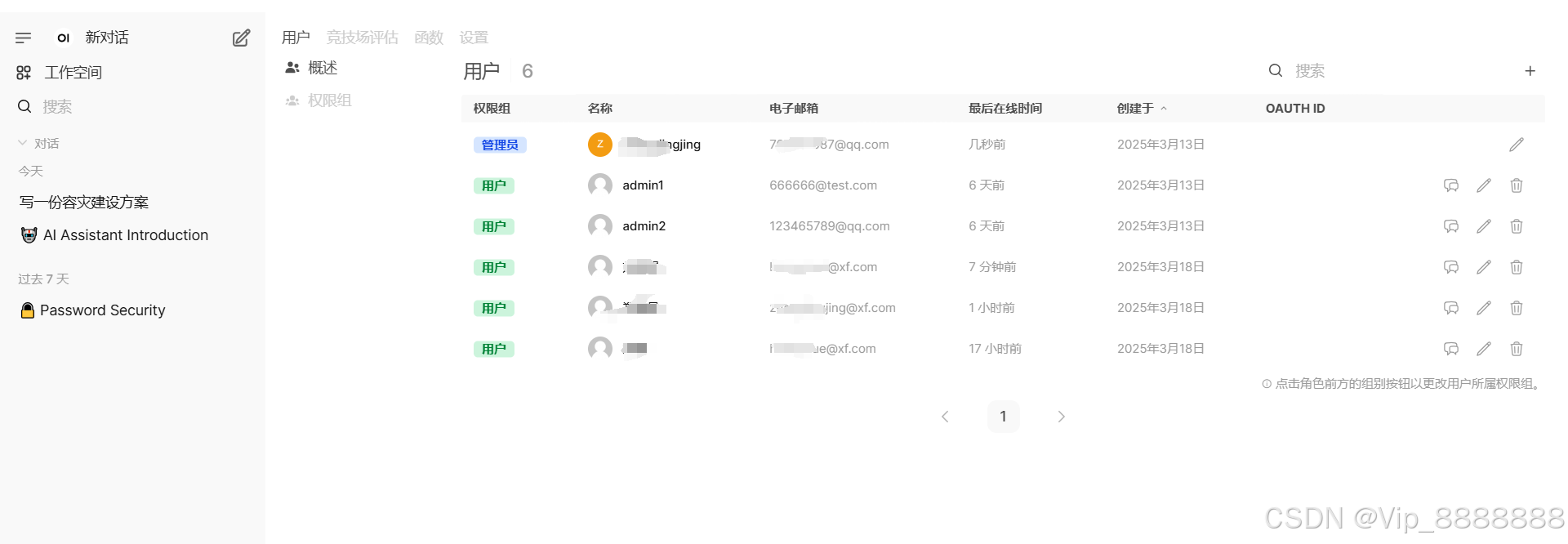
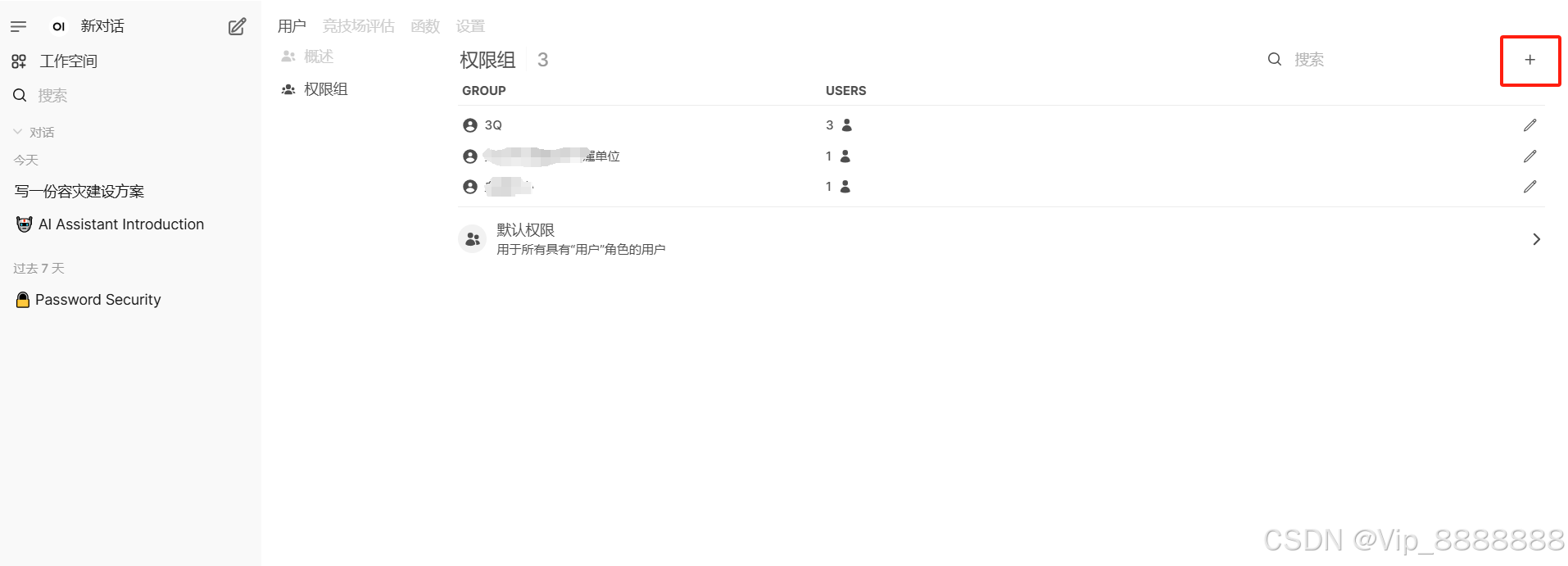
创建分组及角色绑定(分组管理):
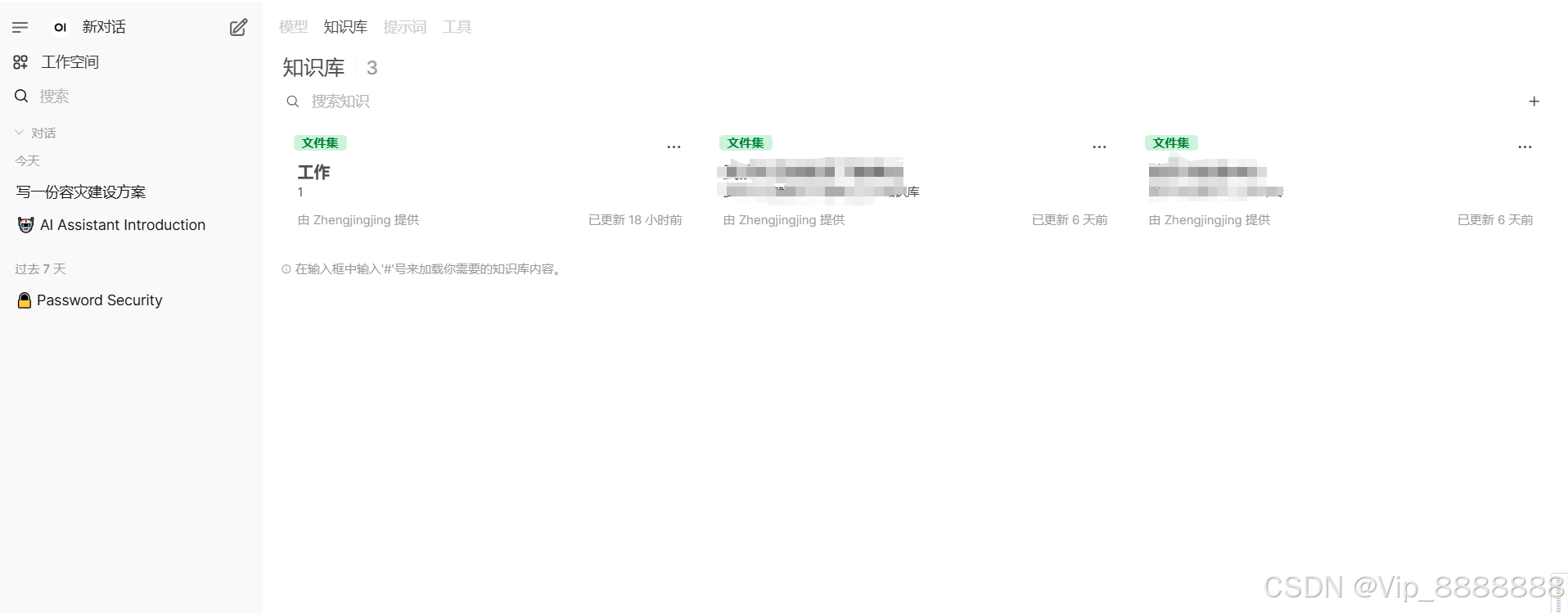
创建知识库(知识库管理):
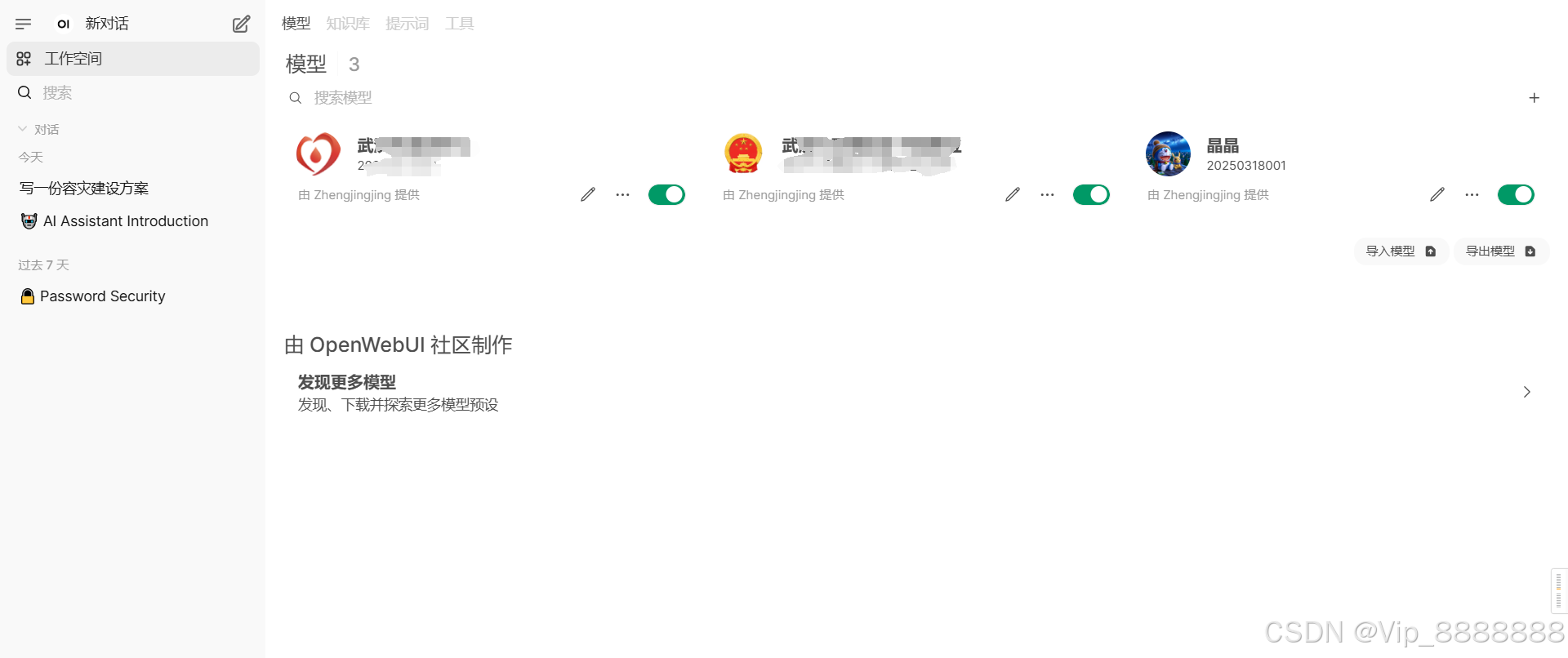
创建模型
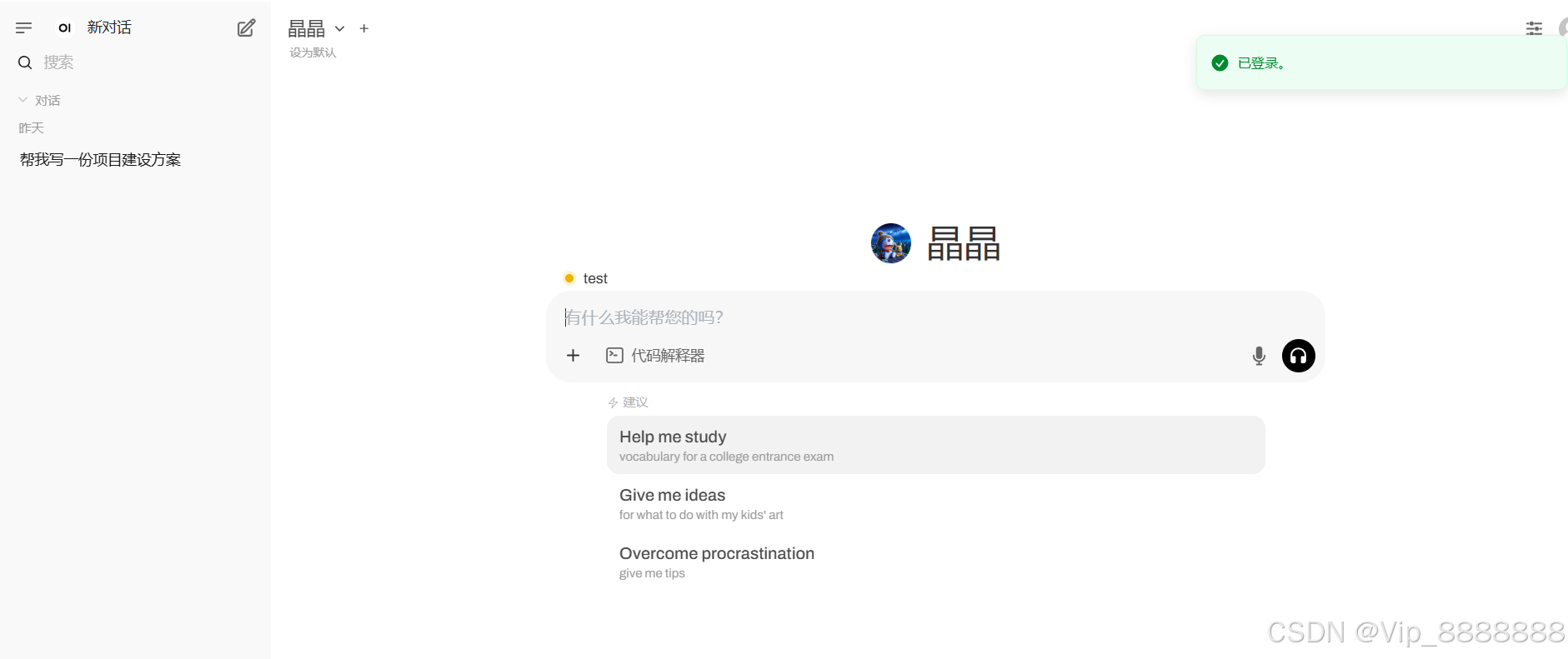
角色权限验证:

火山引擎开发者社区是火山引擎打造的AI技术生态平台,聚焦Agent与大模型开发,提供豆包系列模型(图像/视频/视觉)、智能分析与会话工具,并配套评测集、动手实验室及行业案例库。社区通过技术沙龙、挑战赛等活动促进开发者成长,新用户可领50万Tokens权益,助力构建智能应用。
更多推荐
 18
18 0
0- 0


 已为社区贡献2条内容

所有评论(0)