【ScottPlot5.1.x图表应用】ScottPlot5.1.x 最新版 5.1.57+实现鼠标悬停提示ToolTip数据点数据(X,Y对应的数据点)核心代码
本文介绍了使用ScottPlot 5.1.x实现图表交互功能的方法。主要内容包括:1)通过Crosshair类添加十字线,并控制其在鼠标进入时显示、离开时隐藏;2)在MouseMove事件中获取坐标值,通过FindNearestPoint方法查找最近数据点,实现ToolTip提示功能;3)演示如何设置十字线样式(线宽、颜色、标记形状等);4)实现曲线颜色与AntdUI主题颜色一致的方法。文中提供了
·
一、ScottPlot 5.1.x 学习案例(含核心代码)
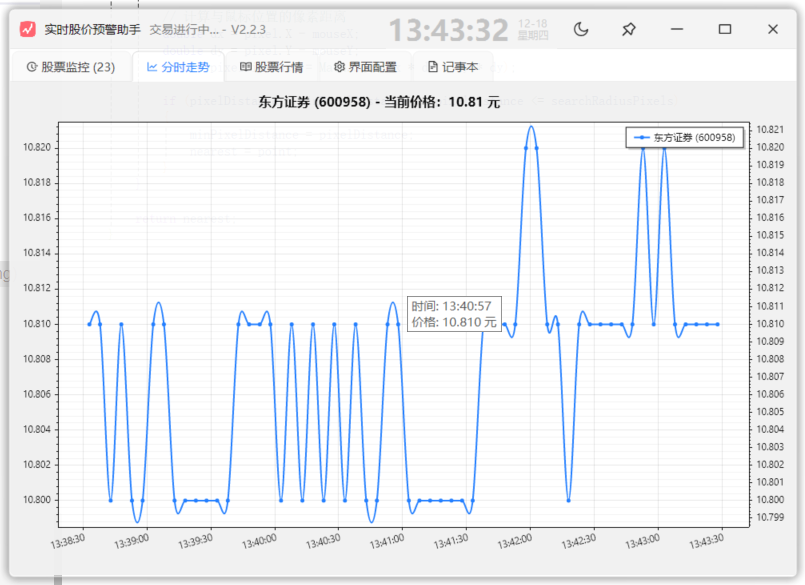
本文实现图表上鼠标悬停,ToopTip提示坐标值,效果如下(亲测)
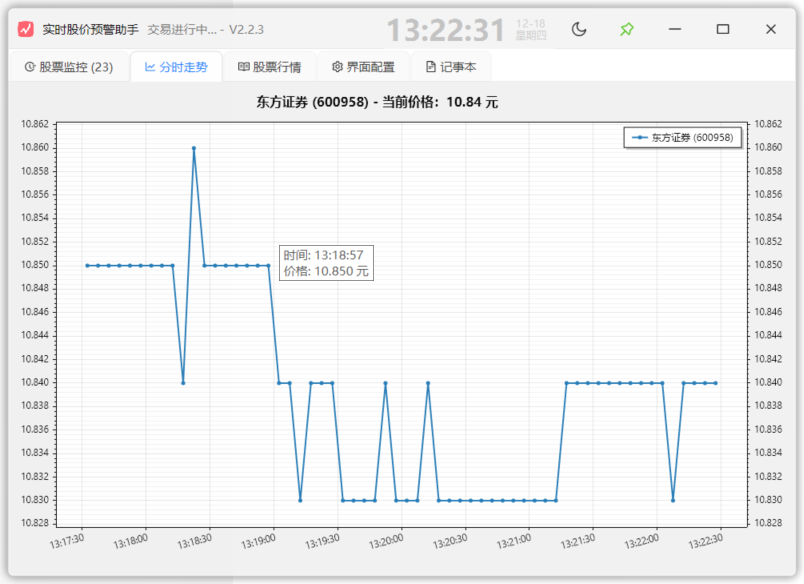
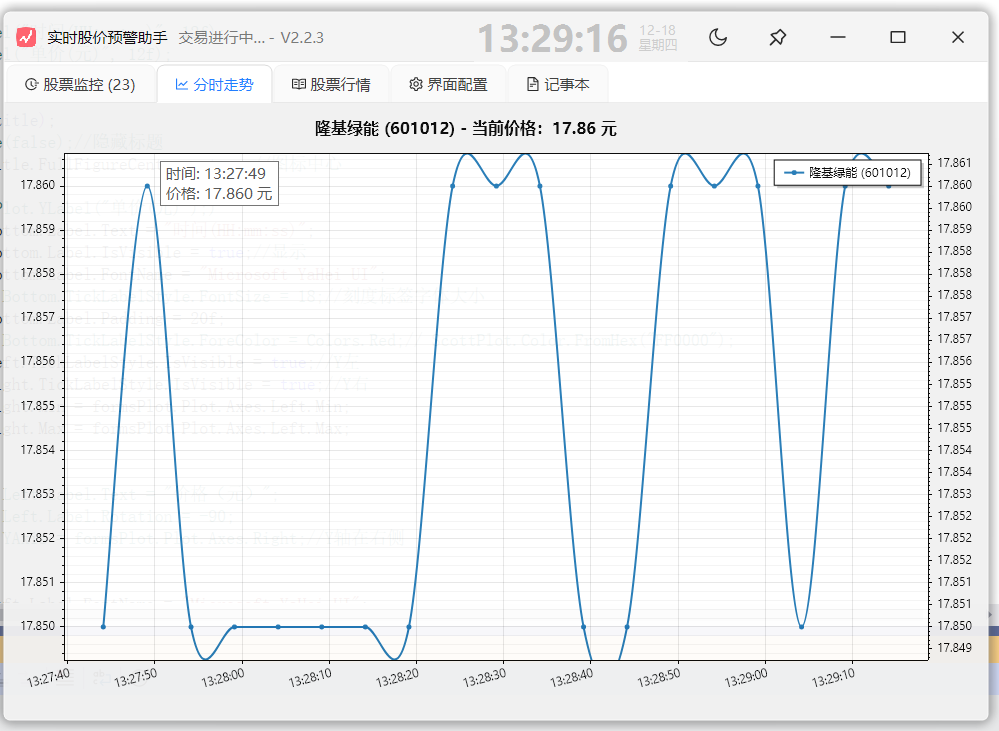
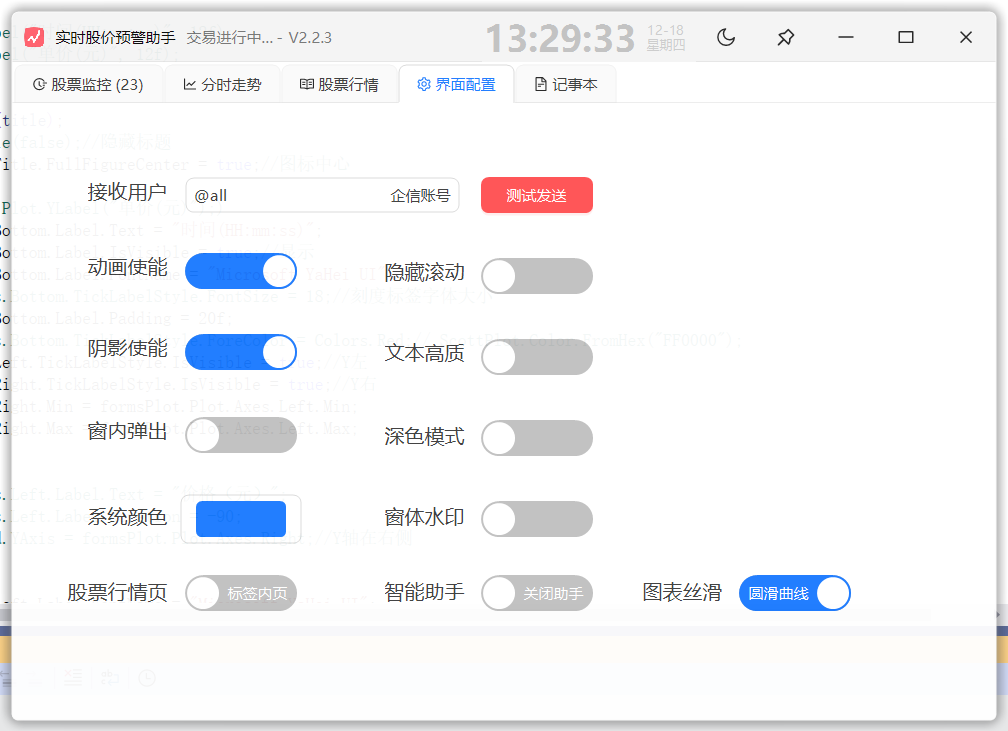
1.1 图表上显示十字线
定义:private Crosshair Crosshair;
结合FormsPlot_MouseMove、FormsPlot_MouseEnter、FormsPlot_MouseLeave
            Crosshair = this.formsPlot.Plot.Add.Crosshair(0.0, 0.0);//十字光标线
            Crosshair.LineWidth = 2;
            Crosshair.MarkerShape = MarkerShape.OpenCircle;
            Crosshair.MarkerSize = 10;
            Crosshair.LineColor = Colors.Red;
            Crosshair.TextColor = Colors.White;
控制十字线,进入时显示,离开时隐藏
            Crosshair.VerticalLine.IsVisible = true;//显示
            Crosshair.HorizontalLine.IsVisible = true;
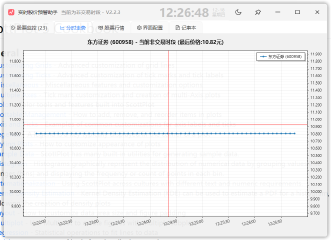
FormsPlot_MouseMove中获取坐标方法:
            // 查找最近的数据点(使用像素坐标),需要定义FindNearestPoint
            Coordinates? nearestPoint = FindNearestPoint(e.X, e.Y, searchRadiusPixels: 10);
            if (nearestPoint.HasValue)
            {
                Crosshair.Position = nearestPoint.Value;
                Crosshair.IsVisible = true;
                //如果显示提示就在这定义
                //string timeStr =DateTime.FromOADate(nearestPoint.Value.X).ToString("HH:mm:ss");
                //string priceStr=nearestPoint.Value.Y.ToString("F3")
                //string tipText = $"时间: {timeStr}\n价格: {priceStr} 元";
                //toolTip.Show(tipText, formsPlot, e.Location + new Size(10, -30));
           }else{
				Crosshair.IsVisible = false;
           }
1.2 查找坐标最近的数据点
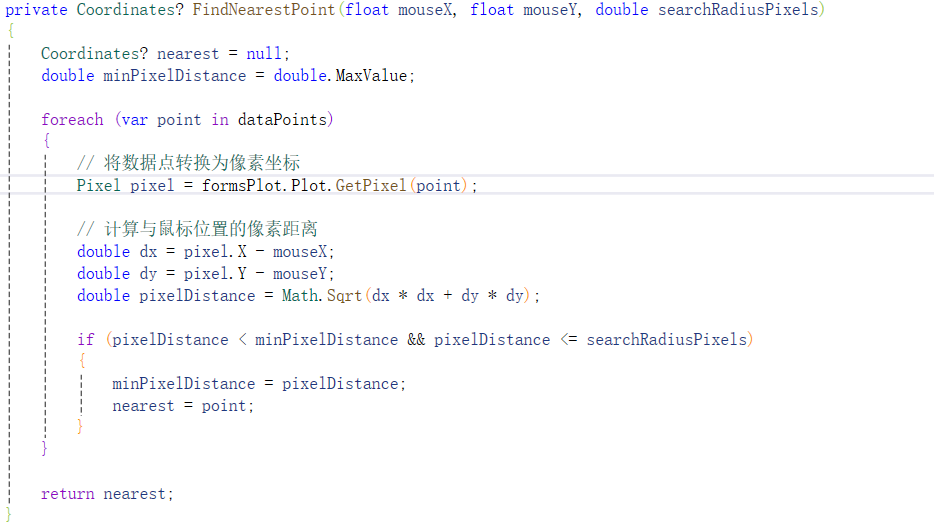
实现曲线颜色与主题颜色一致(AntdUI)
scatterPlot.Color = ScottPlot.Color.FromHex(AntdUI.Style.Db.Primary.ToHex());

火山引擎开发者社区是火山引擎打造的AI技术生态平台,聚焦Agent与大模型开发,提供豆包系列模型(图像/视频/视觉)、智能分析与会话工具,并配套评测集、动手实验室及行业案例库。社区通过技术沙龙、挑战赛等活动促进开发者成长,新用户可领50万Tokens权益,助力构建智能应用。
更多推荐
 3
3 0
0- 0


 已为社区贡献2条内容

所有评论(0)