RTX 3090 24G单卡 部署DeepSeek-OCR
若报错,采用下面方法下载离线包至本地。把一张测试图片放入images内。
·
1. 安装过程
1.1. Cuda-11.8环境
- GPU:3090(24G) 、cuda驱动13.0
- torch==2.6.0,cuda==11.8
export PATH=/usr/local/cuda-11.8/bin:$PATH
export LD_LIBRARY_PATH=/usr/local/cuda-11.8/lib64:$LD_LIBRARY_PATH
1.2. 拉取DeepSeek-OCR
git clone https://github.com/deepseek-ai/DeepSeek-OCR.git1.3. torch-2.6.0、python-3.12.9 环境
conda create -n deepseek-ocr python=3.12.9 -y
conda activate deepseek-ocr
pip install torch==2.6.0 torchvision==0.21.0 torchaudio==2.6.0 --index-url https://download.pytorch.org/whl/cu118
1.4. vllm-0.8.5
download the vllm-0.8.5 whl
pip install vllm-0.8.5+cu118-cp38-abi3-manylinux1_x86_64.whl
pip install -r requirements.txt # 报错没关系
1.5. flash_attn-2.7.3
pip install flash-attn==2.7.3 --no-build-isolation若报错,采用下面方法下载离线包至本地
wget https://github.com/Dao-AILab/flash-attention/releases/download/v2.7.3/flash_attn-2.7.3+cu11torch2.6cxx11abiFALSE-cp312-cp312-linux_x86_64.whl
pip install flash_attn-2.7.3+cu11torch2.6cxx11abiFALSE-cp312-cp312-linux_x86_64.whl
1.6. vllm配置config.py
cd DeepSeek-OCR-master/DeepSeek-OCR-vllm
mkdir images #存放测试图片
mkdir output
vim config.py
把一张测试图片放入images内,我的是一张户型图
MODEL_PATH = '/model/Deepseek/DeepSeek-OCR/' # 填你自己下载的DeepSeek-OCR模型路径
INPUT_PATH = 'images/test.jpg'
OUTPUT_PATH = 'output'
PROMPT = '<image>\nDescribe this image in detail.'
1.7. 运行
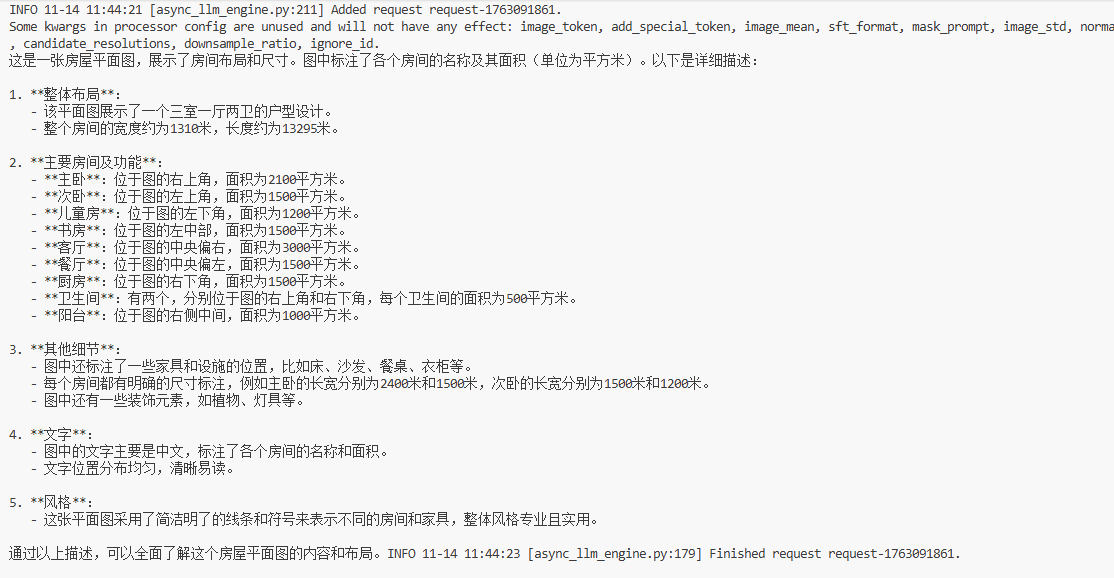
python run_dpsk_ocr_image.pyPROMPT = '<image>\nDescribe this image in detail.' # 对户型图的描述
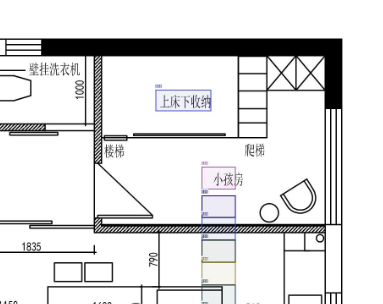
PROMPT = '<image>\nLocate <|ref|>小孩房<|/ref|> in the image.' #标注小孩房
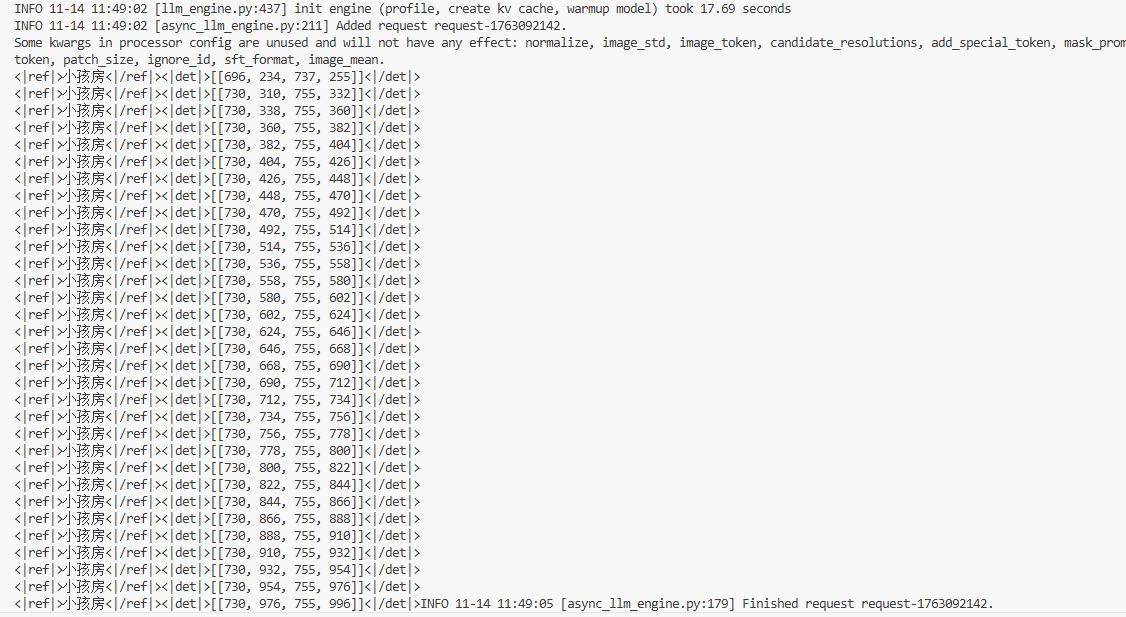
识别得不是很准。还有待研究

中国智能体开发者社区,聚焦智能体与大模型开发,提供前沿资讯、实用工具链、开源项目及行业案例。通过技术沙龙、开发者大赛等活动,促进经验交流与协作,助力开发者快速构建创新智能应用。
更多推荐
 5
5 0
0- 0


 已为社区贡献3条内容

所有评论(0)