【笔记】【安装220+插件】关于 ComfyUI 安装220多个插件 依赖补齐的部分记录
本文记录了在ComfyUI中安装220多个插件时遇到的依赖缺失问题及解决方法。首先强调了环境备份的重要性,并提供了具体备份命令。随后详细列出了12种常见报错情况及其对应的pip安装命令,包括基础依赖(如importlib_resources、dlib)、中文处理模块(如pypinyin、WeTextProcessing)以及特定功能包(如face_alignment、lpips)等。特别针对tra
【安装220+插件】关于ComfyUI 安装220多个插件 依赖补齐的部分记录
最近在网上下载了网友们无私分享的大量ComfyUI插件,解压后打算集成到现有的ComfyUI部署环境中。齐全的插件库能为后续运行任意工作流扫清障碍,避免频繁因缺少插件而中断创作。整个依赖补齐过程耗费了不少时间和精力,但当看到所有外来插件最终都成功导入时,觉得所有折腾都很有价值。趁着记忆清晰,把带有一些特殊处理的这一过程详细记录下来(部分记录),以供日后回顾查阅,也希望能帮到有同样需求的朋友。
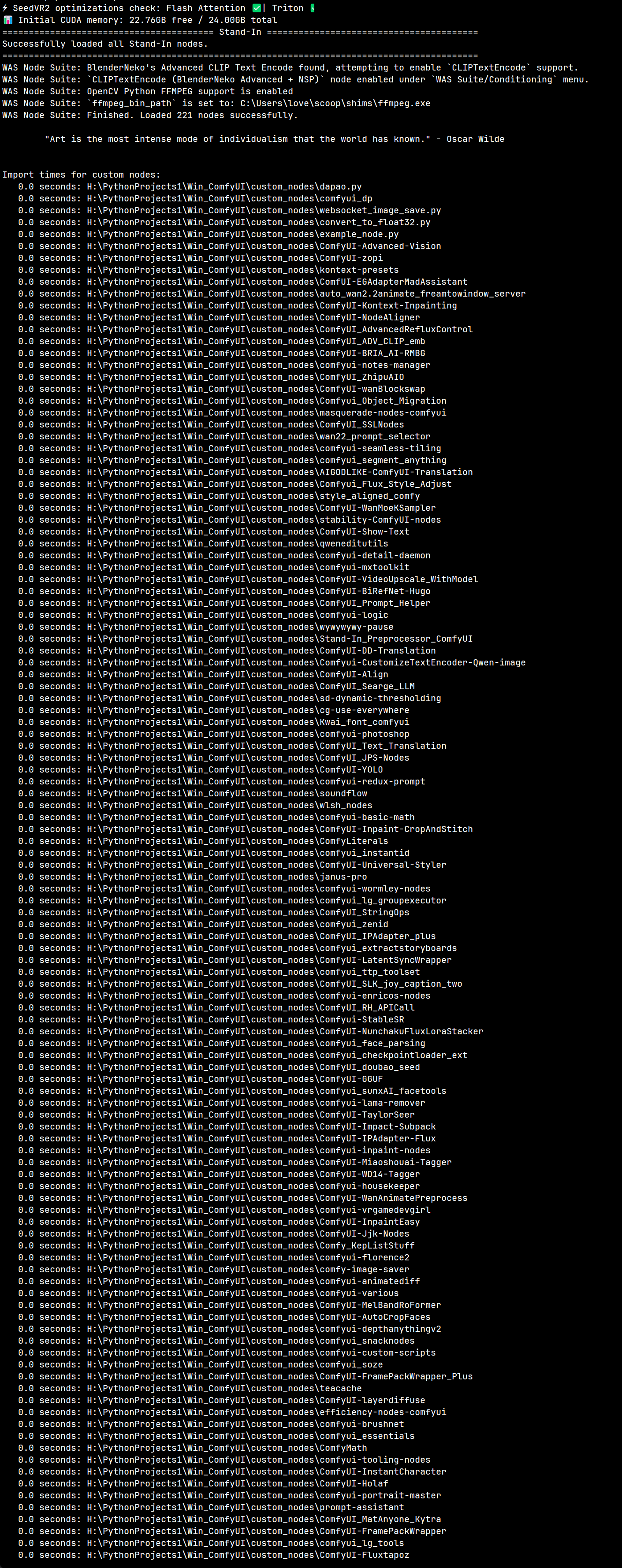
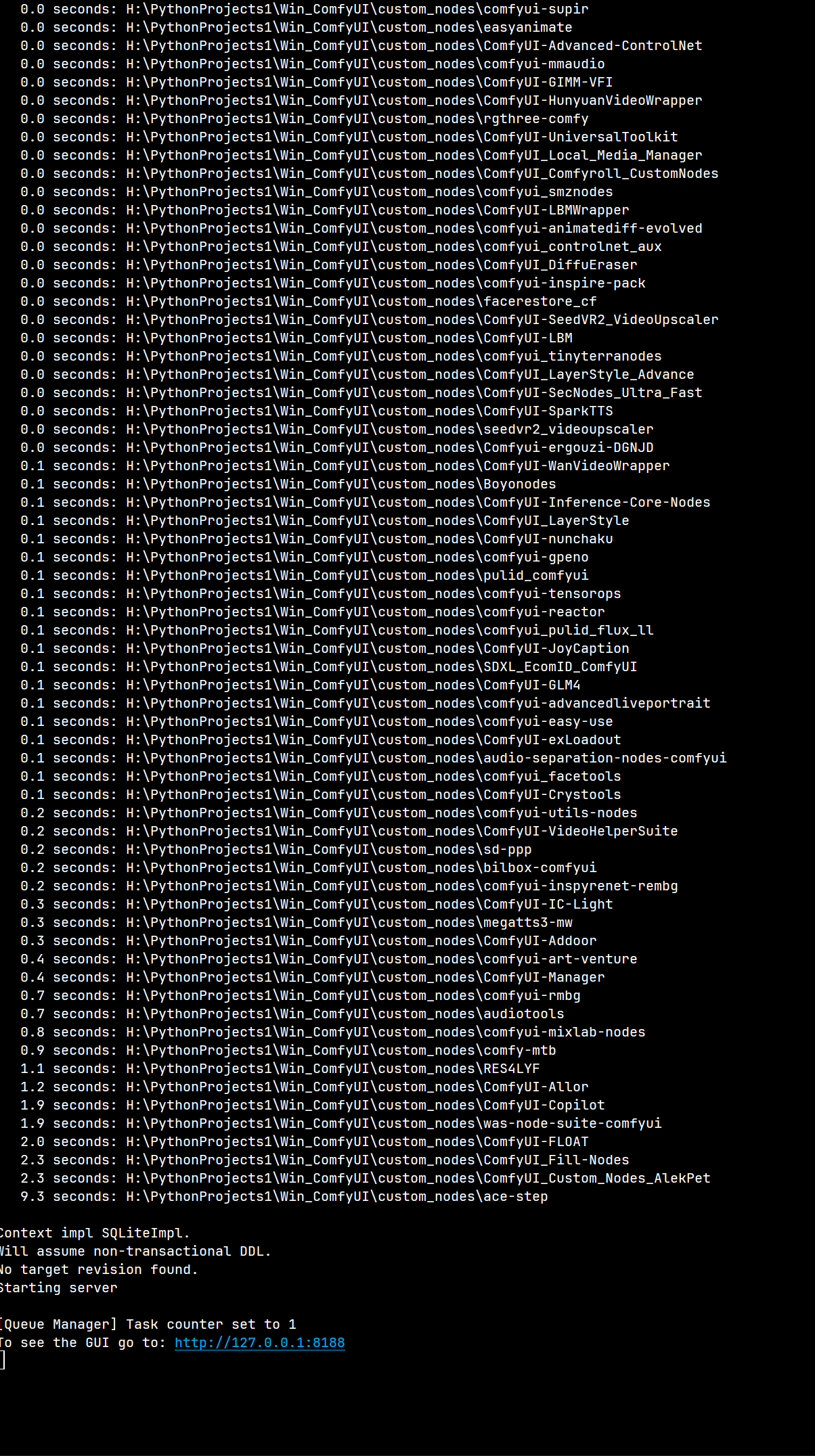
ComfyUI 加载221个插件成功: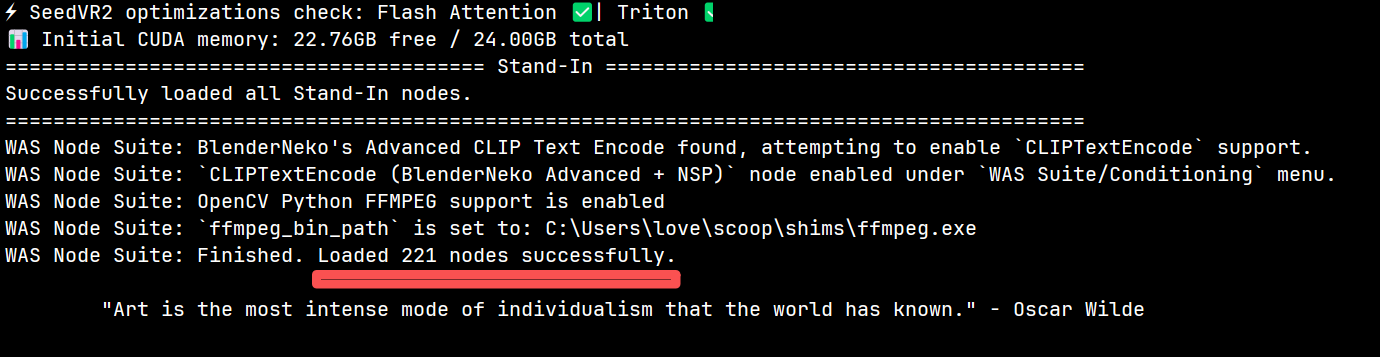
220+插件完整正常导入截图附在文章最后。
一、操作前置:必做备份(重中之重)
在修改任何依赖之前,一定要先备份当前环境的所有依赖包,避免后续出现问题无法回滚。
# 导出当前环境依赖到文件,文件名包含日期便于区分
pip freeze > requirements20251121.txt
二、依赖缺失报错及对应解决命令
需要注意的是
- 安装一般的依赖首先考虑加以下参数:
--no-deps
-
如果安装失败或功能异常,再去除 --no-deps 参数以完整安装到虚拟环境
-
如果网络不好请加以下参数:
-i https://pypi.tuna.tsinghua.edu.cn/simple
以下是实操记录
1. 基础依赖缺失
报错输出:
ModuleNotFoundError: No module named ‘importlib_resources’

解决方法:
pip install -i https://pypi.tuna.tsinghua.edu.cn/simple --no-deps importlib_resources
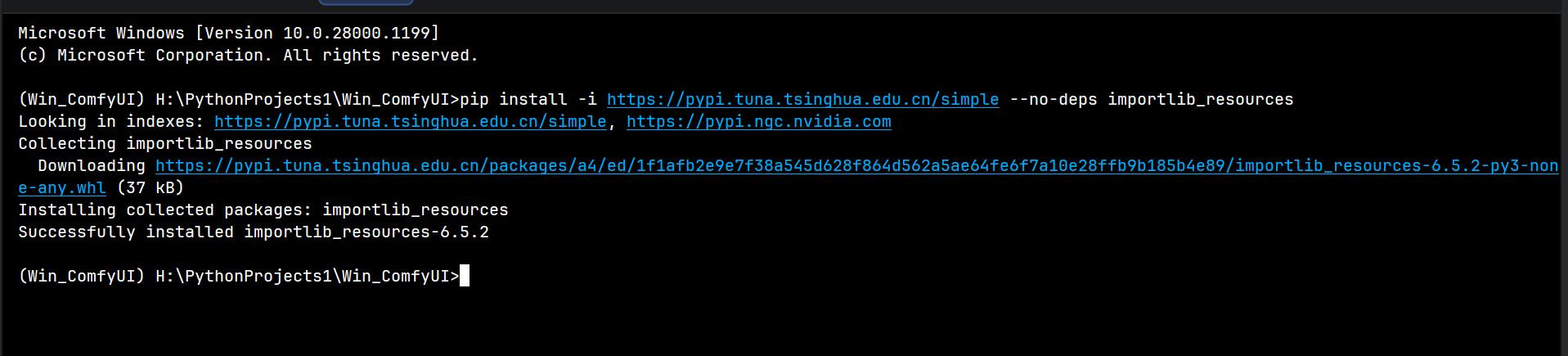
报错输出:
ModuleNotFoundError: No module named ‘py3langid’
解决方法:
pip install --no-deps py3langid
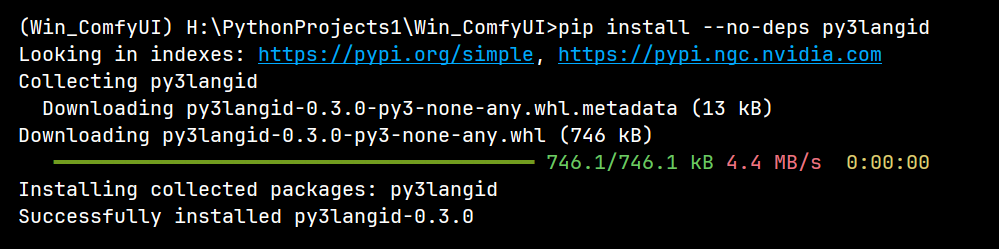
报错输出:
ModuleNotFoundError: No module named ‘sox’
解决方法:
pip install --no-deps sox
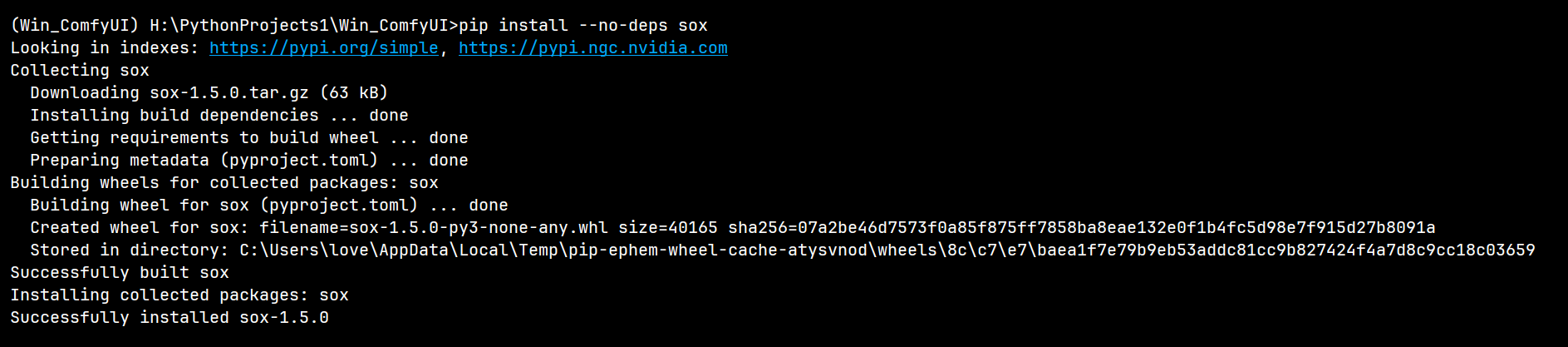
报错输出:
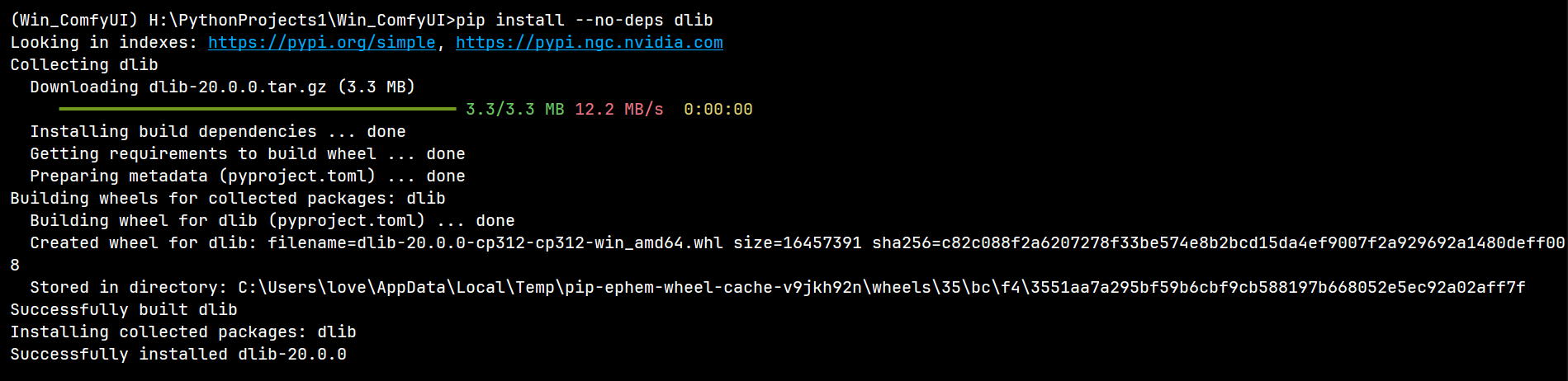
ModuleNotFoundError: No module named ‘dlib’
解决方法:
pip install --no-deps dlib
报错输出:
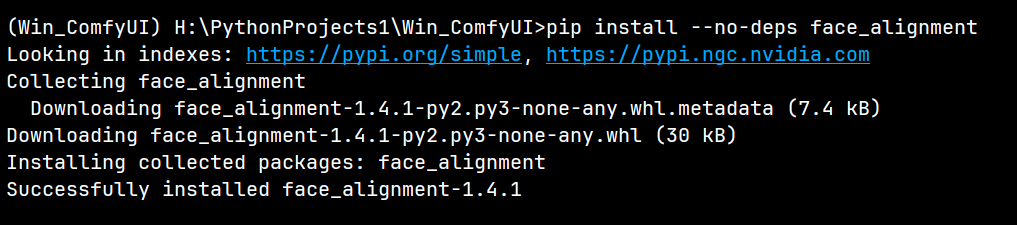
ModuleNotFoundError: No module named ‘face_alignment’
解决方法:
pip install --no-deps face_alignment
报错输出:
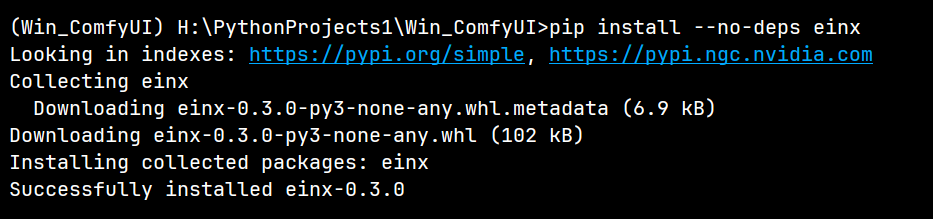
ModuleNotFoundError: No module named ‘einx’
解决方法:
pip install --no-deps einx
报错输出:
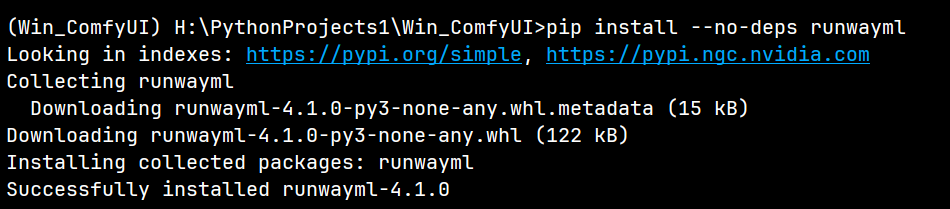
ModuleNotFoundError: No module named ‘runwayml’
解决方法:
pip install --no-deps runwayml
报错输出:
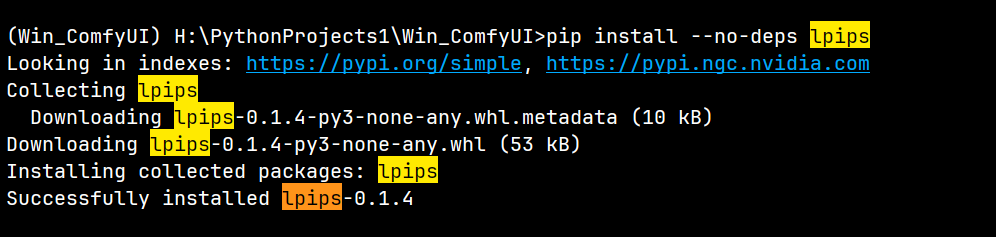
ModuleNotFoundError: No module named ‘lpips’
解决方法:
pip install --no-deps lpips
报错输出:
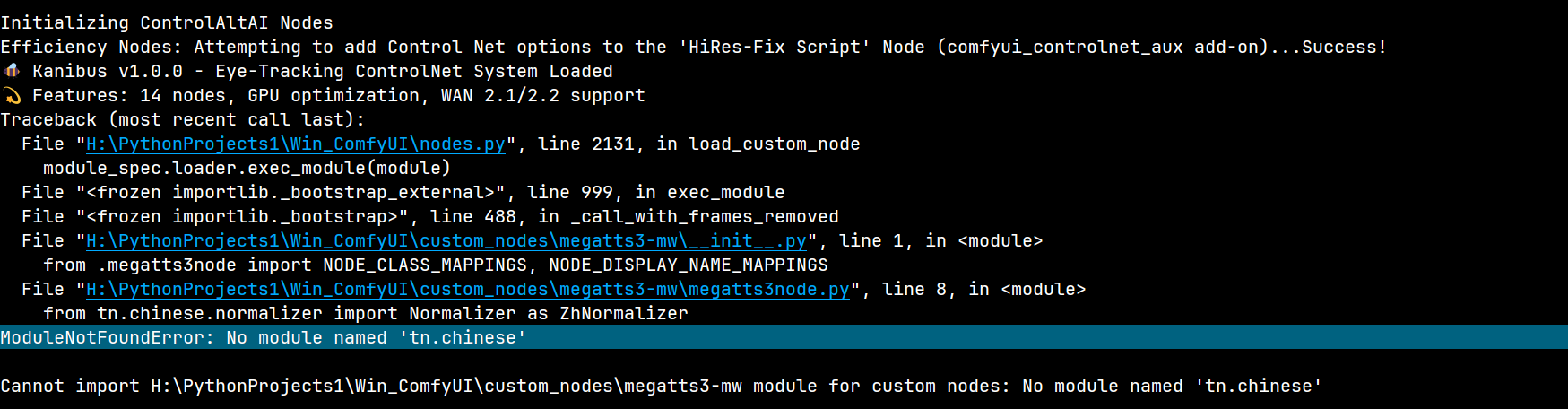
ModuleNotFoundError: No module named ‘tn’
(或 tn.chinese,实际包名为tn)
ModuleNotFoundError: No module named ‘tn.chinese’
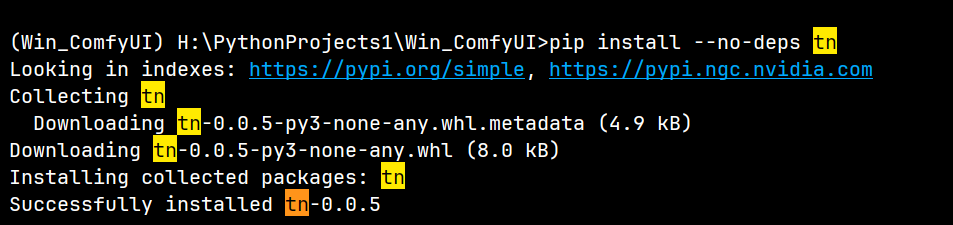
解决方法:
pip install --no-deps tn
可能还需要搭配 'WeTextProcessing’包一起使用
报错输出:
ModuleNotFoundError: No module named ‘WeTextProcessing’
解决方法:
pip install -i https://pypi.tuna.tsinghua.edu.cn/simple --no-deps WeTextProcessing

报错输出:
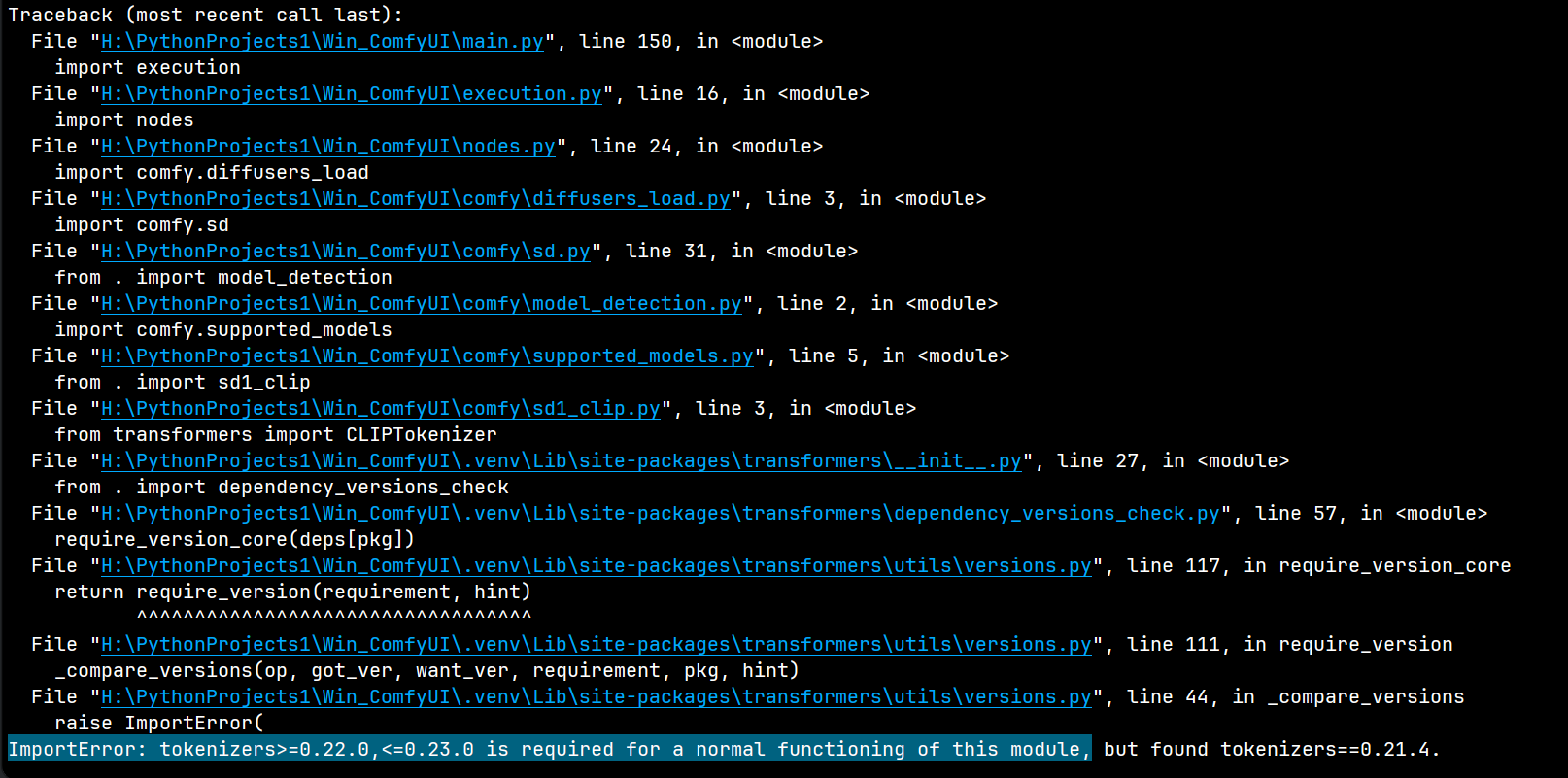
ImportError: tokenizers>=0.22.0,<=0.23.0 is required for a normal
functioning of this module…
解决方法:
pip install -i https://pypi.tuna.tsinghua.edu.cn/simple --no-deps "tokenizers>=0.22.0,<=0.23.0"

报错输出:
from transformers import ( ImportError: cannot import name
‘Qwen3VLForConditionalGeneration’ from ‘transformers’
(H:\PythonProjects1\Win_ComfyUI.venv\Lib\site-packages\transformers_init_.py)
这个报错多数是因为 transformers 版本过低

解决方法:
解决版本兼容问题(Qwen3-VL-Instruct 报错)
Qwen3VLForConditionalGeneration 需 transformers>=4.37.0,需升级 transformers:
pip install --no-deps --upgrade transformers

#  或者
pip install --upgrade transformers>=4.37.0

# 或者,加上 --no-deps 参数
pip install --no-deps --upgrade transformers --no-deps
pip install --upgrade transformers>=4.37.0 --no-deps
安装成功后可查看版本:
pip show transformers

2. 中文处理及文本相关依赖
报错输出:
ModuleNotFoundError: No module named ‘pypinyin’
解决方法:
pip install pypinyin -i https://pypi.tuna.tsinghua.edu.cn/simple --no-deps

报错输出:
ModuleNotFoundError: No module named ‘silentcipher’
解决方法:
pip install -i https://pypi.tuna.tsinghua.edu.cn/simple --no-deps silentcipher

报错输出:
ModuleNotFoundError: No module named ‘langdetect’
解决方法:
pip install -i https://pypi.tuna.tsinghua.edu.cn/simple --no-deps langdetect
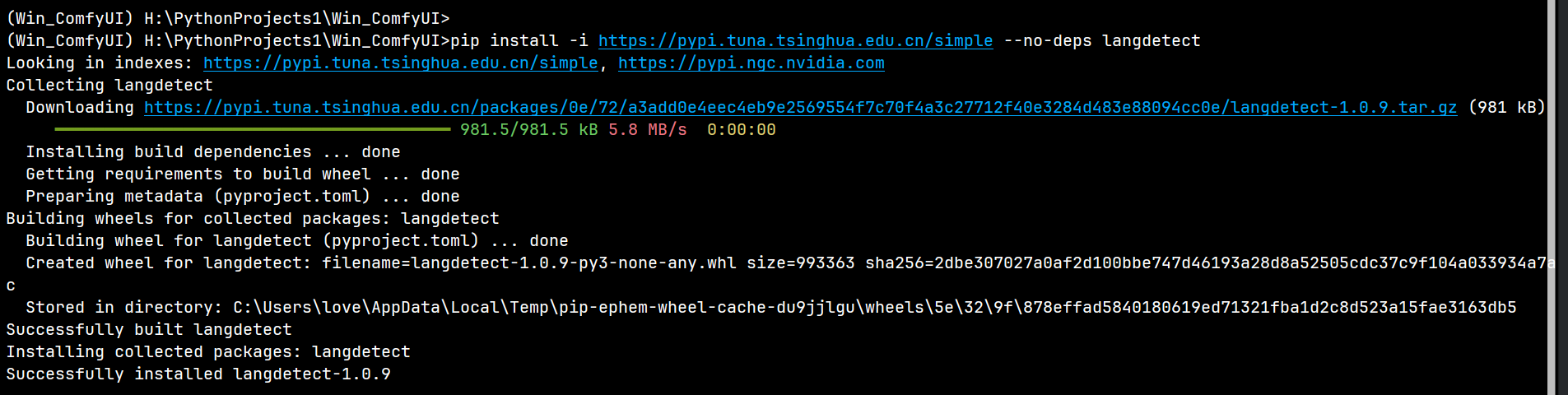
报错输出:
ModuleNotFoundError: No module named ‘frontend’
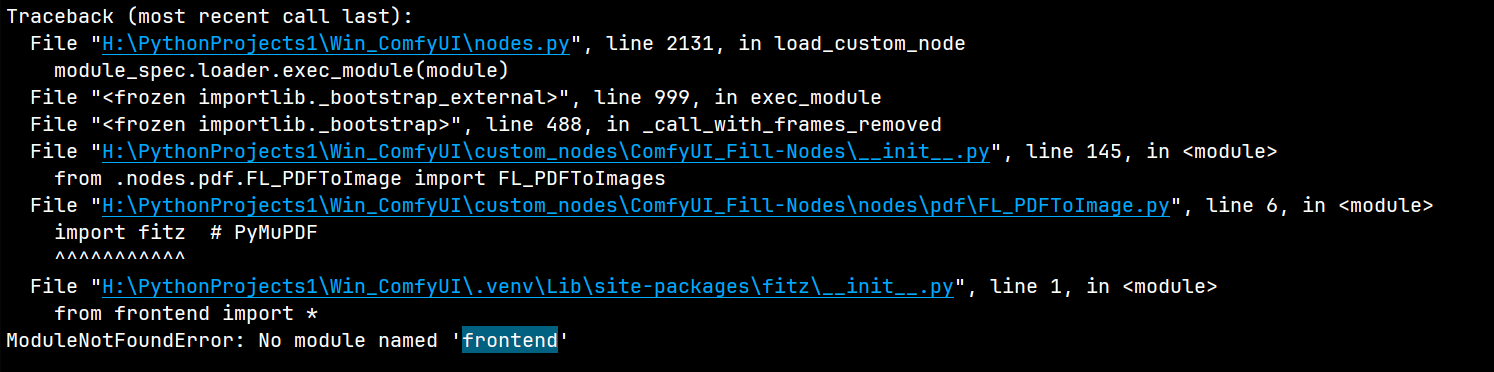
解决方法:
pip install -i https://pypi.tuna.tsinghua.edu.cn/simple --no-deps frontend

报错输出:
ModuleNotFoundError: No module named ‘num2words’
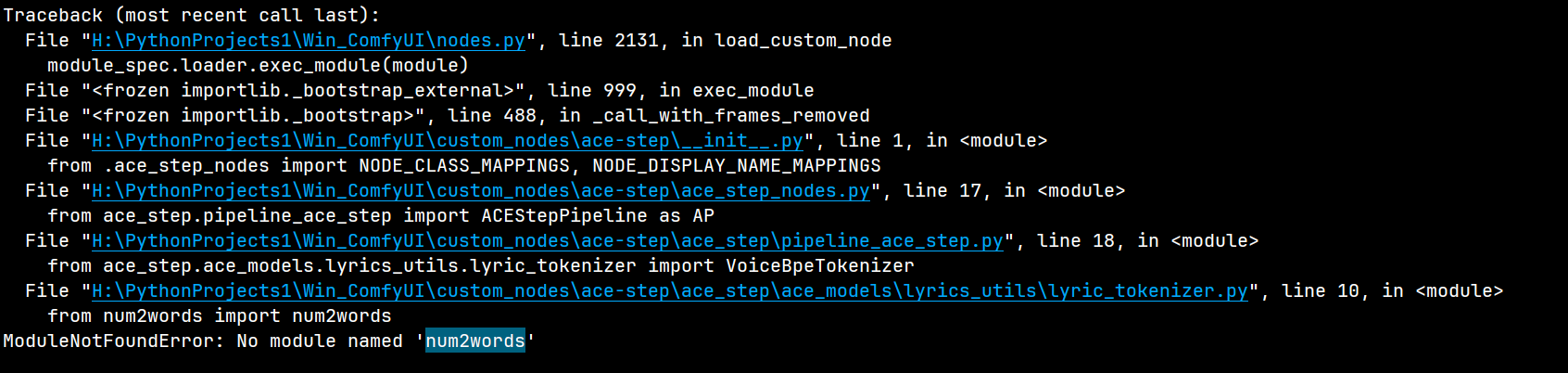
解决方法:
pip install -i https://pypi.tuna.tsinghua.edu.cn/simple --no-deps num2words

3. 特殊功能依赖(图像、音频、文档等)
报错输出:
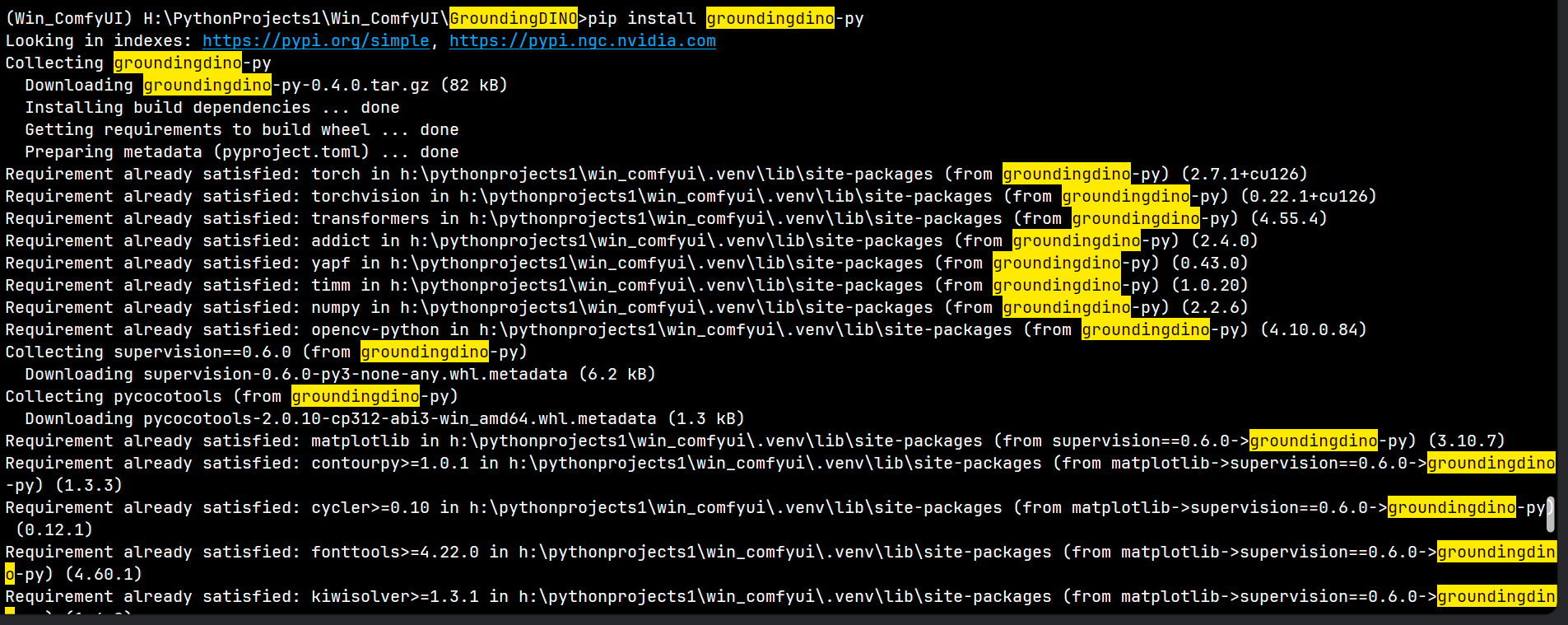
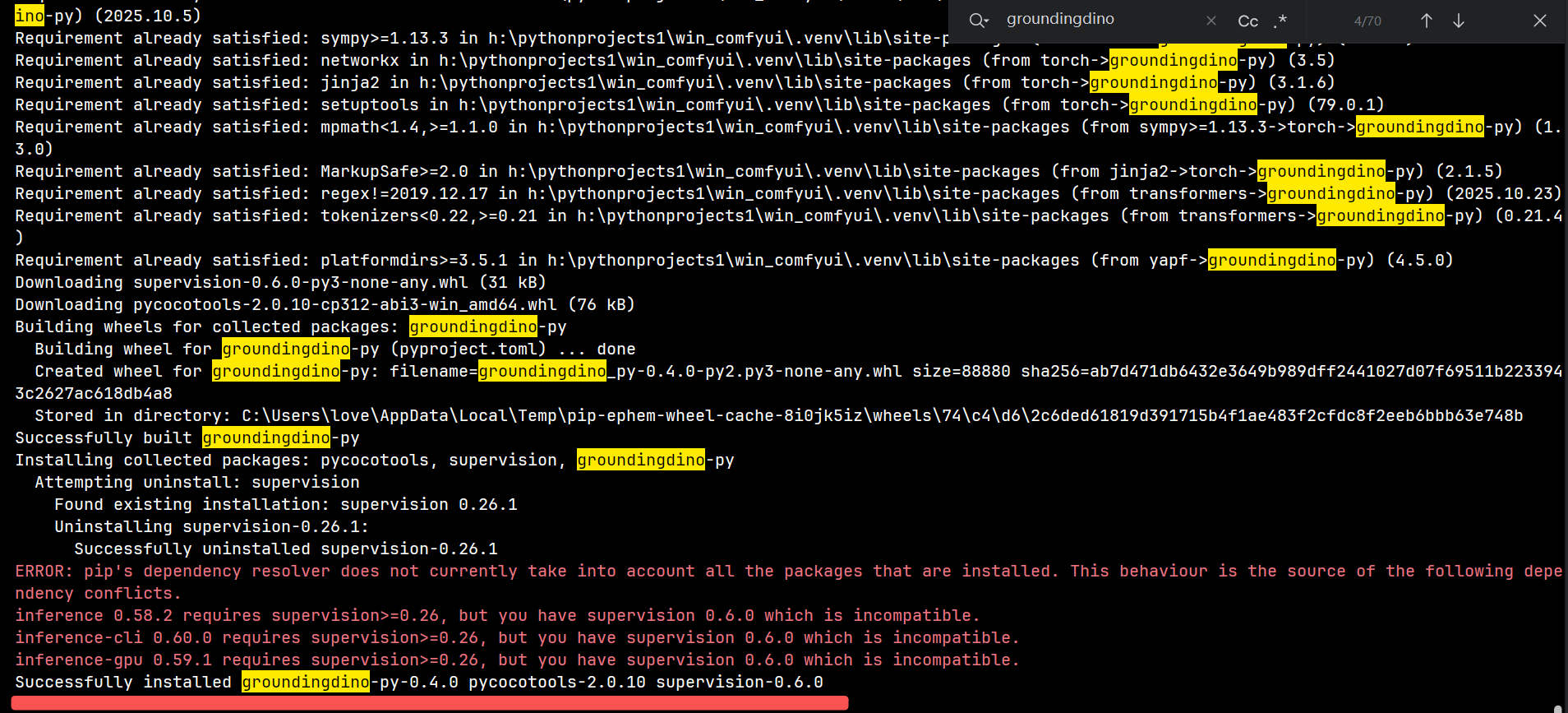
Error loading AILab_SegmentV2.py: No module named ‘groundingdino’
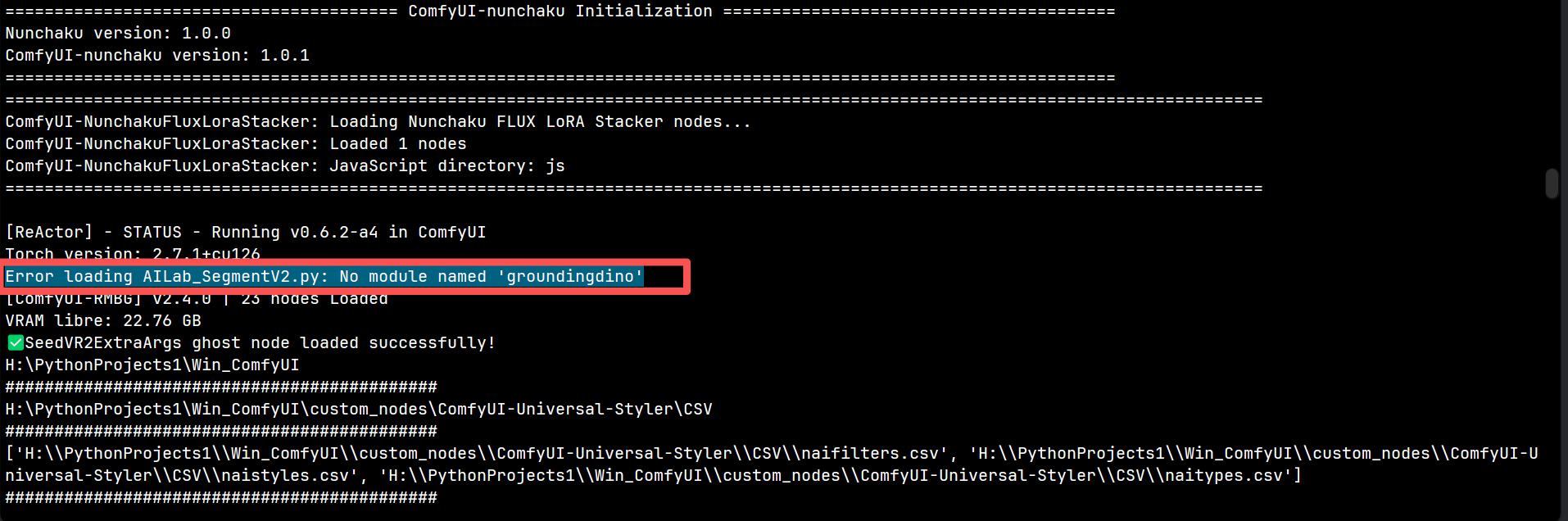
解决方法:
pip install groundingdino-py
或者:
pip install groundingdino-py -i https://pypi.tuna.tsinghua.edu.cn/simple
报错输出:
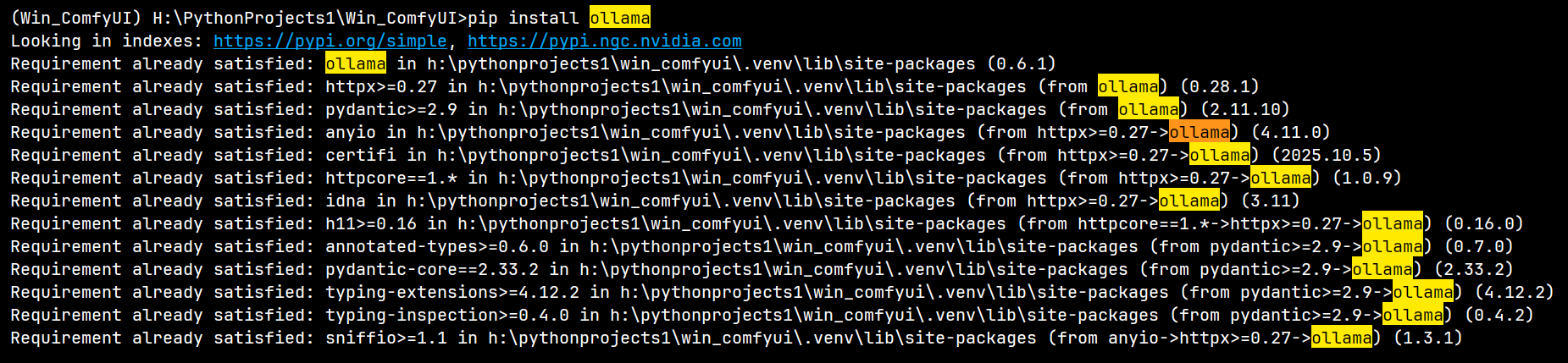
ModuleNotFoundError: No module named ‘ollama’
解决方法:
pip install ollama
# 或者:
pip install -i https://pypi.tuna.tsinghua.edu.cn/simple --no-deps ollama
报错输出:
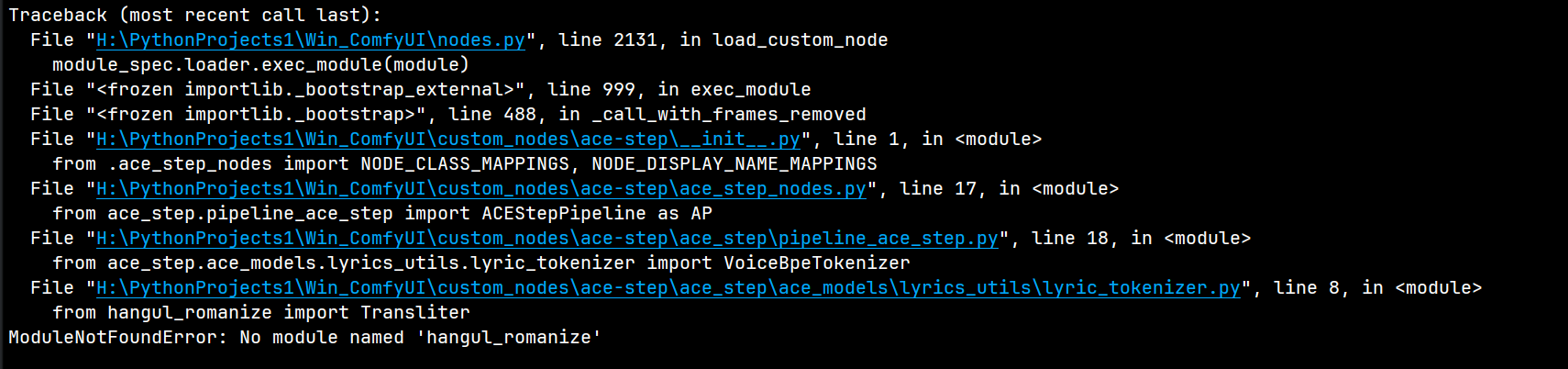
ModuleNotFoundError: No module named ‘hangul_romanize’
解决方法:
pip install -i https://pypi.tuna.tsinghua.edu.cn/simple --no-deps hangul-romanize

报错输出:
ModuleNotFoundError: No module named ‘torch_complex’
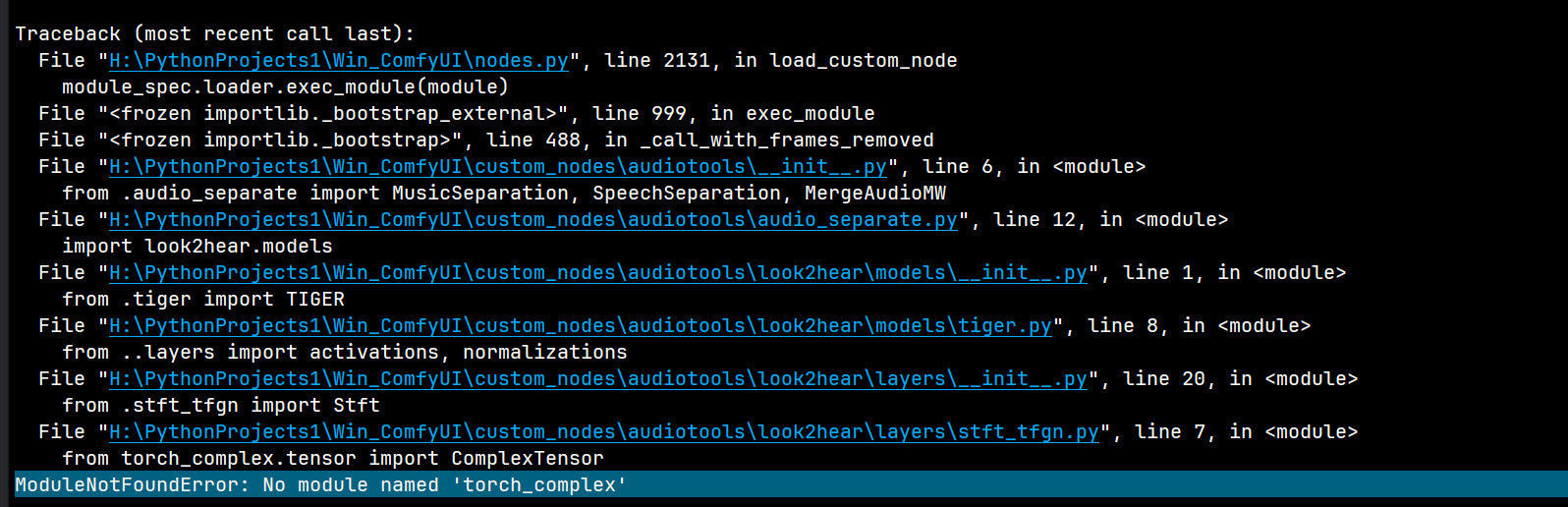
解决方法:
pip install -i https://pypi.tuna.tsinghua.edu.cn/simple --no-deps torch-complex

报错输出:
ModuleNotFoundError: No module named ‘PyPDF2’
(PDF处理相关)
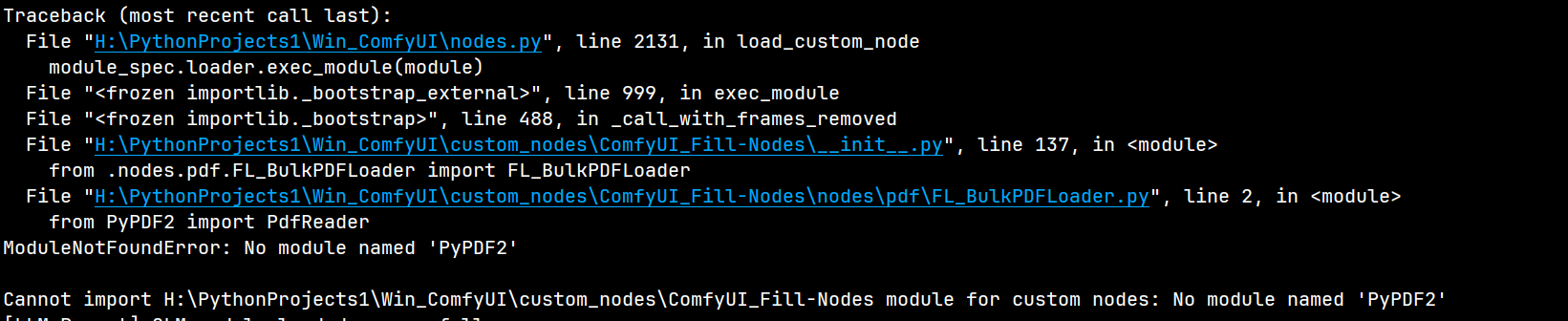
解决方法:
pip install -i https://pypi.tuna.tsinghua.edu.cn/simple --no-deps PyPDF2

报错输出:
ModuleNotFoundError: No module named ‘fitz’
(PyMuPDF,PDF转图片相关)
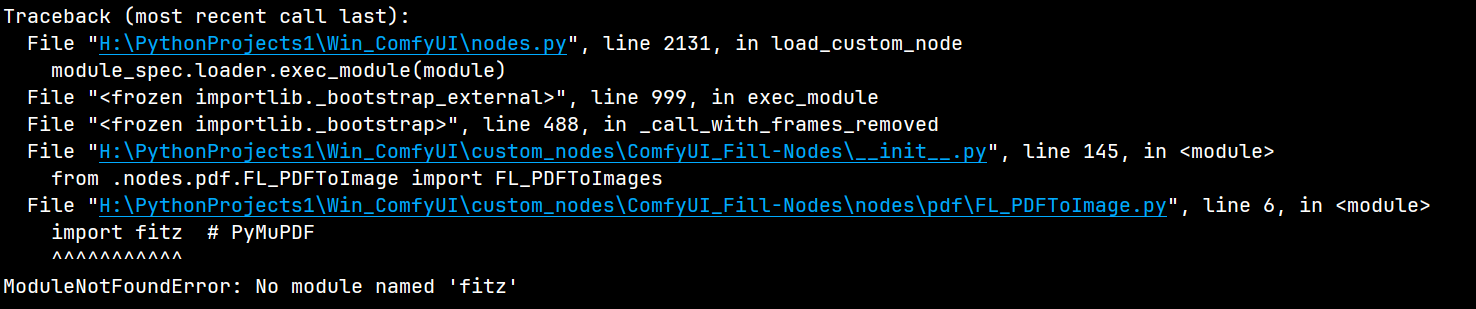
解决方法:
pip install -i https://pypi.tuna.tsinghua.edu.cn/simple --no-deps fitz

报错输出:
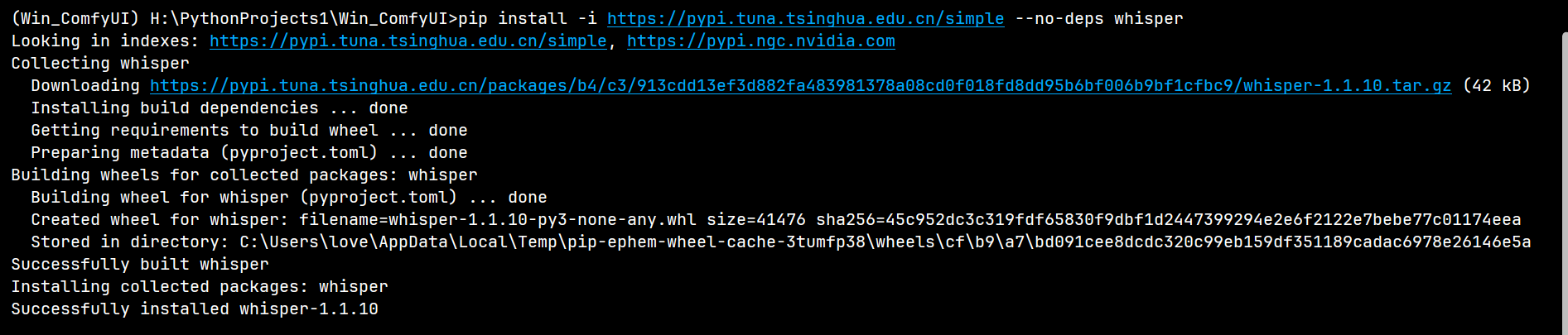
ModuleNotFoundError: No module named ‘whisper’
(音频转文字相关)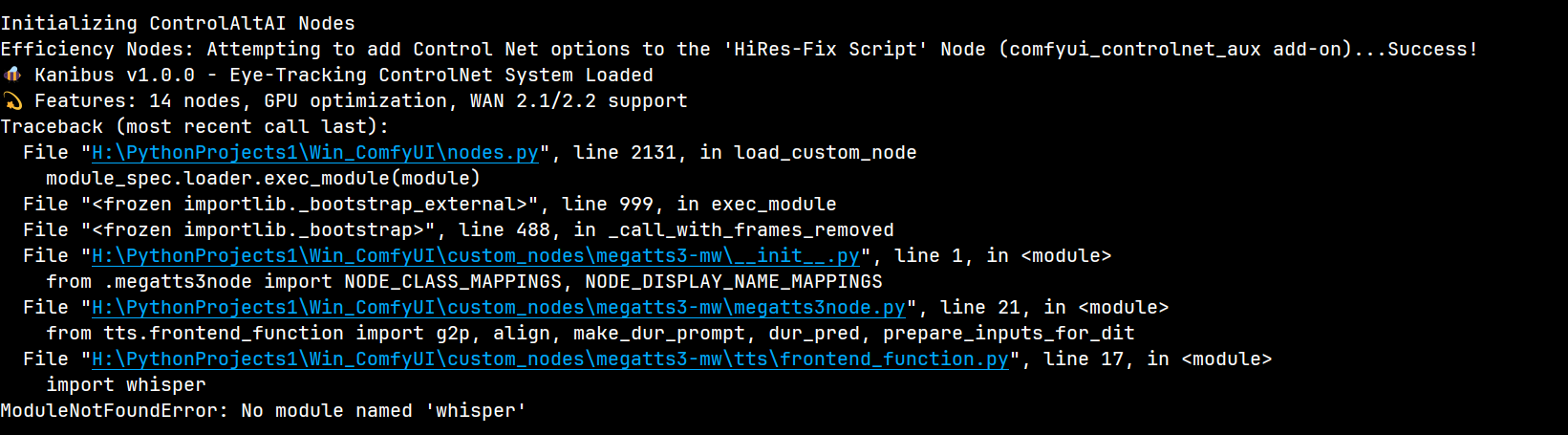
解决方法:
pip install -i https://pypi.tuna.tsinghua.edu.cn/simple --no-deps whisper
报错输出:
ModuleNotFoundError: No module named ‘glitch_this’
(图像特效相关)

解决方法:
pip install -i https://pypi.tuna.tsinghua.edu.cn/simple --no-deps glitch-this

报错输出:
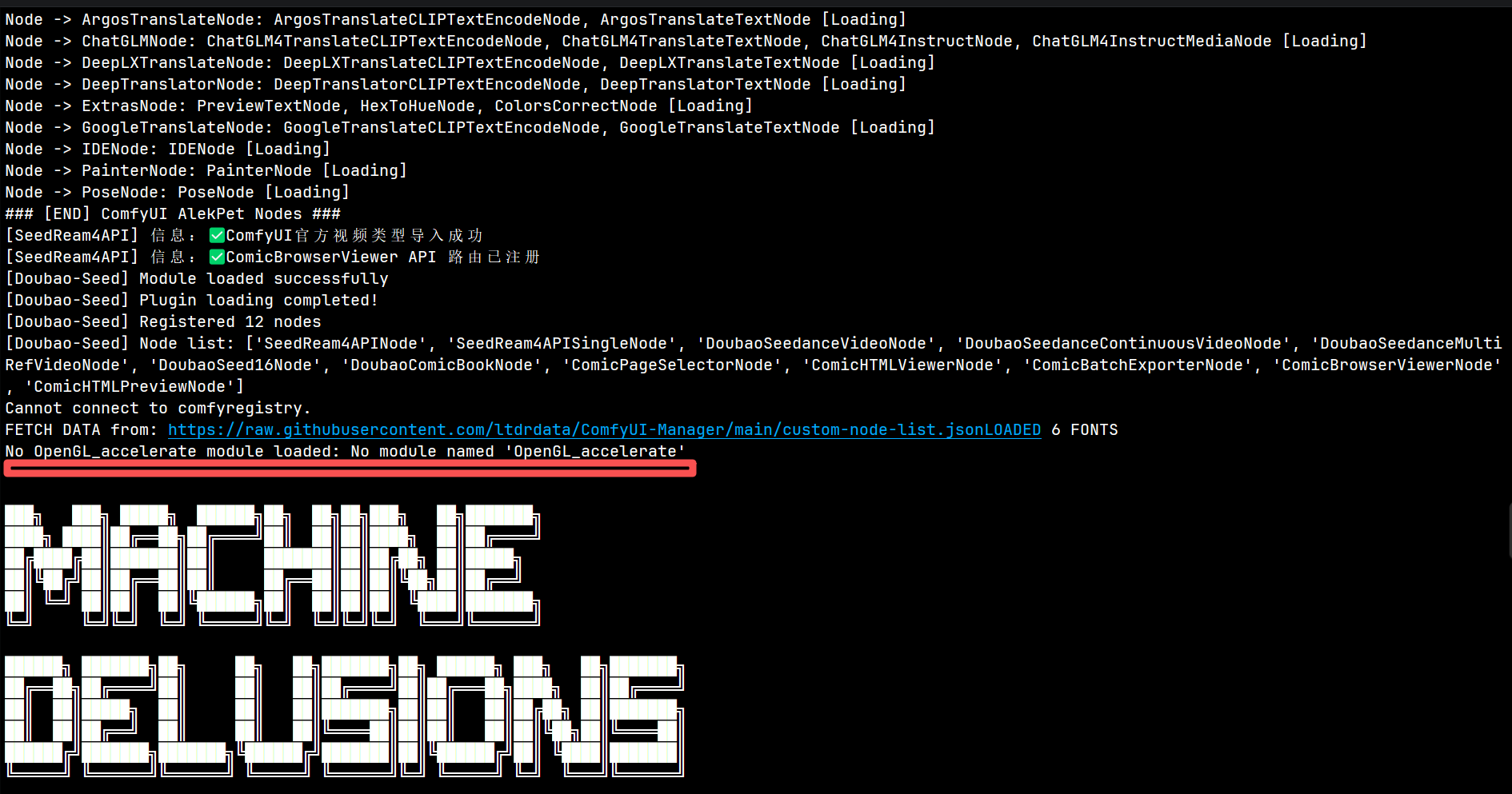
ModuleNotFoundError: No module named ‘OpenGL’
No OpenGL_accelerate module loaded: No module named ‘OpenGL_accelerate’


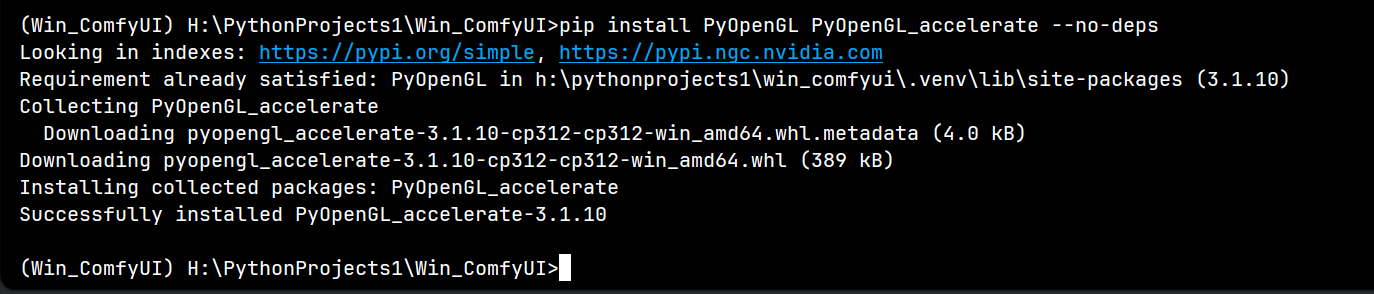
解决方法:
pip install -i https://pypi.tuna.tsinghua.edu.cn/simple --no-deps OpenGL
# 安装加速包提升性能
pip install PyOpenGL PyOpenGL_accelerate --no-deps
报错输出:
ModuleNotFoundError: No module named ‘opencv-contrib-python-headless’
ModuleNotFoundError: No module named ‘cv2’
(opencv相关依赖缺失)
解决方法(以管理员身份运行终端并安装):
pip install --no-deps opencv-contrib-python-headless -i https://mirrors.aliyun.com/pypi/simple/
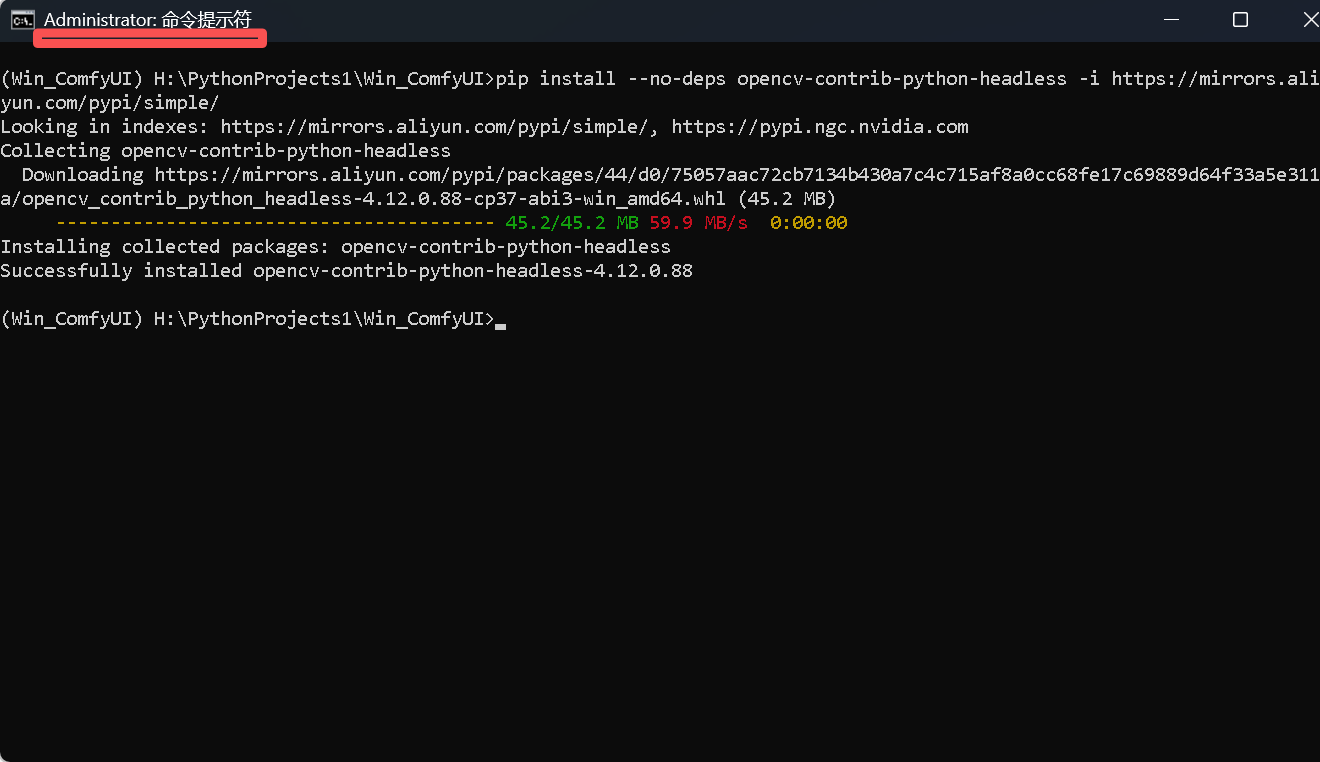 Windows 下权限不足会导致 pip 无法写入 .venv 目录,需以 管理员身份 运行终端 / ComfyUI:
关闭当前的 ComfyUI 窗口。
在开始菜单搜索 CMD 或 PowerShell,右键选择 “以管理员身份运行”。
在管理员终端中启动 ComfyUI(进入 ComfyUI 根目录,执行启动命令):
# 进入你的 ComfyUI 目录
cd H:\PythonProjects1\Win_ComfyUI
# 激活虚拟环境(如果用了 venv)
.venv\Scripts\activate
# 在管理员模式下安装 opencv-contrib-python-headless
pip install --no-deps opencv-contrib-python-headless -i https://mirrors.aliyun.com/pypi/simple/
以管理员身份安装缺失的这个依赖,安装时因权限问题导致的安装失败,大概率会被解决。
4. 进阶功能及谷歌云相关依赖
报错输出:
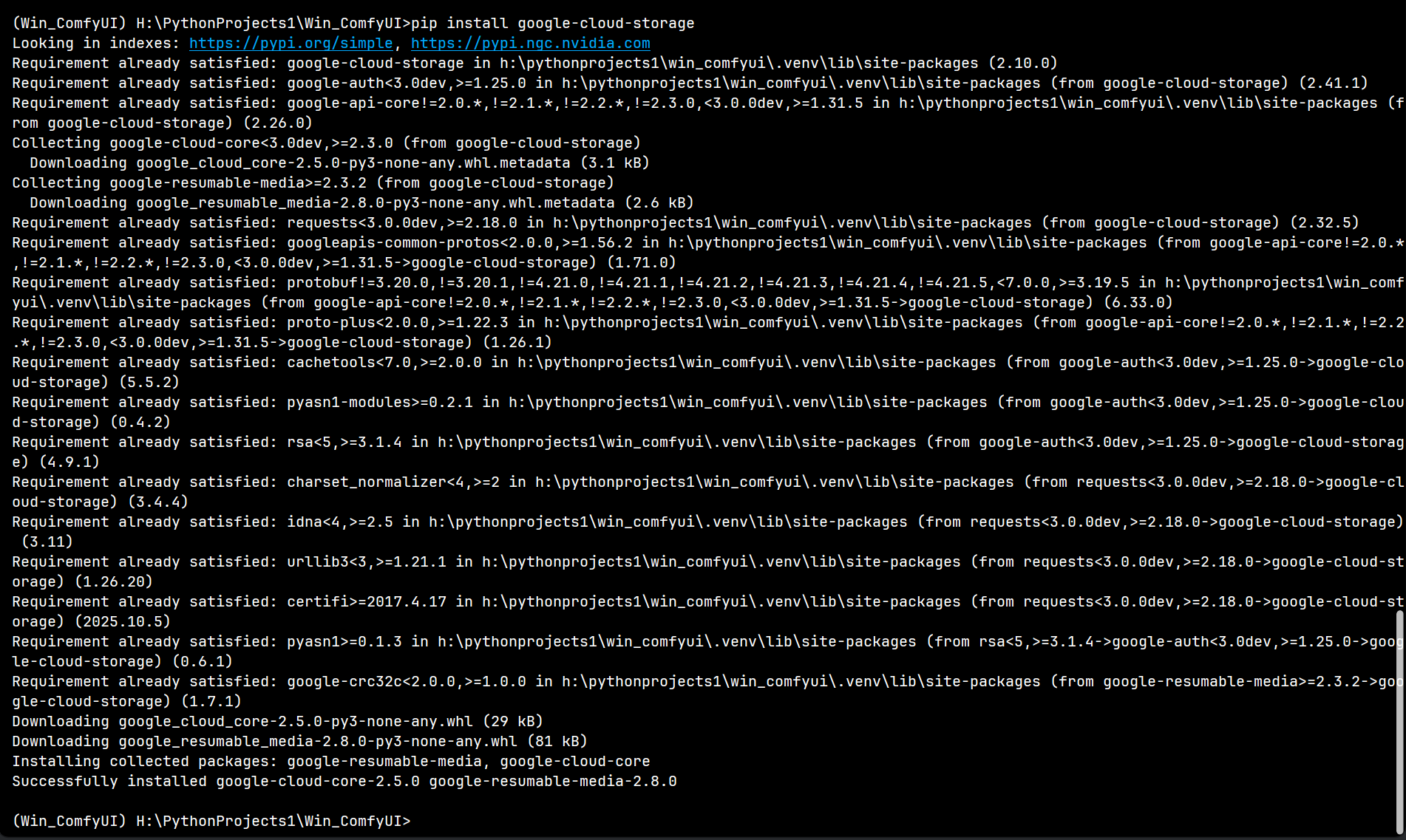
[GooglecloudStorage]Error:google-cloud-storagenot installed.
[Google cloud storage]Error: Please install it with: pip install google-cloud-storage

解决方法:
# 完整安装
pip install google-cloud-storage
# 或通用不构建其他依赖版本
pip install -i https://pypi.tuna.tsinghua.edu.cn/simple --no-deps google-cloud-storage
# 或指定兼容版本(避免版本冲突)
pip install -i https://pypi.tuna.tsinghua.edu.cn/simple --no-deps google-cloud-storage==2.10.0


报错输出:
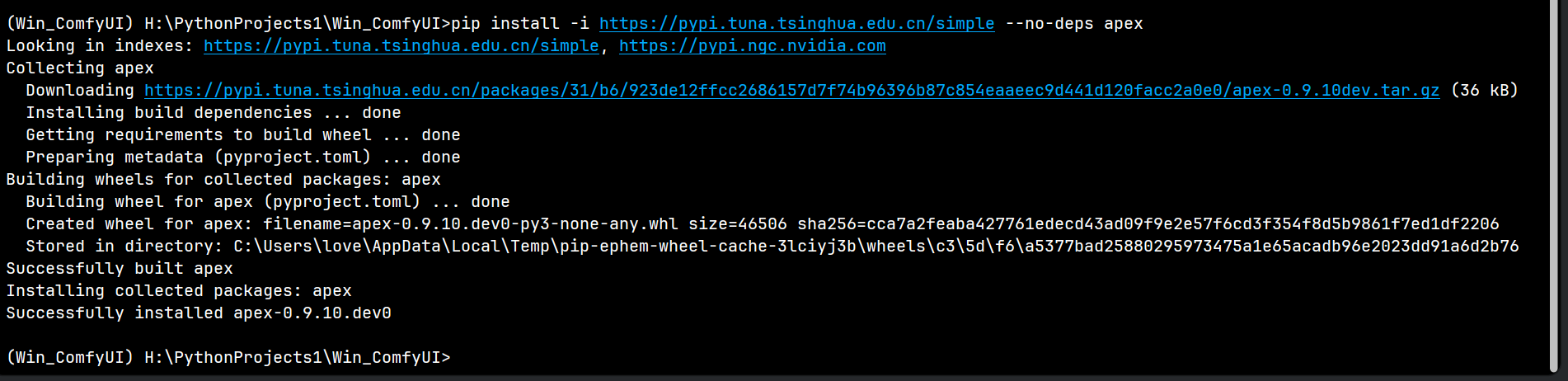
ModuleNotFoundError: No module named ‘apex’
解决方法:
pip install -i https://pypi.tuna.tsinghua.edu.cn/simple --no-deps apex
报错输出:
ModuleNotFoundError: No module named ‘sageattention’
解决方法:
pip install -i https://pypi.tuna.tsinghua.edu.cn/simple --no-deps sageattention

报错输出:
ModuleNotFoundError: No module named ‘pytorch_extension’
解决方法:
pip install -i https://pypi.tuna.tsinghua.edu.cn/simple --no-deps pytorch-extension

报错输出:
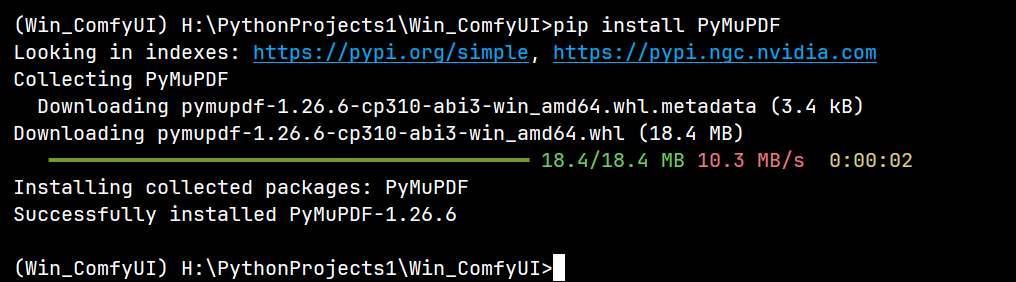
ModuleNotFoundError: No module named ‘PyMuPDF’
解决方法:
pip install PyMuPDF
5. 特殊安装:无法直接pip安装的依赖
报错输出:
ModuleNotFoundError: No module named ‘pynini’
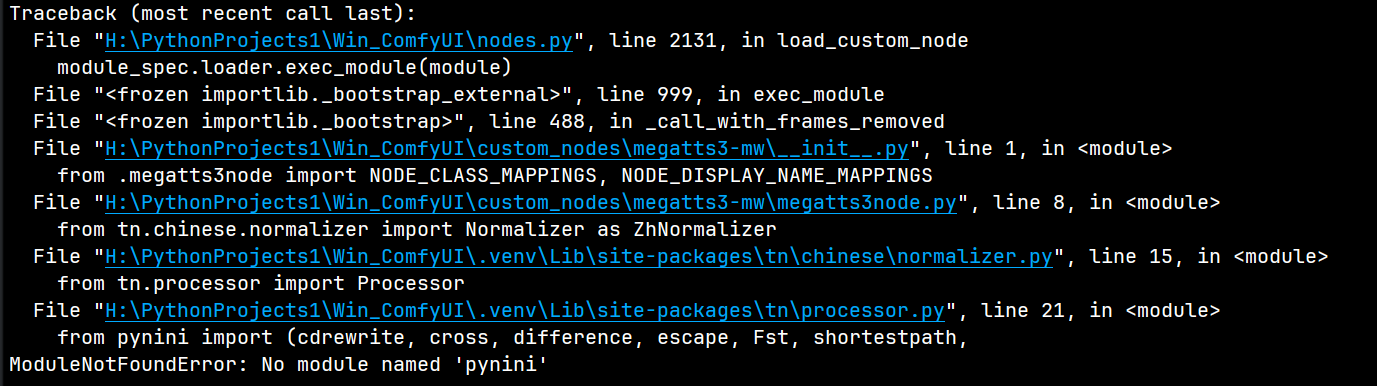
问题说明:
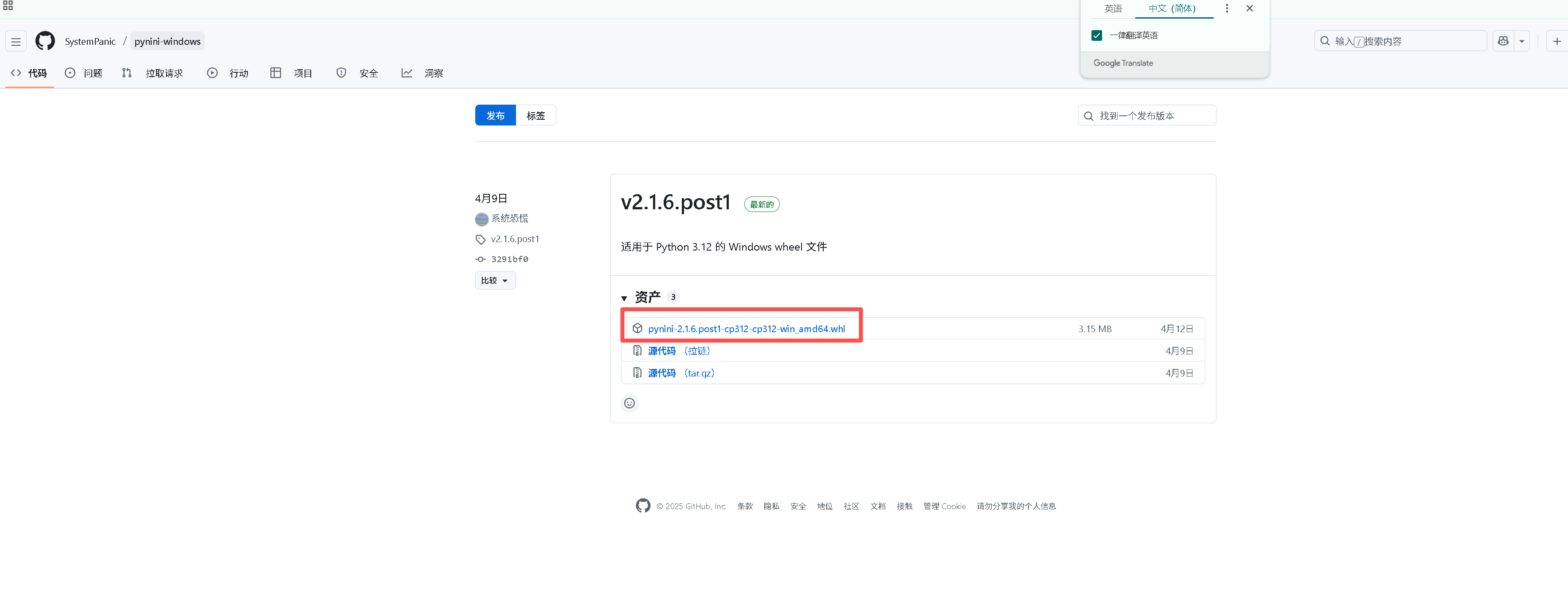
Windows 系统上直接用pip安装pynini会失败,需下载对应Python版本的whl文件本地安装
解决方法:
-
下载适配包:pynini-2.1.6.post1-cp312-cp312-win_amd64.whl(根据自身Python版本选择,此处仅 Python 3.12 版本)
-
执行本地安装命令:
pip install pynini-2.1.6.post1-cp312-cp312-win_amd64.whl
或者:
pip install pynini-2.1.6.post1-cp312-cp312-win_amd64.whl --no-deps

三、特定插件批量依赖安装(插件自带requirements.txt)
1. 插件ComfyUI_Qwen3-VL-Instruct导入失败
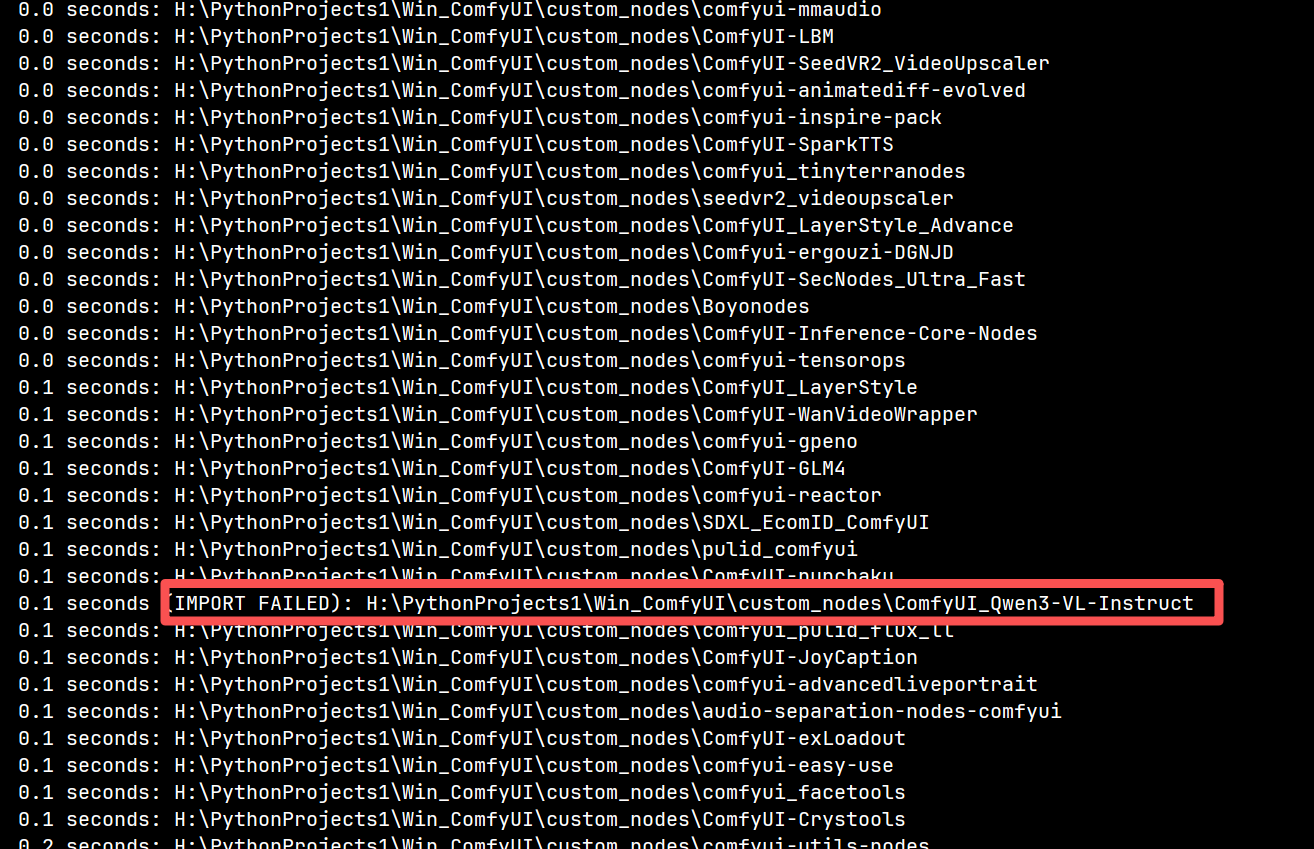
报错输出:
(IMPORT FAILED):H:\PythonProjects1\Win_ComfyUI\custom_nodes\ComfyUI_Qwen3-VL-Instruct
解决方法:
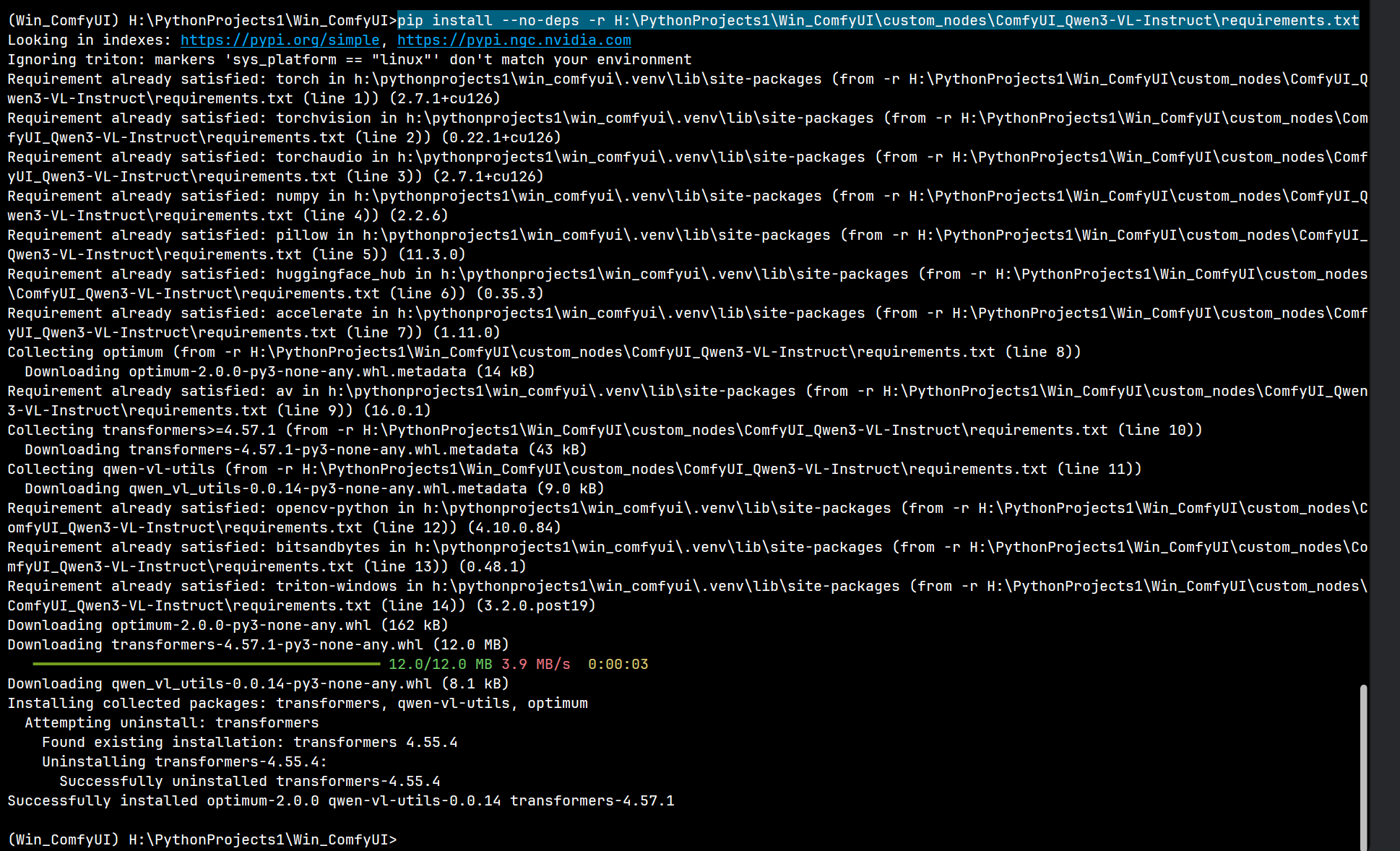
pip install --no-deps -r H:\PythonProjects1\Win_ComfyUI\custom_nodes\ComfyUI_Qwen3-VL-Instruct\requirements.txt
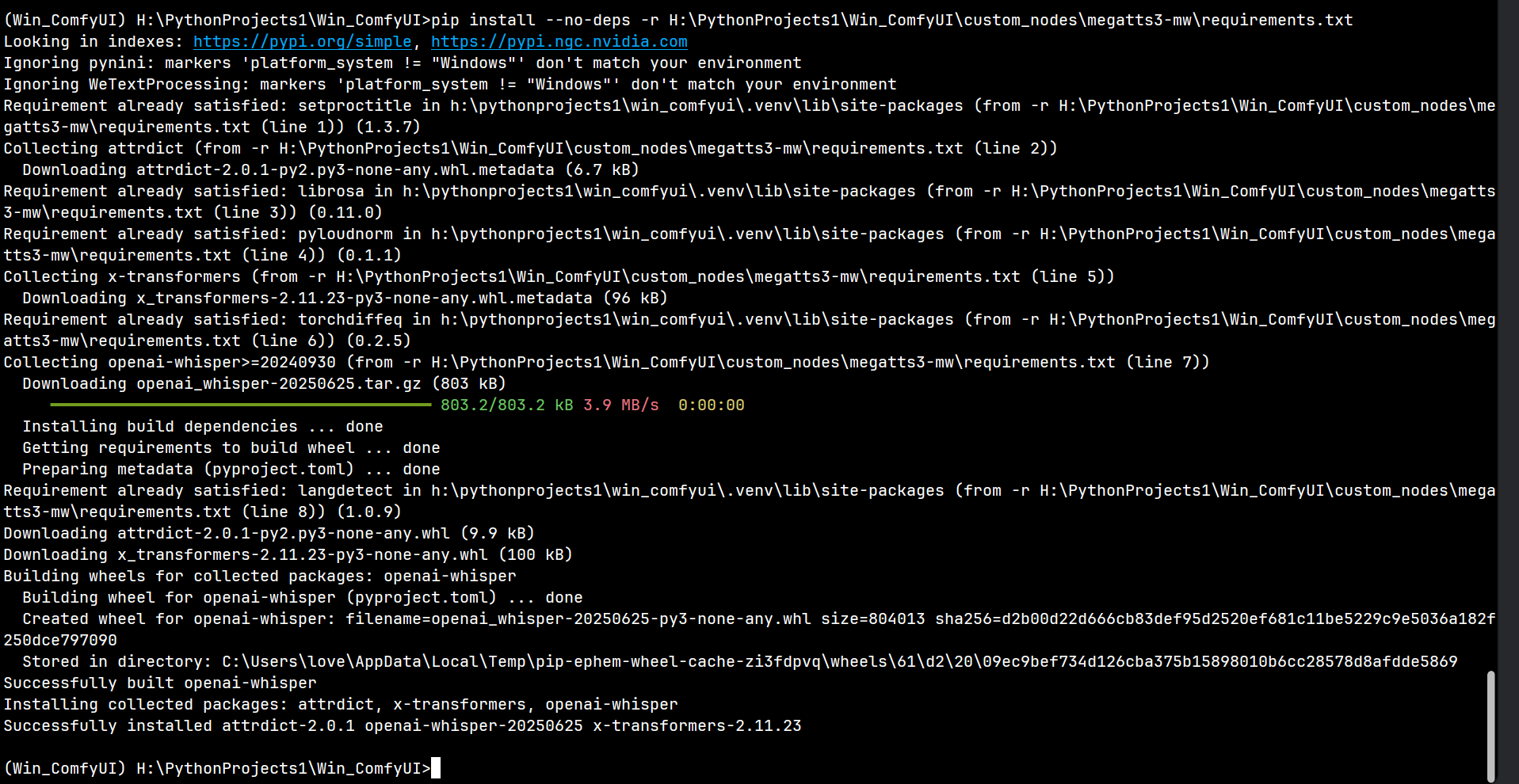
2. 插件megatts3-mw导入失败
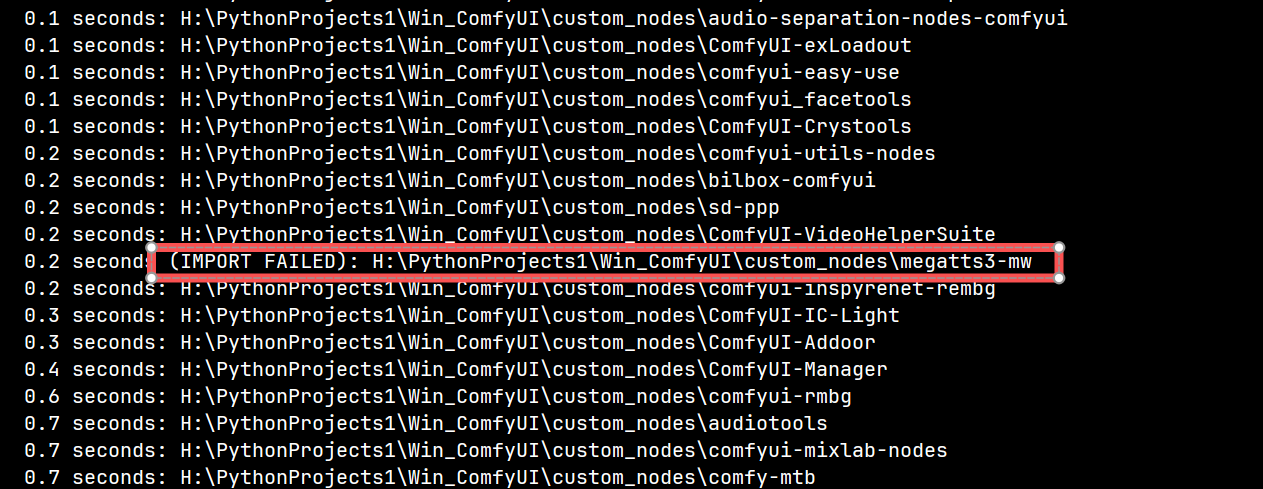
报错输出:
(IMPORT FAILED):H:\PythonProjects1\Win_ComfyUI\custom_nodes\megatts3-mw
解决方法:
pip install --no-deps -r H:\PythonProjects1\Win_ComfyUI\custom_nodes\megatts3-mw\requirements.txt
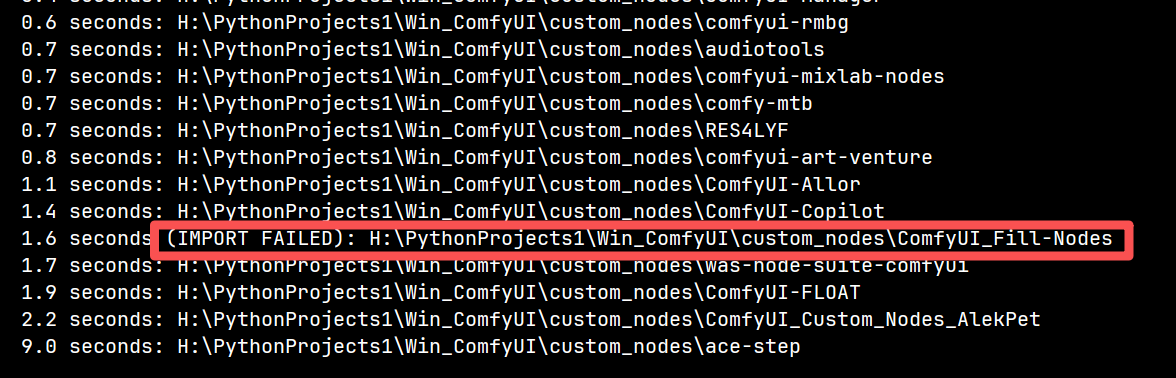
3. 插件ComfyUI_Fill-Nodes导入失败
报错输出:
(IMPORT FAILED):H:\PythonProjects1\Win_ComfyUI\custom_nodes\ComfyUI_Fill-Nodes
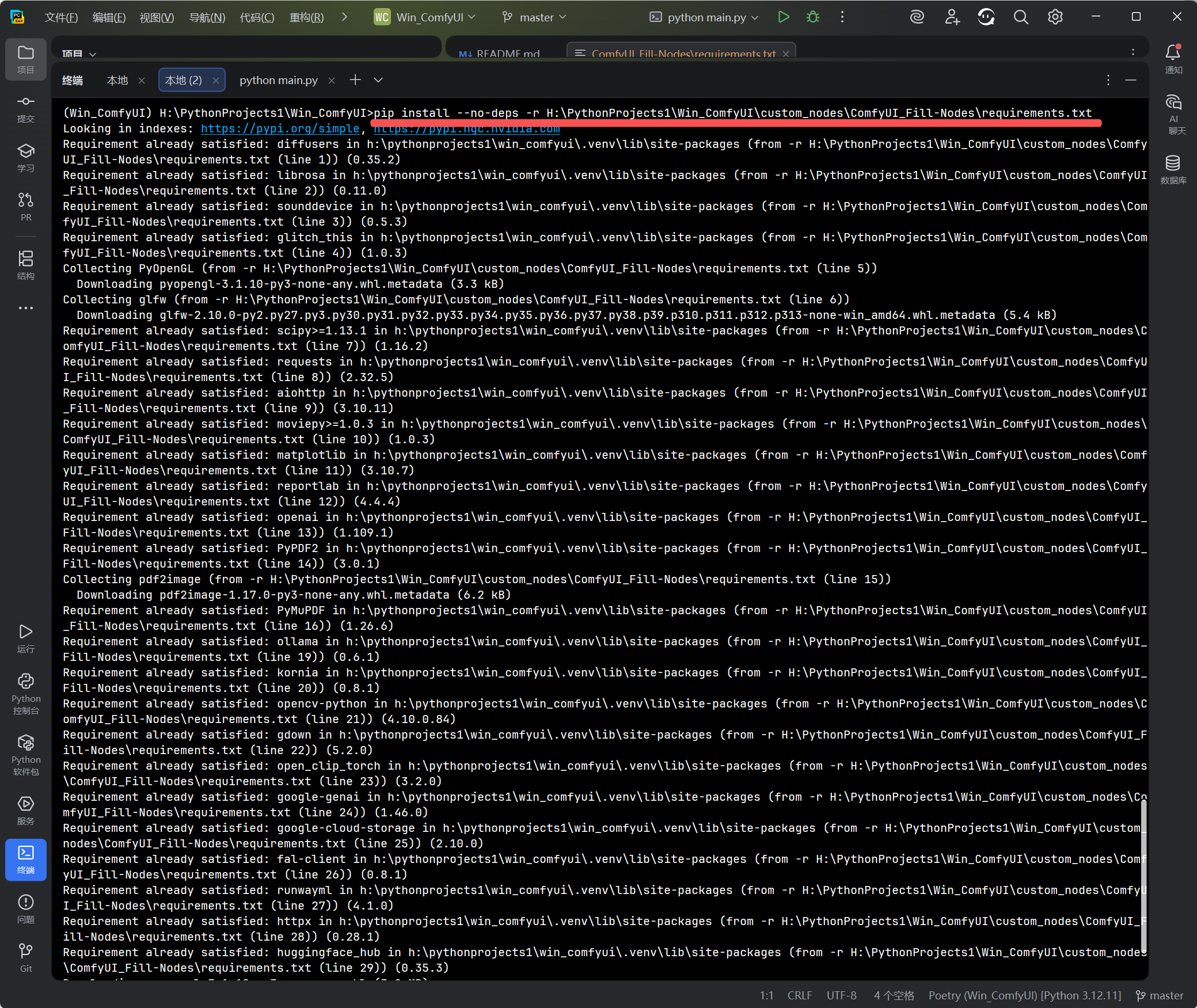
解决方法:
pip install --no-deps -r H:\PythonProjects1\Win_ComfyUI\custom_nodes\ComfyUI_Fill-Nodes\requirements.txt
四、待补充内容
(后续遇到其他插件依赖问题,我们将另起一篇或在此处继续添加报错信息及对应解决命令)
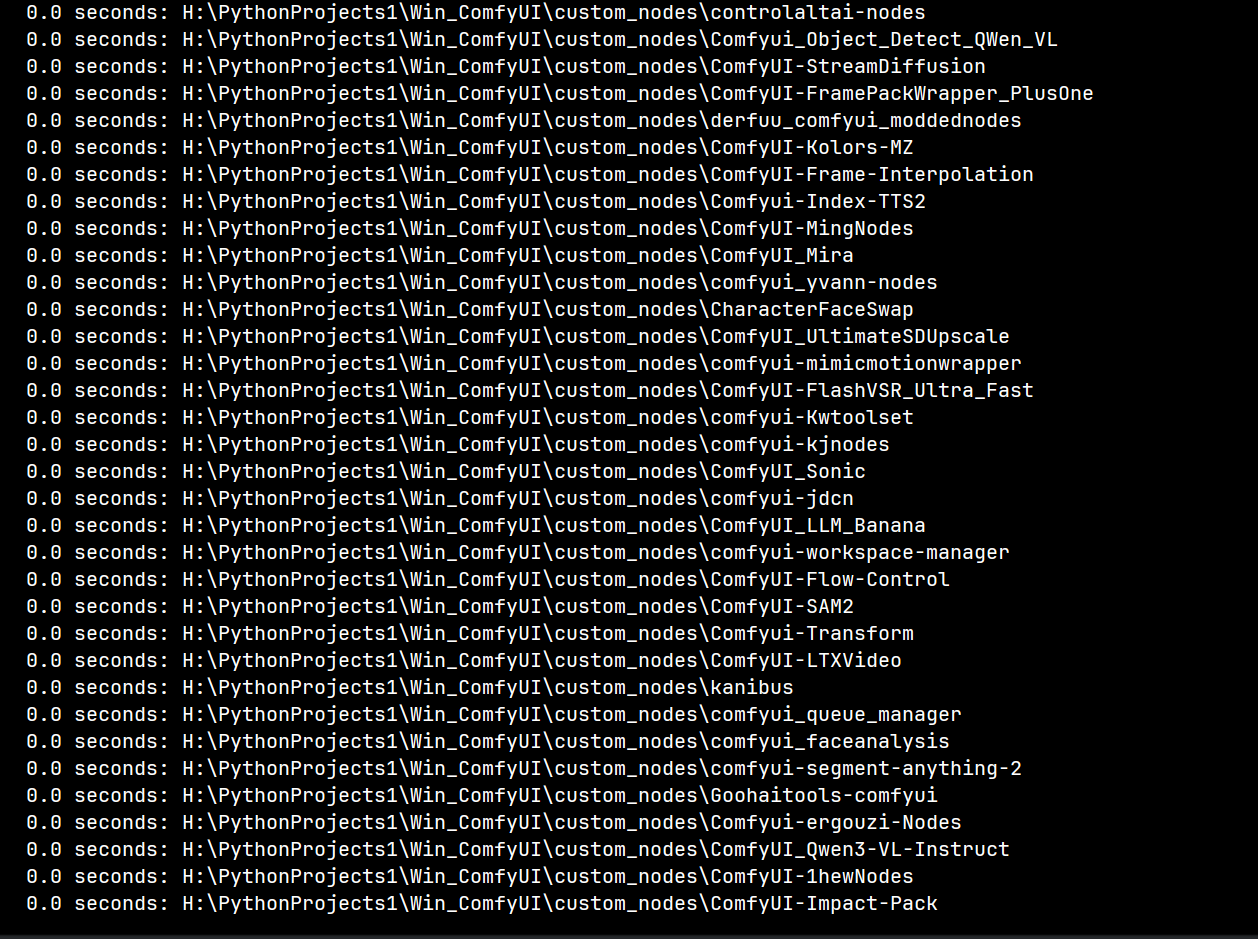
220+ 插件正常加载的日志清单输出示例:
⚡ SeedVR2 optimizations check: Flash Attention ✅ | Triton ✅
📊 Initial CUDA memory: 22.76GB free / 24.00GB total
======================================== Stand-In ========================================
Successfully loaded all Stand-In nodes.
==========================================================================================
WAS Node Suite: BlenderNeko's Advanced CLIP Text Encode found, attempting to enable `CLIPTextEncode` support.
WAS Node Suite: `CLIPTextEncode (BlenderNeko Advanced + NSP)` node enabled under `WAS Suite/Conditioning` menu.
WAS Node Suite: OpenCV Python FFMPEG support is enabled
WAS Node Suite: `ffmpeg_bin_path` is set to: C:\Users\love\scoop\shims\ffmpeg.exe
WAS Node Suite: Finished. Loaded 221 nodes successfully.

        "Art is the most intense mode of individualism that the world has known." - Oscar Wilde


Import times for custom nodes:
   0.0 seconds: H:\PythonProjects1\Win_ComfyUI\custom_nodes\dapao.py
   0.0 seconds: H:\PythonProjects1\Win_ComfyUI\custom_nodes\comfyui_dp
   0.0 seconds: H:\PythonProjects1\Win_ComfyUI\custom_nodes\websocket_image_save.py
   0.0 seconds: H:\PythonProjects1\Win_ComfyUI\custom_nodes\convert_to_float32.py
   0.0 seconds: H:\PythonProjects1\Win_ComfyUI\custom_nodes\example_node.py
   0.0 seconds: H:\PythonProjects1\Win_ComfyUI\custom_nodes\ComfyUI-Advanced-Vision
   0.0 seconds: H:\PythonProjects1\Win_ComfyUI\custom_nodes\ComfyUI-zopi
   0.0 seconds: H:\PythonProjects1\Win_ComfyUI\custom_nodes\kontext-presets
   0.0 seconds: H:\PythonProjects1\Win_ComfyUI\custom_nodes\ComfUI-EGAdapterMadAssistant
   0.0 seconds: H:\PythonProjects1\Win_ComfyUI\custom_nodes\auto_wan2.2animate_freamtowindow_server
   0.0 seconds: H:\PythonProjects1\Win_ComfyUI\custom_nodes\ComfyUI-Kontext-Inpainting
   0.0 seconds: H:\PythonProjects1\Win_ComfyUI\custom_nodes\ComfyUI-NodeAligner
   0.0 seconds: H:\PythonProjects1\Win_ComfyUI\custom_nodes\ComfyUI_AdvancedRefluxControl
   0.0 seconds: H:\PythonProjects1\Win_ComfyUI\custom_nodes\ComfyUI_ADV_CLIP_emb
   0.0 seconds: H:\PythonProjects1\Win_ComfyUI\custom_nodes\ComfyUI-BRIA_AI-RMBG
   0.0 seconds: H:\PythonProjects1\Win_ComfyUI\custom_nodes\comfyui-notes-manager
   0.0 seconds: H:\PythonProjects1\Win_ComfyUI\custom_nodes\ComfyUI_ZhipuAIO
   0.0 seconds: H:\PythonProjects1\Win_ComfyUI\custom_nodes\ComfyUI-wanBlockswap
   0.0 seconds: H:\PythonProjects1\Win_ComfyUI\custom_nodes\Comfyui_Object_Migration
   0.0 seconds: H:\PythonProjects1\Win_ComfyUI\custom_nodes\masquerade-nodes-comfyui
   0.0 seconds: H:\PythonProjects1\Win_ComfyUI\custom_nodes\ComfyUI_SSLNodes
   0.0 seconds: H:\PythonProjects1\Win_ComfyUI\custom_nodes\wan22_prompt_selector
   0.0 seconds: H:\PythonProjects1\Win_ComfyUI\custom_nodes\comfyui-seamless-tiling
   0.0 seconds: H:\PythonProjects1\Win_ComfyUI\custom_nodes\comfyui_segment_anything
   0.0 seconds: H:\PythonProjects1\Win_ComfyUI\custom_nodes\AIGODLIKE-ComfyUI-Translation
   0.0 seconds: H:\PythonProjects1\Win_ComfyUI\custom_nodes\Comfyui_Flux_Style_Adjust
   0.0 seconds: H:\PythonProjects1\Win_ComfyUI\custom_nodes\style_aligned_comfy
   0.0 seconds: H:\PythonProjects1\Win_ComfyUI\custom_nodes\ComfyUI-WanMoeKSampler
   0.0 seconds: H:\PythonProjects1\Win_ComfyUI\custom_nodes\stability-ComfyUI-nodes
   0.0 seconds: H:\PythonProjects1\Win_ComfyUI\custom_nodes\ComfyUI-Show-Text
   0.0 seconds: H:\PythonProjects1\Win_ComfyUI\custom_nodes\qweneditutils
   0.0 seconds: H:\PythonProjects1\Win_ComfyUI\custom_nodes\comfyui-detail-daemon
   0.0 seconds: H:\PythonProjects1\Win_ComfyUI\custom_nodes\comfyui-mxtoolkit
   0.0 seconds: H:\PythonProjects1\Win_ComfyUI\custom_nodes\ComfyUI-VideoUpscale_WithModel
   0.0 seconds: H:\PythonProjects1\Win_ComfyUI\custom_nodes\ComfyUI-BiRefNet-Hugo
   0.0 seconds: H:\PythonProjects1\Win_ComfyUI\custom_nodes\ComfyUI_Prompt_Helper
   0.0 seconds: H:\PythonProjects1\Win_ComfyUI\custom_nodes\comfyui-logic
   0.0 seconds: H:\PythonProjects1\Win_ComfyUI\custom_nodes\wywywywy-pause
   0.0 seconds: H:\PythonProjects1\Win_ComfyUI\custom_nodes\Stand-In_Preprocessor_ComfyUI
   0.0 seconds: H:\PythonProjects1\Win_ComfyUI\custom_nodes\ComfyUI-DD-Translation
   0.0 seconds: H:\PythonProjects1\Win_ComfyUI\custom_nodes\Comfyui-CustomizeTextEncoder-Qwen-image
   0.0 seconds: H:\PythonProjects1\Win_ComfyUI\custom_nodes\ComfyUI-Align
   0.0 seconds: H:\PythonProjects1\Win_ComfyUI\custom_nodes\ComfyUI_Searge_LLM
   0.0 seconds: H:\PythonProjects1\Win_ComfyUI\custom_nodes\sd-dynamic-thresholding
   0.0 seconds: H:\PythonProjects1\Win_ComfyUI\custom_nodes\cg-use-everywhere
   0.0 seconds: H:\PythonProjects1\Win_ComfyUI\custom_nodes\Kwai_font_comfyui
   0.0 seconds: H:\PythonProjects1\Win_ComfyUI\custom_nodes\comfyui-photoshop
   0.0 seconds: H:\PythonProjects1\Win_ComfyUI\custom_nodes\ComfyUI_Text_Translation
   0.0 seconds: H:\PythonProjects1\Win_ComfyUI\custom_nodes\ComfyUI_JPS-Nodes
   0.0 seconds: H:\PythonProjects1\Win_ComfyUI\custom_nodes\ComfyUI-YOLO
   0.0 seconds: H:\PythonProjects1\Win_ComfyUI\custom_nodes\comfyui-redux-prompt
   0.0 seconds: H:\PythonProjects1\Win_ComfyUI\custom_nodes\soundflow
   0.0 seconds: H:\PythonProjects1\Win_ComfyUI\custom_nodes\wlsh_nodes
   0.0 seconds: H:\PythonProjects1\Win_ComfyUI\custom_nodes\comfyui-basic-math
   0.0 seconds: H:\PythonProjects1\Win_ComfyUI\custom_nodes\ComfyUI-Inpaint-CropAndStitch
   0.0 seconds: H:\PythonProjects1\Win_ComfyUI\custom_nodes\ComfyLiterals
   0.0 seconds: H:\PythonProjects1\Win_ComfyUI\custom_nodes\comfyui_instantid
   0.0 seconds: H:\PythonProjects1\Win_ComfyUI\custom_nodes\ComfyUI-Universal-Styler
   0.0 seconds: H:\PythonProjects1\Win_ComfyUI\custom_nodes\janus-pro
   0.0 seconds: H:\PythonProjects1\Win_ComfyUI\custom_nodes\comfyui-wormley-nodes
   0.0 seconds: H:\PythonProjects1\Win_ComfyUI\custom_nodes\comfyui_lg_groupexecutor
   0.0 seconds: H:\PythonProjects1\Win_ComfyUI\custom_nodes\ComfyUI_StringOps
   0.0 seconds: H:\PythonProjects1\Win_ComfyUI\custom_nodes\comfyui_zenid
   0.0 seconds: H:\PythonProjects1\Win_ComfyUI\custom_nodes\ComfyUI_IPAdapter_plus
   0.0 seconds: H:\PythonProjects1\Win_ComfyUI\custom_nodes\comfyui_extractstoryboards
   0.0 seconds: H:\PythonProjects1\Win_ComfyUI\custom_nodes\ComfyUI-LatentSyncWrapper
   0.0 seconds: H:\PythonProjects1\Win_ComfyUI\custom_nodes\comfyui_ttp_toolset
   0.0 seconds: H:\PythonProjects1\Win_ComfyUI\custom_nodes\ComfyUI_SLK_joy_caption_two
   0.0 seconds: H:\PythonProjects1\Win_ComfyUI\custom_nodes\comfyui-enricos-nodes
   0.0 seconds: H:\PythonProjects1\Win_ComfyUI\custom_nodes\ComfyUI_RH_APICall
   0.0 seconds: H:\PythonProjects1\Win_ComfyUI\custom_nodes\Comfyui-StableSR
   0.0 seconds: H:\PythonProjects1\Win_ComfyUI\custom_nodes\ComfyUI-NunchakuFluxLoraStacker
   0.0 seconds: H:\PythonProjects1\Win_ComfyUI\custom_nodes\comfyui_face_parsing
   0.0 seconds: H:\PythonProjects1\Win_ComfyUI\custom_nodes\comfyui_checkpointloader_ext
   0.0 seconds: H:\PythonProjects1\Win_ComfyUI\custom_nodes\ComfyUI_doubao_seed
   0.0 seconds: H:\PythonProjects1\Win_ComfyUI\custom_nodes\ComfyUI-GGUF
   0.0 seconds: H:\PythonProjects1\Win_ComfyUI\custom_nodes\comfyui_sunxAI_facetools
   0.0 seconds: H:\PythonProjects1\Win_ComfyUI\custom_nodes\comfyui-lama-remover
   0.0 seconds: H:\PythonProjects1\Win_ComfyUI\custom_nodes\ComfyUI-TaylorSeer
   0.0 seconds: H:\PythonProjects1\Win_ComfyUI\custom_nodes\ComfyUI-Impact-Subpack
   0.0 seconds: H:\PythonProjects1\Win_ComfyUI\custom_nodes\ComfyUI-IPAdapter-Flux
   0.0 seconds: H:\PythonProjects1\Win_ComfyUI\custom_nodes\comfyui-inpaint-nodes
   0.0 seconds: H:\PythonProjects1\Win_ComfyUI\custom_nodes\ComfyUI-Miaoshouai-Tagger
   0.0 seconds: H:\PythonProjects1\Win_ComfyUI\custom_nodes\ComfyUI-WD14-Tagger
   0.0 seconds: H:\PythonProjects1\Win_ComfyUI\custom_nodes\comfyui-housekeeper
   0.0 seconds: H:\PythonProjects1\Win_ComfyUI\custom_nodes\ComfyUI-WanAnimatePreprocess
   0.0 seconds: H:\PythonProjects1\Win_ComfyUI\custom_nodes\comfyui-vrgamedevgirl
   0.0 seconds: H:\PythonProjects1\Win_ComfyUI\custom_nodes\ComfyUI-InpaintEasy
   0.0 seconds: H:\PythonProjects1\Win_ComfyUI\custom_nodes\ComfyUI-Jjk-Nodes
   0.0 seconds: H:\PythonProjects1\Win_ComfyUI\custom_nodes\Comfy_KepListStuff
   0.0 seconds: H:\PythonProjects1\Win_ComfyUI\custom_nodes\comfyui-florence2
   0.0 seconds: H:\PythonProjects1\Win_ComfyUI\custom_nodes\comfy-image-saver
   0.0 seconds: H:\PythonProjects1\Win_ComfyUI\custom_nodes\comfyui-animatediff
   0.0 seconds: H:\PythonProjects1\Win_ComfyUI\custom_nodes\comfyui-various
   0.0 seconds: H:\PythonProjects1\Win_ComfyUI\custom_nodes\ComfyUI-MelBandRoFormer
   0.0 seconds: H:\PythonProjects1\Win_ComfyUI\custom_nodes\ComfyUI-AutoCropFaces
   0.0 seconds: H:\PythonProjects1\Win_ComfyUI\custom_nodes\comfyui-depthanythingv2
   0.0 seconds: H:\PythonProjects1\Win_ComfyUI\custom_nodes\comfyui_snacknodes
   0.0 seconds: H:\PythonProjects1\Win_ComfyUI\custom_nodes\comfyui-custom-scripts
   0.0 seconds: H:\PythonProjects1\Win_ComfyUI\custom_nodes\comfyui_soze
   0.0 seconds: H:\PythonProjects1\Win_ComfyUI\custom_nodes\ComfyUI-FramePackWrapper_Plus
   0.0 seconds: H:\PythonProjects1\Win_ComfyUI\custom_nodes\teacache
   0.0 seconds: H:\PythonProjects1\Win_ComfyUI\custom_nodes\ComfyUI-layerdiffuse
   0.0 seconds: H:\PythonProjects1\Win_ComfyUI\custom_nodes\efficiency-nodes-comfyui
   0.0 seconds: H:\PythonProjects1\Win_ComfyUI\custom_nodes\comfyui-brushnet
   0.0 seconds: H:\PythonProjects1\Win_ComfyUI\custom_nodes\comfyui_essentials
   0.0 seconds: H:\PythonProjects1\Win_ComfyUI\custom_nodes\ComfyMath
   0.0 seconds: H:\PythonProjects1\Win_ComfyUI\custom_nodes\comfyui-tooling-nodes
   0.0 seconds: H:\PythonProjects1\Win_ComfyUI\custom_nodes\ComfyUI-InstantCharacter
   0.0 seconds: H:\PythonProjects1\Win_ComfyUI\custom_nodes\ComfyUI-Holaf
   0.0 seconds: H:\PythonProjects1\Win_ComfyUI\custom_nodes\comfyui-portrait-master
   0.0 seconds: H:\PythonProjects1\Win_ComfyUI\custom_nodes\prompt-assistant
   0.0 seconds: H:\PythonProjects1\Win_ComfyUI\custom_nodes\ComfyUI_MatAnyone_Kytra
   0.0 seconds: H:\PythonProjects1\Win_ComfyUI\custom_nodes\ComfyUI-FramePackWrapper
   0.0 seconds: H:\PythonProjects1\Win_ComfyUI\custom_nodes\comfyui_lg_tools
   0.0 seconds: H:\PythonProjects1\Win_ComfyUI\custom_nodes\ComfyUI-Fluxtapoz
   0.0 seconds: H:\PythonProjects1\Win_ComfyUI\custom_nodes\controlaltai-nodes
   0.0 seconds: H:\PythonProjects1\Win_ComfyUI\custom_nodes\Comfyui_Object_Detect_QWen_VL
   0.0 seconds: H:\PythonProjects1\Win_ComfyUI\custom_nodes\ComfyUI-StreamDiffusion
   0.0 seconds: H:\PythonProjects1\Win_ComfyUI\custom_nodes\ComfyUI-FramePackWrapper_PlusOne
   0.0 seconds: H:\PythonProjects1\Win_ComfyUI\custom_nodes\derfuu_comfyui_moddednodes
   0.0 seconds: H:\PythonProjects1\Win_ComfyUI\custom_nodes\ComfyUI-Kolors-MZ
   0.0 seconds: H:\PythonProjects1\Win_ComfyUI\custom_nodes\ComfyUI-Frame-Interpolation
   0.0 seconds: H:\PythonProjects1\Win_ComfyUI\custom_nodes\Comfyui-Index-TTS2
   0.0 seconds: H:\PythonProjects1\Win_ComfyUI\custom_nodes\ComfyUI-MingNodes
   0.0 seconds: H:\PythonProjects1\Win_ComfyUI\custom_nodes\ComfyUI_Mira
   0.0 seconds: H:\PythonProjects1\Win_ComfyUI\custom_nodes\comfyui_yvann-nodes
   0.0 seconds: H:\PythonProjects1\Win_ComfyUI\custom_nodes\CharacterFaceSwap
   0.0 seconds: H:\PythonProjects1\Win_ComfyUI\custom_nodes\ComfyUI_UltimateSDUpscale
   0.0 seconds: H:\PythonProjects1\Win_ComfyUI\custom_nodes\comfyui-mimicmotionwrapper
   0.0 seconds: H:\PythonProjects1\Win_ComfyUI\custom_nodes\ComfyUI-FlashVSR_Ultra_Fast
   0.0 seconds: H:\PythonProjects1\Win_ComfyUI\custom_nodes\comfyui-Kwtoolset
   0.0 seconds: H:\PythonProjects1\Win_ComfyUI\custom_nodes\comfyui-kjnodes
   0.0 seconds: H:\PythonProjects1\Win_ComfyUI\custom_nodes\ComfyUI_Sonic
   0.0 seconds: H:\PythonProjects1\Win_ComfyUI\custom_nodes\comfyui-jdcn
   0.0 seconds: H:\PythonProjects1\Win_ComfyUI\custom_nodes\ComfyUI_LLM_Banana
   0.0 seconds: H:\PythonProjects1\Win_ComfyUI\custom_nodes\comfyui-workspace-manager
   0.0 seconds: H:\PythonProjects1\Win_ComfyUI\custom_nodes\ComfyUI-Flow-Control
   0.0 seconds: H:\PythonProjects1\Win_ComfyUI\custom_nodes\ComfyUI-SAM2
   0.0 seconds: H:\PythonProjects1\Win_ComfyUI\custom_nodes\Comfyui-Transform
   0.0 seconds: H:\PythonProjects1\Win_ComfyUI\custom_nodes\ComfyUI-LTXVideo
   0.0 seconds: H:\PythonProjects1\Win_ComfyUI\custom_nodes\kanibus
   0.0 seconds: H:\PythonProjects1\Win_ComfyUI\custom_nodes\comfyui_queue_manager
   0.0 seconds: H:\PythonProjects1\Win_ComfyUI\custom_nodes\comfyui_faceanalysis
   0.0 seconds: H:\PythonProjects1\Win_ComfyUI\custom_nodes\comfyui-segment-anything-2
   0.0 seconds: H:\PythonProjects1\Win_ComfyUI\custom_nodes\Goohaitools-comfyui
   0.0 seconds: H:\PythonProjects1\Win_ComfyUI\custom_nodes\Comfyui-ergouzi-Nodes
   0.0 seconds: H:\PythonProjects1\Win_ComfyUI\custom_nodes\ComfyUI_Qwen3-VL-Instruct
   0.0 seconds: H:\PythonProjects1\Win_ComfyUI\custom_nodes\ComfyUI-1hewNodes
   0.0 seconds: H:\PythonProjects1\Win_ComfyUI\custom_nodes\ComfyUI-Impact-Pack
   0.0 seconds: H:\PythonProjects1\Win_ComfyUI\custom_nodes\comfyui-supir
   0.0 seconds: H:\PythonProjects1\Win_ComfyUI\custom_nodes\easyanimate
   0.0 seconds: H:\PythonProjects1\Win_ComfyUI\custom_nodes\ComfyUI-Advanced-ControlNet
   0.0 seconds: H:\PythonProjects1\Win_ComfyUI\custom_nodes\comfyui-mmaudio
   0.0 seconds: H:\PythonProjects1\Win_ComfyUI\custom_nodes\ComfyUI-GIMM-VFI
   0.0 seconds: H:\PythonProjects1\Win_ComfyUI\custom_nodes\ComfyUI-HunyuanVideoWrapper
   0.0 seconds: H:\PythonProjects1\Win_ComfyUI\custom_nodes\rgthree-comfy
   0.0 seconds: H:\PythonProjects1\Win_ComfyUI\custom_nodes\ComfyUI-UniversalToolkit
   0.0 seconds: H:\PythonProjects1\Win_ComfyUI\custom_nodes\ComfyUI_Local_Media_Manager
   0.0 seconds: H:\PythonProjects1\Win_ComfyUI\custom_nodes\ComfyUI_Comfyroll_CustomNodes
   0.0 seconds: H:\PythonProjects1\Win_ComfyUI\custom_nodes\comfyui_smznodes
   0.0 seconds: H:\PythonProjects1\Win_ComfyUI\custom_nodes\ComfyUI-LBMWrapper
   0.0 seconds: H:\PythonProjects1\Win_ComfyUI\custom_nodes\comfyui-animatediff-evolved
   0.0 seconds: H:\PythonProjects1\Win_ComfyUI\custom_nodes\comfyui_controlnet_aux
   0.0 seconds: H:\PythonProjects1\Win_ComfyUI\custom_nodes\ComfyUI_DiffuEraser
   0.0 seconds: H:\PythonProjects1\Win_ComfyUI\custom_nodes\comfyui-inspire-pack
   0.0 seconds: H:\PythonProjects1\Win_ComfyUI\custom_nodes\facerestore_cf
   0.0 seconds: H:\PythonProjects1\Win_ComfyUI\custom_nodes\ComfyUI-SeedVR2_VideoUpscaler
   0.0 seconds: H:\PythonProjects1\Win_ComfyUI\custom_nodes\ComfyUI-LBM
   0.0 seconds: H:\PythonProjects1\Win_ComfyUI\custom_nodes\comfyui_tinyterranodes
   0.0 seconds: H:\PythonProjects1\Win_ComfyUI\custom_nodes\ComfyUI_LayerStyle_Advance
   0.0 seconds: H:\PythonProjects1\Win_ComfyUI\custom_nodes\ComfyUI-SecNodes_Ultra_Fast
   0.0 seconds: H:\PythonProjects1\Win_ComfyUI\custom_nodes\ComfyUI-SparkTTS
   0.0 seconds: H:\PythonProjects1\Win_ComfyUI\custom_nodes\seedvr2_videoupscaler
   0.0 seconds: H:\PythonProjects1\Win_ComfyUI\custom_nodes\Comfyui-ergouzi-DGNJD
   0.1 seconds: H:\PythonProjects1\Win_ComfyUI\custom_nodes\ComfyUI-WanVideoWrapper
   0.1 seconds: H:\PythonProjects1\Win_ComfyUI\custom_nodes\Boyonodes
   0.1 seconds: H:\PythonProjects1\Win_ComfyUI\custom_nodes\ComfyUI-Inference-Core-Nodes
   0.1 seconds: H:\PythonProjects1\Win_ComfyUI\custom_nodes\ComfyUI_LayerStyle
   0.1 seconds: H:\PythonProjects1\Win_ComfyUI\custom_nodes\ComfyUI-nunchaku
   0.1 seconds: H:\PythonProjects1\Win_ComfyUI\custom_nodes\comfyui-gpeno
   0.1 seconds: H:\PythonProjects1\Win_ComfyUI\custom_nodes\pulid_comfyui
   0.1 seconds: H:\PythonProjects1\Win_ComfyUI\custom_nodes\comfyui-tensorops
   0.1 seconds: H:\PythonProjects1\Win_ComfyUI\custom_nodes\comfyui-reactor
   0.1 seconds: H:\PythonProjects1\Win_ComfyUI\custom_nodes\comfyui_pulid_flux_ll
   0.1 seconds: H:\PythonProjects1\Win_ComfyUI\custom_nodes\ComfyUI-JoyCaption
   0.1 seconds: H:\PythonProjects1\Win_ComfyUI\custom_nodes\SDXL_EcomID_ComfyUI
   0.1 seconds: H:\PythonProjects1\Win_ComfyUI\custom_nodes\ComfyUI-GLM4
   0.1 seconds: H:\PythonProjects1\Win_ComfyUI\custom_nodes\comfyui-advancedliveportrait
   0.1 seconds: H:\PythonProjects1\Win_ComfyUI\custom_nodes\comfyui-easy-use
   0.1 seconds: H:\PythonProjects1\Win_ComfyUI\custom_nodes\ComfyUI-exLoadout
   0.1 seconds: H:\PythonProjects1\Win_ComfyUI\custom_nodes\audio-separation-nodes-comfyui
   0.1 seconds: H:\PythonProjects1\Win_ComfyUI\custom_nodes\comfyui_facetools
   0.1 seconds: H:\PythonProjects1\Win_ComfyUI\custom_nodes\ComfyUI-Crystools
   0.2 seconds: H:\PythonProjects1\Win_ComfyUI\custom_nodes\comfyui-utils-nodes
   0.2 seconds: H:\PythonProjects1\Win_ComfyUI\custom_nodes\ComfyUI-VideoHelperSuite
   0.2 seconds: H:\PythonProjects1\Win_ComfyUI\custom_nodes\sd-ppp
   0.2 seconds: H:\PythonProjects1\Win_ComfyUI\custom_nodes\bilbox-comfyui
   0.2 seconds: H:\PythonProjects1\Win_ComfyUI\custom_nodes\comfyui-inspyrenet-rembg
   0.3 seconds: H:\PythonProjects1\Win_ComfyUI\custom_nodes\ComfyUI-IC-Light
   0.3 seconds: H:\PythonProjects1\Win_ComfyUI\custom_nodes\megatts3-mw
   0.3 seconds: H:\PythonProjects1\Win_ComfyUI\custom_nodes\ComfyUI-Addoor
   0.4 seconds: H:\PythonProjects1\Win_ComfyUI\custom_nodes\comfyui-art-venture
   0.4 seconds: H:\PythonProjects1\Win_ComfyUI\custom_nodes\ComfyUI-Manager
   0.7 seconds: H:\PythonProjects1\Win_ComfyUI\custom_nodes\comfyui-rmbg
   0.7 seconds: H:\PythonProjects1\Win_ComfyUI\custom_nodes\audiotools
   0.8 seconds: H:\PythonProjects1\Win_ComfyUI\custom_nodes\comfyui-mixlab-nodes
   0.9 seconds: H:\PythonProjects1\Win_ComfyUI\custom_nodes\comfy-mtb
   1.1 seconds: H:\PythonProjects1\Win_ComfyUI\custom_nodes\RES4LYF
   1.2 seconds: H:\PythonProjects1\Win_ComfyUI\custom_nodes\ComfyUI-Allor
   1.9 seconds: H:\PythonProjects1\Win_ComfyUI\custom_nodes\ComfyUI-Copilot
   1.9 seconds: H:\PythonProjects1\Win_ComfyUI\custom_nodes\was-node-suite-comfyui
   2.0 seconds: H:\PythonProjects1\Win_ComfyUI\custom_nodes\ComfyUI-FLOAT
   2.3 seconds: H:\PythonProjects1\Win_ComfyUI\custom_nodes\ComfyUI_Fill-Nodes
   2.3 seconds: H:\PythonProjects1\Win_ComfyUI\custom_nodes\ComfyUI_Custom_Nodes_AlekPet
   9.3 seconds: H:\PythonProjects1\Win_ComfyUI\custom_nodes\ace-step

Context impl SQLiteImpl.
Will assume non-transactional DDL.
No target revision found.
Starting server

[Queue Manager] Task counter set to 1
To see the GUI go to: http://127.0.0.1:8188

火山引擎开发者社区是火山引擎打造的AI技术生态平台,聚焦Agent与大模型开发,提供豆包系列模型(图像/视频/视觉)、智能分析与会话工具,并配套评测集、动手实验室及行业案例库。社区通过技术沙龙、挑战赛等活动促进开发者成长,新用户可领50万Tokens权益,助力构建智能应用。
更多推荐
 21
21 0
0- 0


 已为社区贡献92条内容

所有评论(0)