Openclaw doctor --fix 报错修复方法
·
本地部署Openclaw,Windows PowerShell运行命令:openclaw doctor --fix
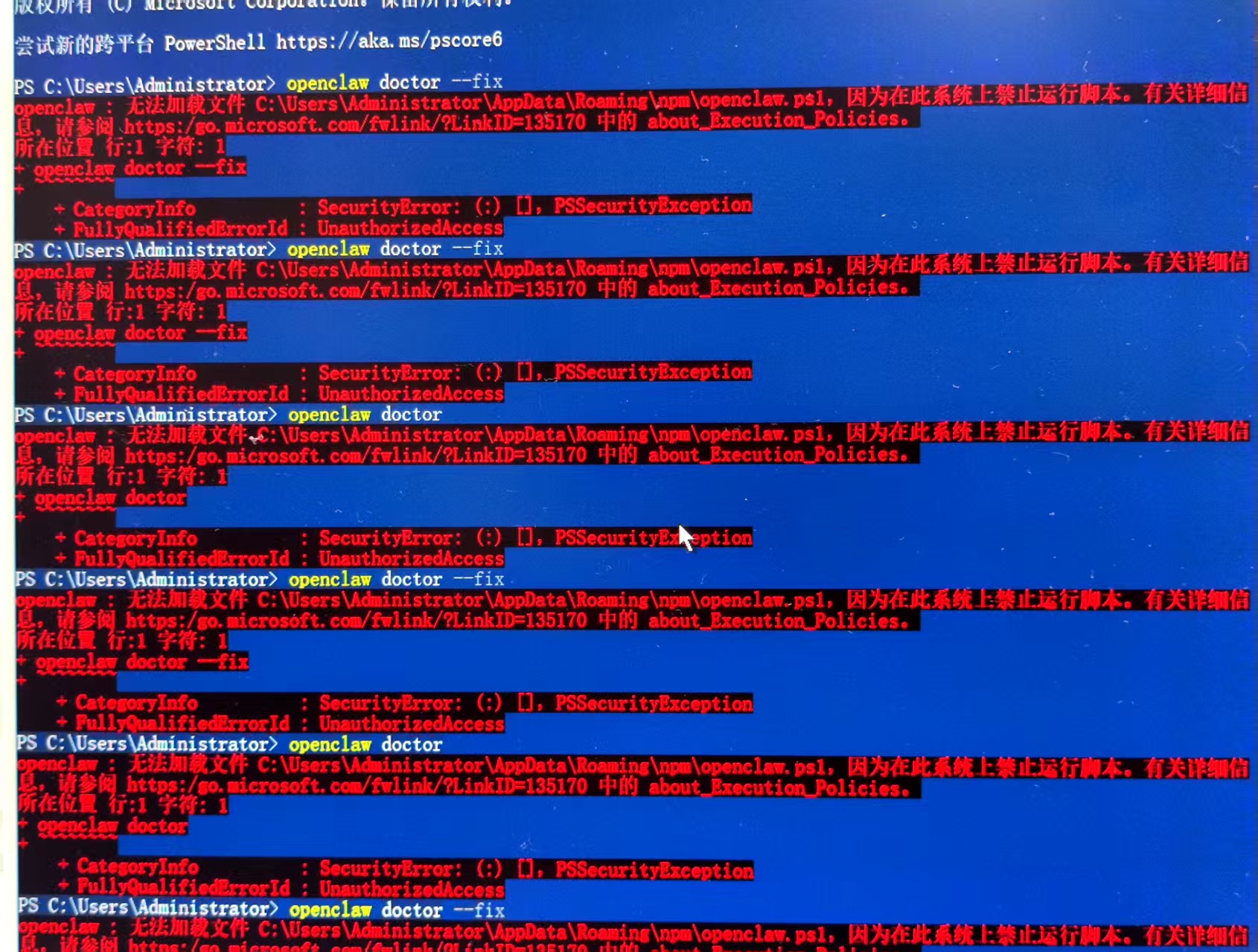
控制台输出报错:
PS C:\Users\Administrator> openclaw doctor --fix
openclaw: 无法加载文件 C:\Users\Administrator\AppData\Roaming\npm\openclaw.ps1, 因为在此系统上禁止运行脚本。有关的详细信息,请参阅 https:/go.microsoft.com/fwlink/LinkID=135170 中的 about Execution Policies.无法加载文件C:\Users\Administrator\AppData\Roamin anomtEencltion1,ic为在此系统上禁止运行脚本。有关详细信所在位置行:1 字符:1- openclaw doctor —fix
-- CategoryInfo :SecurityError:(:)[], PSSecurityException
- FullyQualifiedErrorId : UnauthorizedAccess
解决方案:
Set-ExecutionPolicy RemoteSigned -Scope CurrentUser -Force
异常图片:

中国智能体开发者社区,聚焦智能体与大模型开发,提供前沿资讯、实用工具链、开源项目及行业案例。通过技术沙龙、开发者大赛等活动,促进经验交流与协作,助力开发者快速构建创新智能应用。
更多推荐

 4
4 0
0- 0


 已为社区贡献1条内容

所有评论(0)