hermes安装使用-Windows
·
1、Windows 原生安装
打开 PowerShell,不要用 CMD,直接运行:
iex (irm https://raw.githubusercontent.com/NousResearch/hermes-agent/main/scripts/install.ps1)
注意:
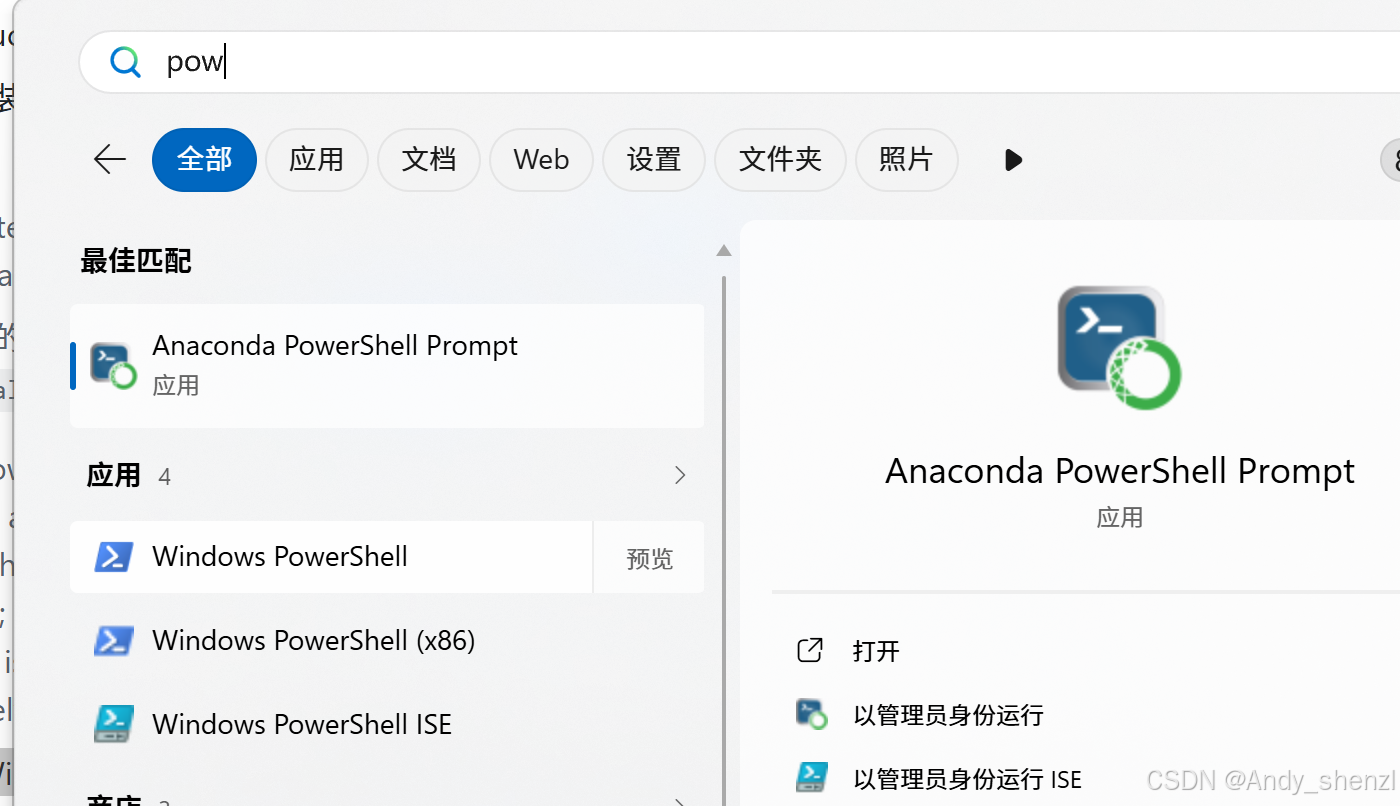
选 “Windows PowerShell”,也就是你截图左边应用列表里的这个:
Windows PowerShell不要选:
``
Anaconda PowerShell
Prompt Windows PowerShell (x86) Windows
PowerShell ISE ``安装 Hermes 时推荐用 普通的 Windows PowerShell 64 位版本。你可以这样做:
- 点击 Windows PowerShell
- 最好右键选择 以管理员身份运行
- 打开后粘贴这条命令:
https://raw.githubusercontent.com/NousResearch/hermes-agent/main/scripts/install.ps1)
官方说明里,这个安装器会自动处理 uv、Python 3.11、Node.js 22、ripgrep、ffmpeg、Portable Git Bash,并把 Hermes 安装到:
%LOCALAPPDATA%\hermes\hermes-agent
同时会把 hermes 命令加入用户 PATH。安装完成后必须 关闭 PowerShell,重新打开一个新的 PowerShell 窗口。([Hermes Agent][2])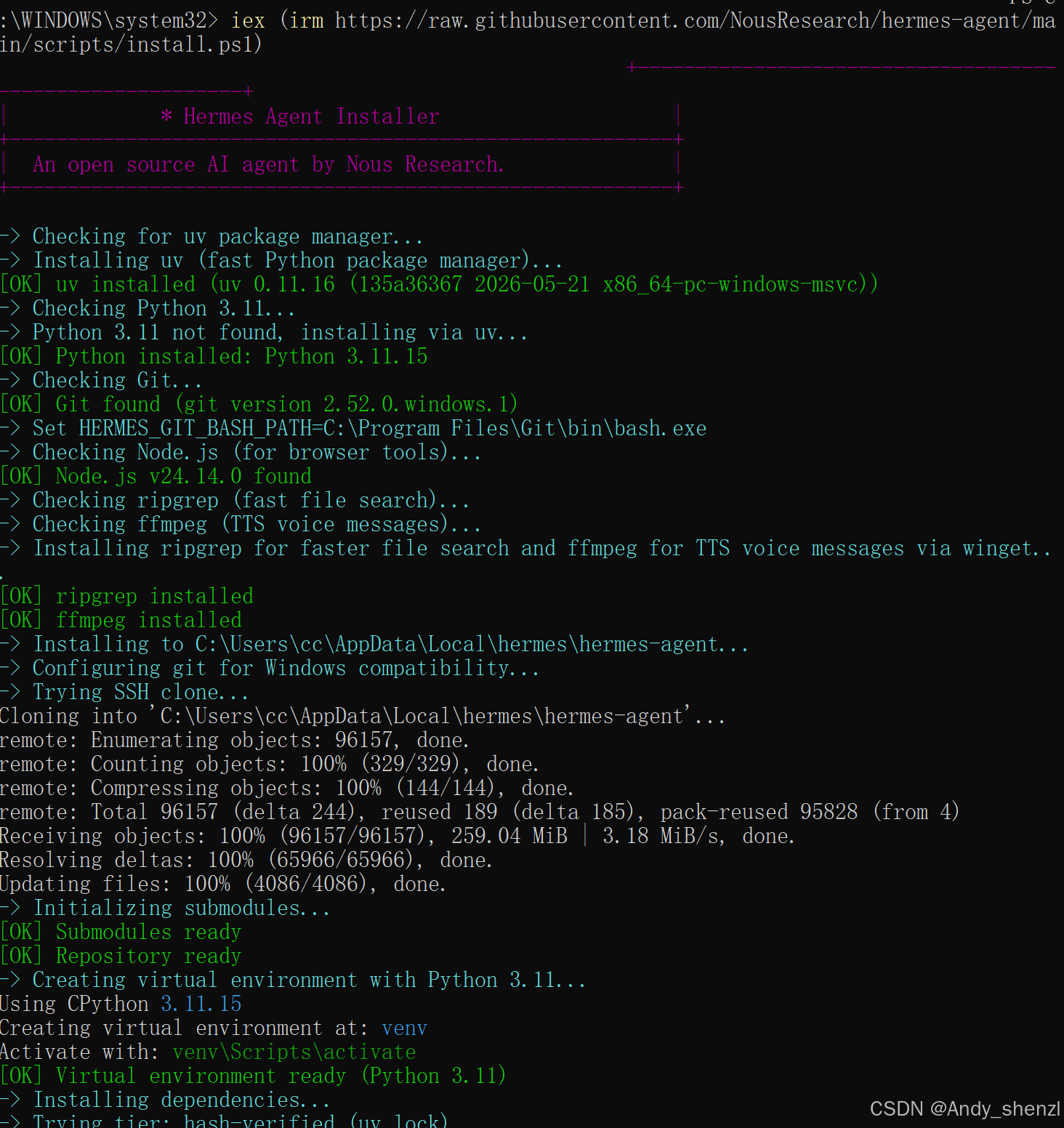
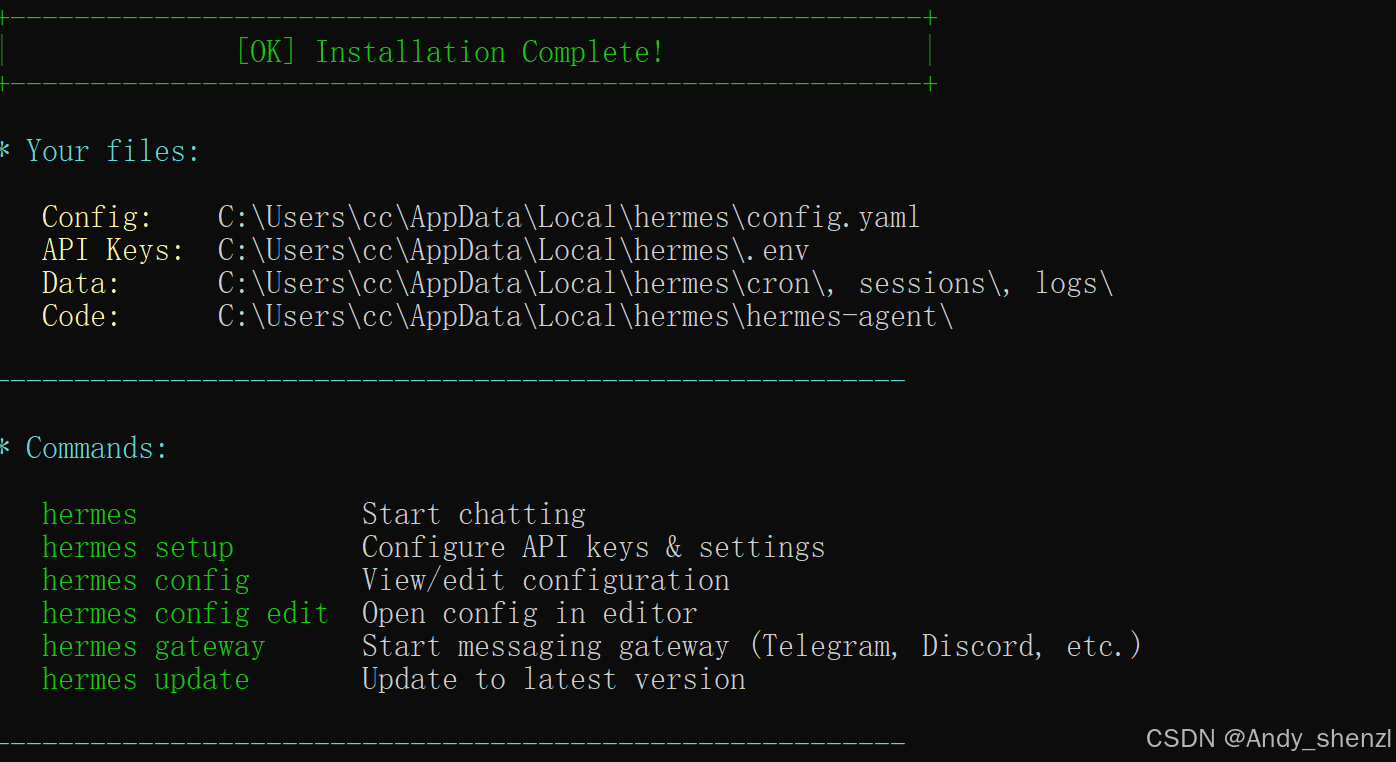
然后检查:
Get-Command hermes
hermes --version
PS C:\WINDOWS\system32> hermes --version
Hermes Agent v0.14.0 (2026.5.16)
Project: C:\Users\cc\AppData\Local\hermes\hermes-agent
Python: 3.11.15
OpenAI SDK: 2.24.0
Up to date
2、测试
hermes doctor
检查关键项是否通过检查
✓ DeepSeek
✓ Python 3.11.15
✓ Node.js
✓ Playwright Chromium
✓ browser
✓ terminal
✓ code_execution
✓ memory
✓ file
说明:Hermes 已经装好,并且 DeepSeek API 也配置成功了。
OpenRouter API not configured
Nous Portal auth not logged in
Google Gemini OAuth not logged in
discord missing token
web missing EXA/TAVILY/FIRECRAWL API key
image_gen system dependency not met
它们只是额外工具没配置,不影响你用 Hermes 进行本地对话、代码执行、浏览器自动化、文件操作等基础功能。
3、 启动
hermes
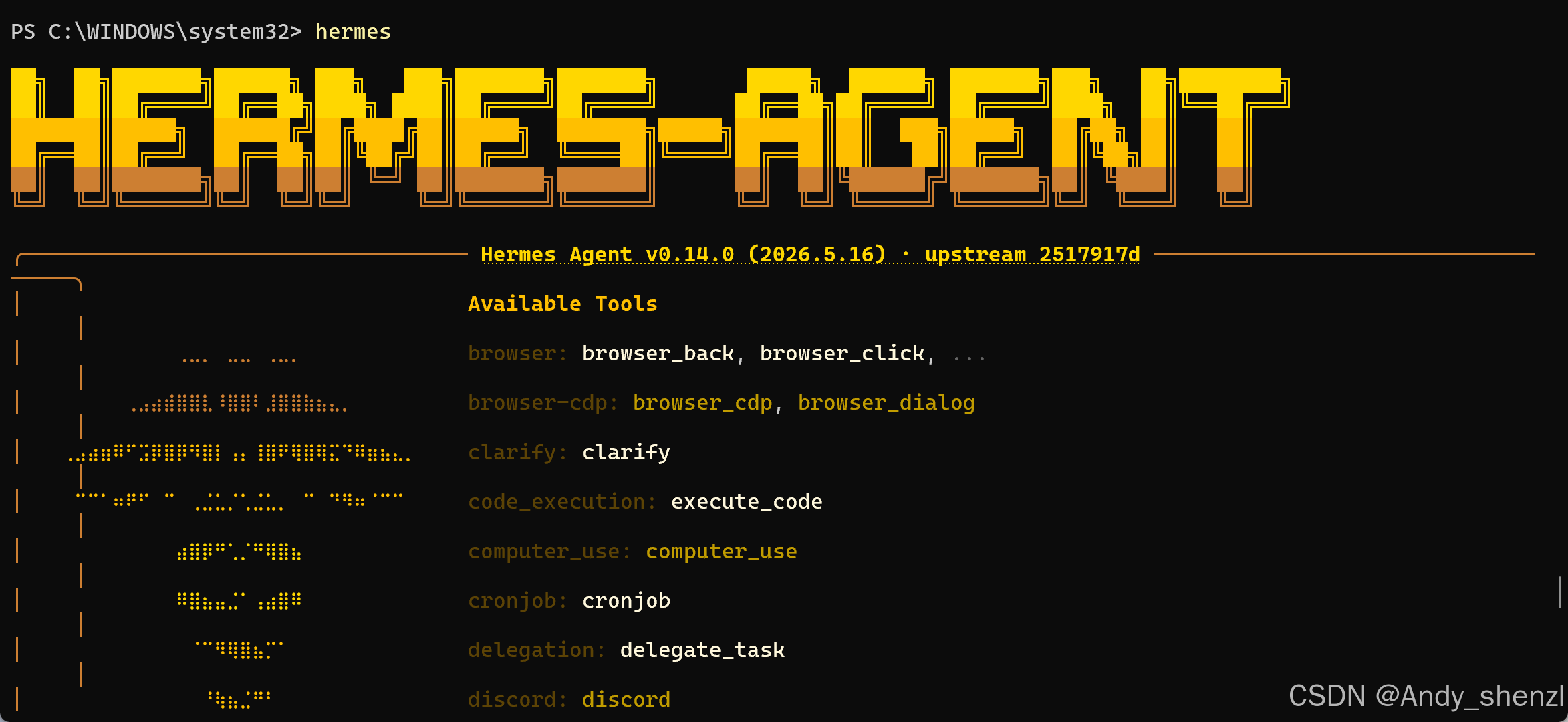
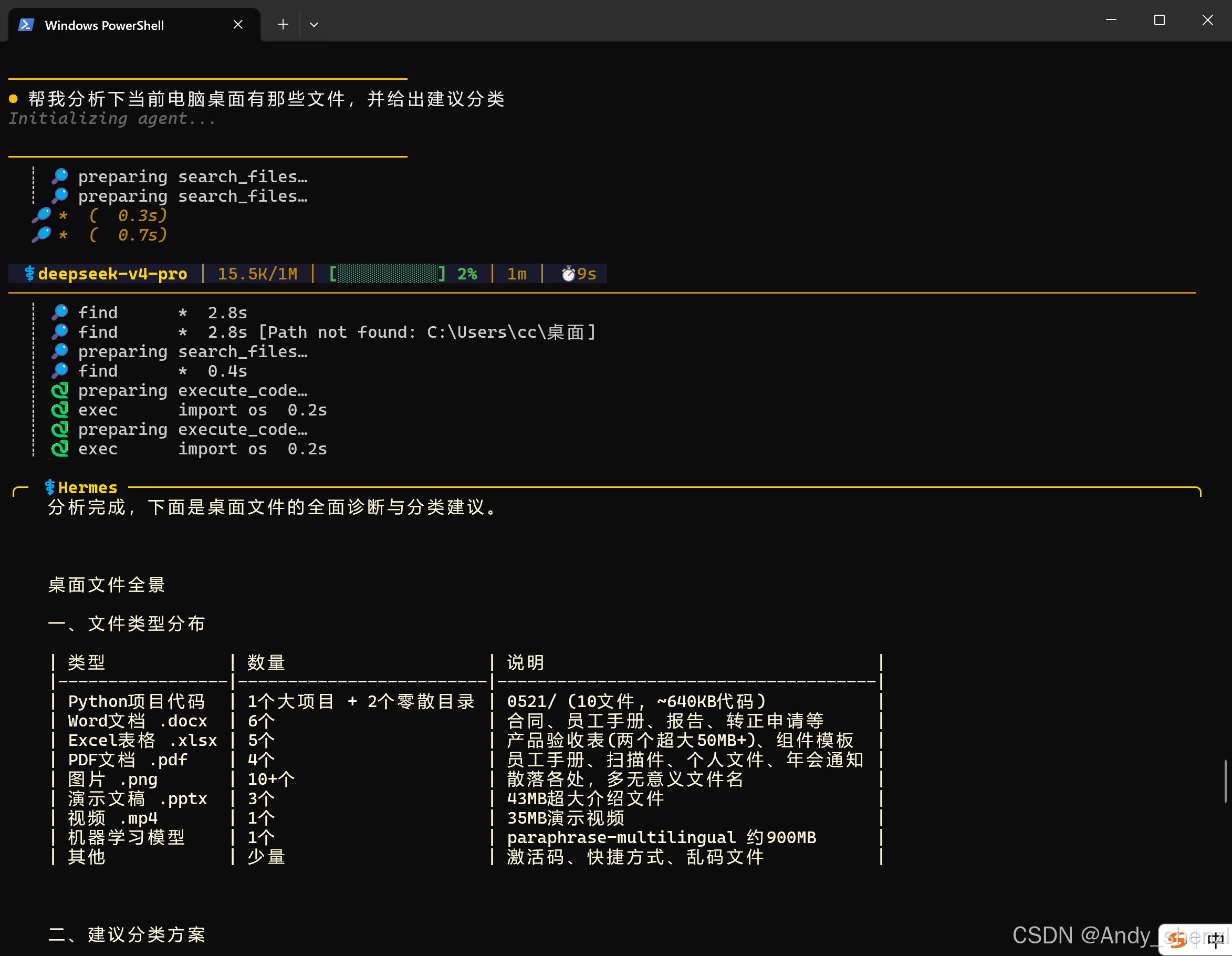
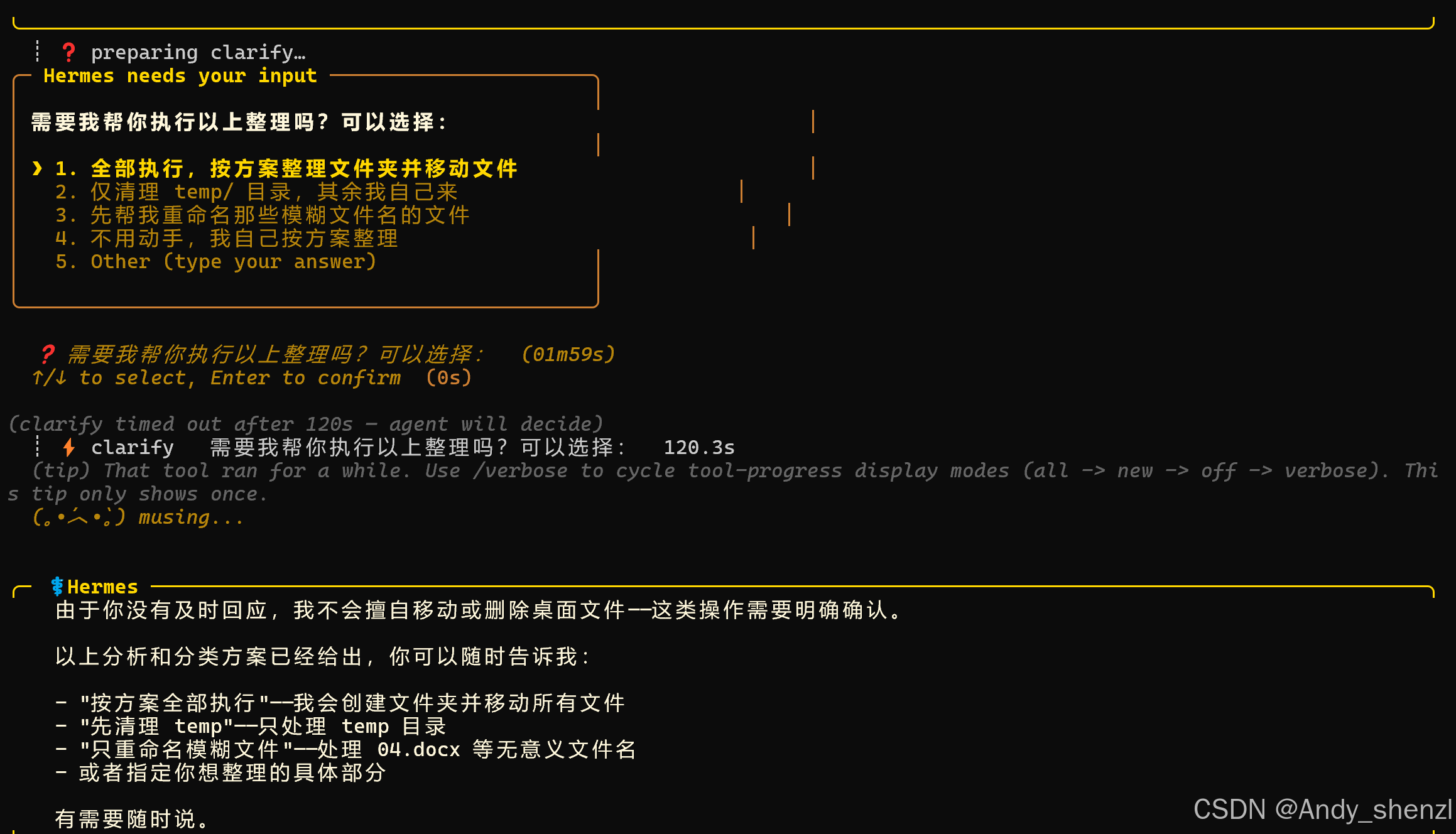
常见命令: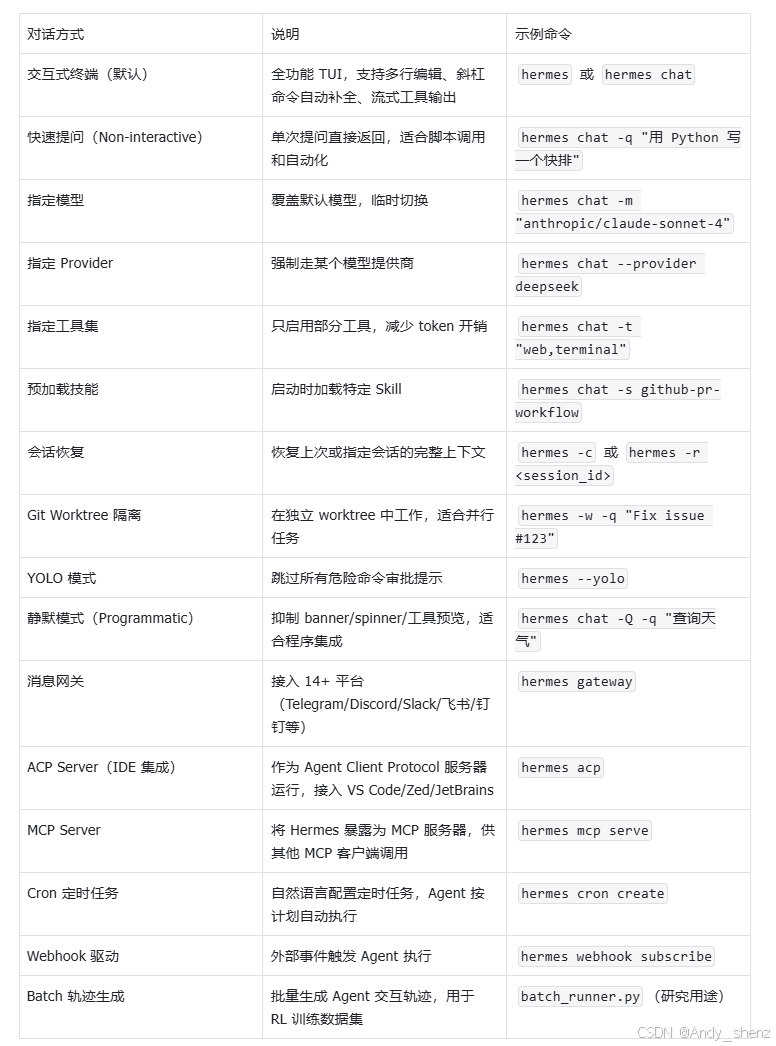

中国智能体开发者社区,聚焦智能体与大模型开发,提供前沿资讯、实用工具链、开源项目及行业案例。通过技术沙龙、开发者大赛等活动,促进经验交流与协作,助力开发者快速构建创新智能应用。
更多推荐

 5
5 0
0- 0


 已为社区贡献17条内容

所有评论(0)