在cpu环境下通过xinference离线加载glm4-chat
在cpu环境下通过xinference离线加载glm4-chat
1、下载model
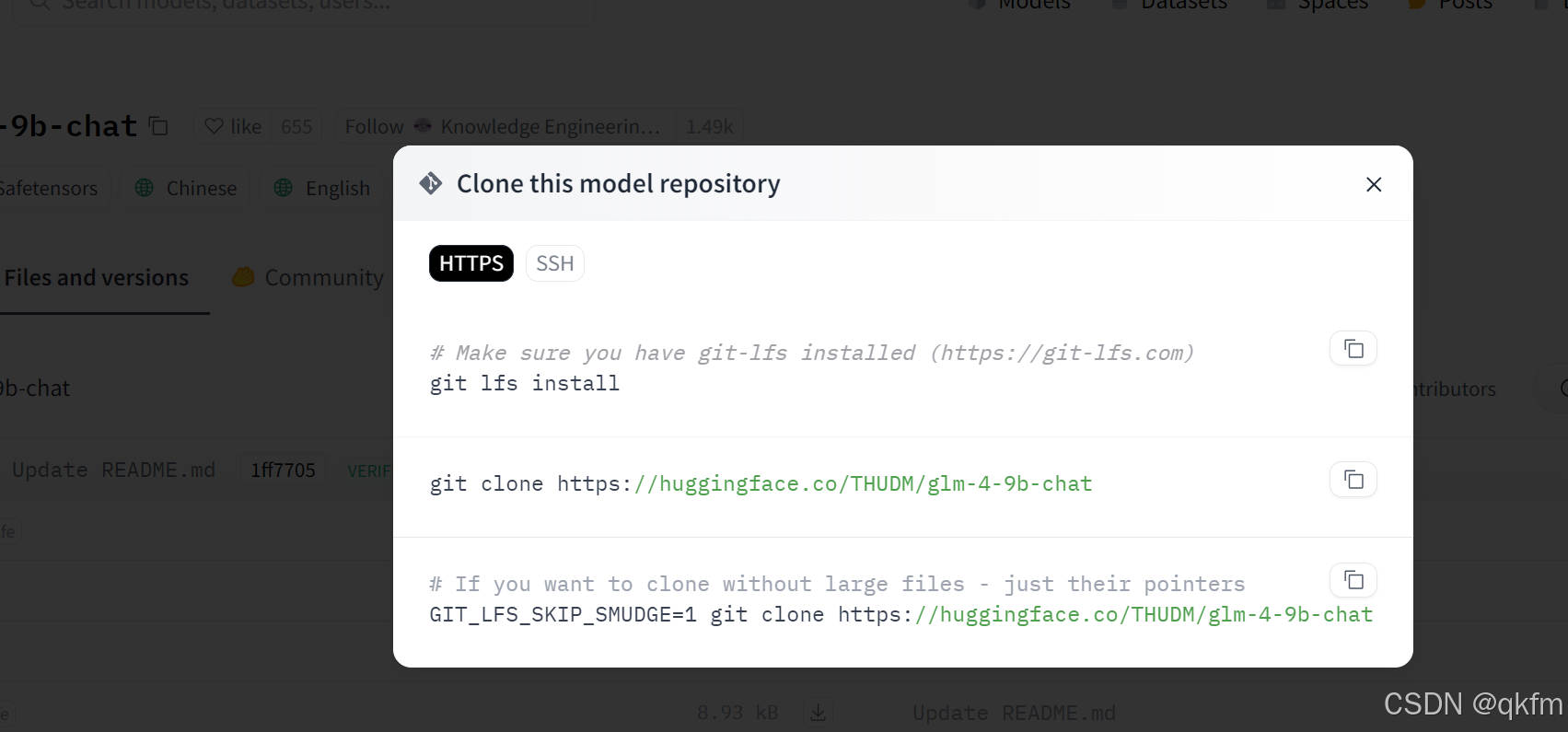
方式一:到hugging face下载 (目前这边使用的是 hugging face下载)
https://huggingface.co/THUDM/glm-4-9b-chat/tree/main
通过git下载,需要一段时间
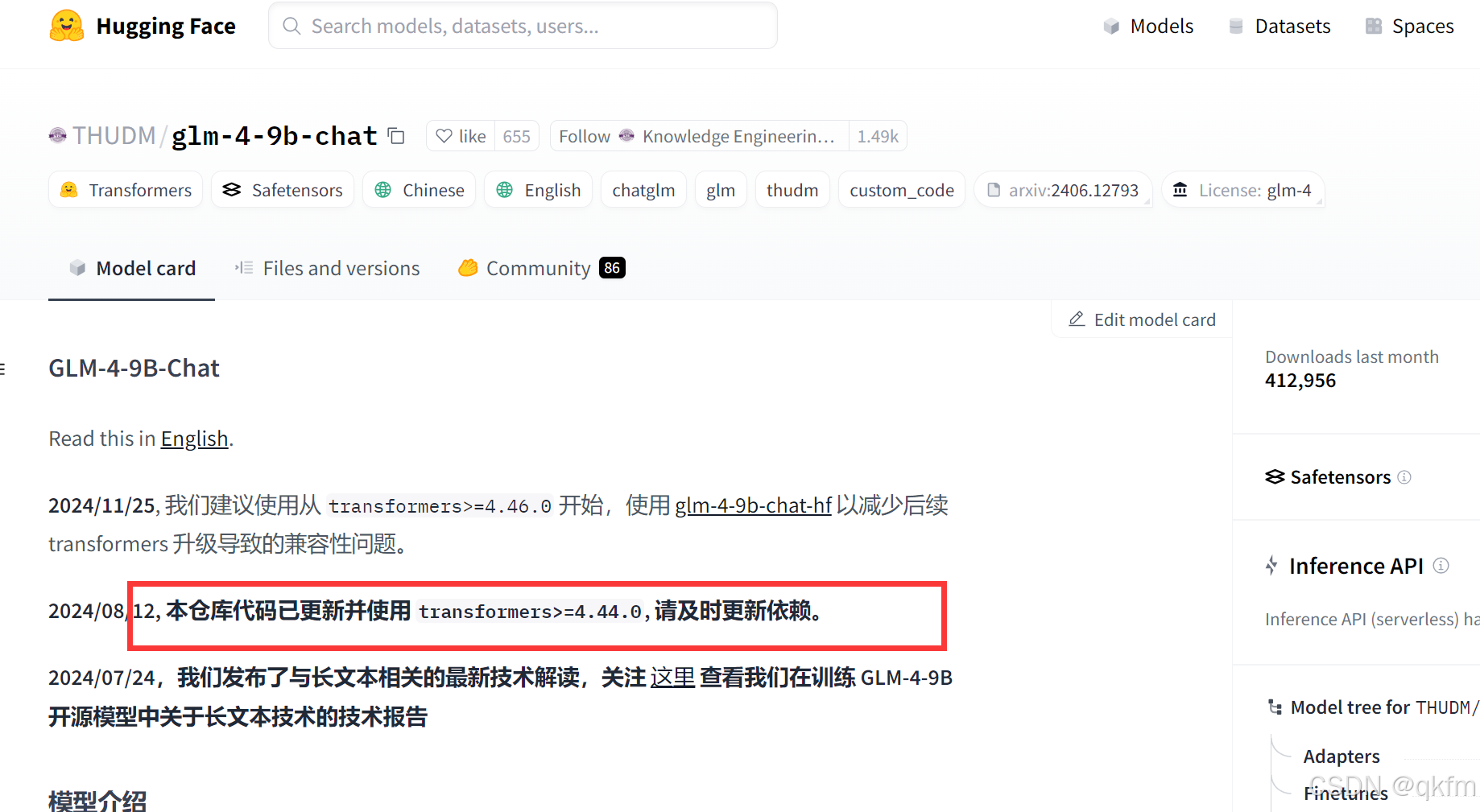
model card 会有提示transfroms的版本,如果模型跑不起来相应升级或降低transfomers版本
方式二: 到https://modelscope.cn/models/ZhipuAI/glm-4-9b-chatmodelscope下载https://modelscope.cn/models/ZhipuAI/glm-4-9b-chat
2、上传离线文件到xinference中docker挂载路径下
我的xinference docker 如下方式设置
 docker run \
  -v /data/module/xinference/.xinference:/root/.xinference \
  -v /data/module/xinference/.cache/huggingface:/root/.cache/huggingface \
  -v /data/module/xinference/.cache/modelscope:/root/.cache/modelscope \
  -p 9997:9997 \
  registry.cn-hangzhou.aliyuncs.com/xprobe_xinference/xinference:nightly-main-cpu \
  xinference-local -H 0.0.0.0
上传到 /data/module/xinference/.cache/huggingface/hub
解压:
unzip glm-4-9b-chat.zip

3、做软连接
#在容器外面建
#先cd到需要有软连接的路径
cd /data/module/xinference/.xinference/cache/glm4-chat-pytorch-9b
#使用相对路径
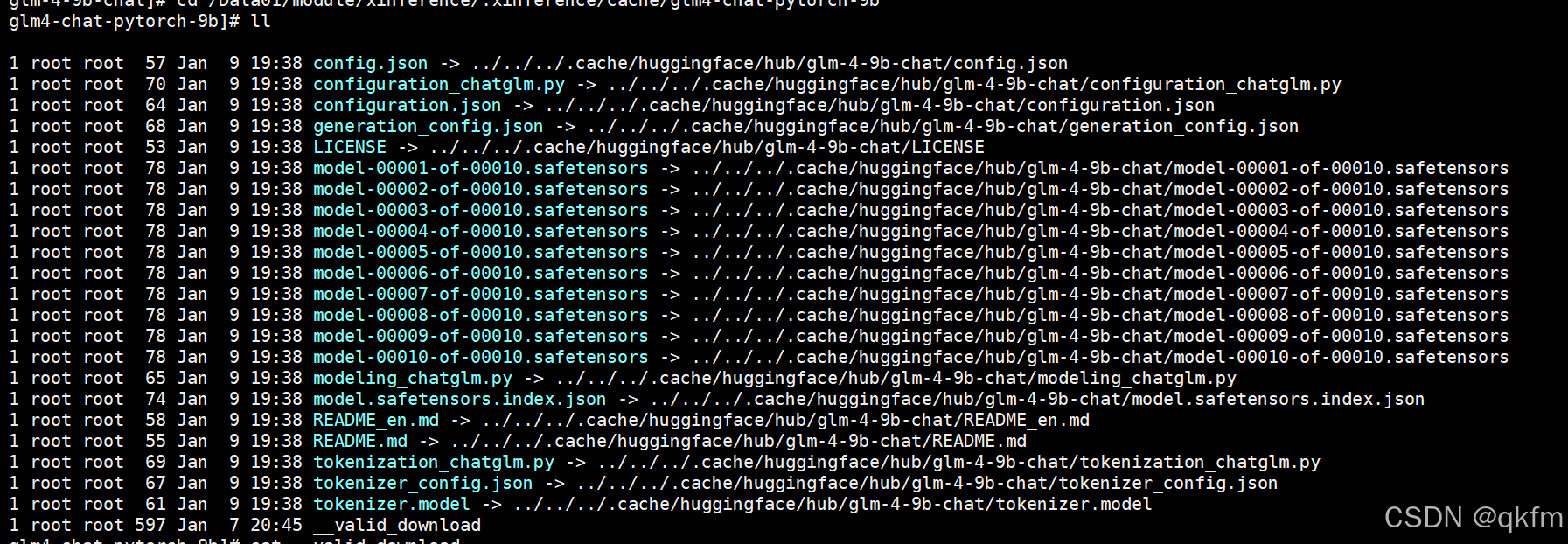
ln -s ../../../.cache/huggingface/hub/glm-4-9b-chat/* /data/module/xinference/.xinference/cache/glm4-chat-pytorch-9b/
其中 /data/module/xinference/.xinference/cache/glm4-chat-pytorch-9b 这个路径是通过xinference也没生成的,因为服务器上连不了网,下载不了,他只能生成路径。
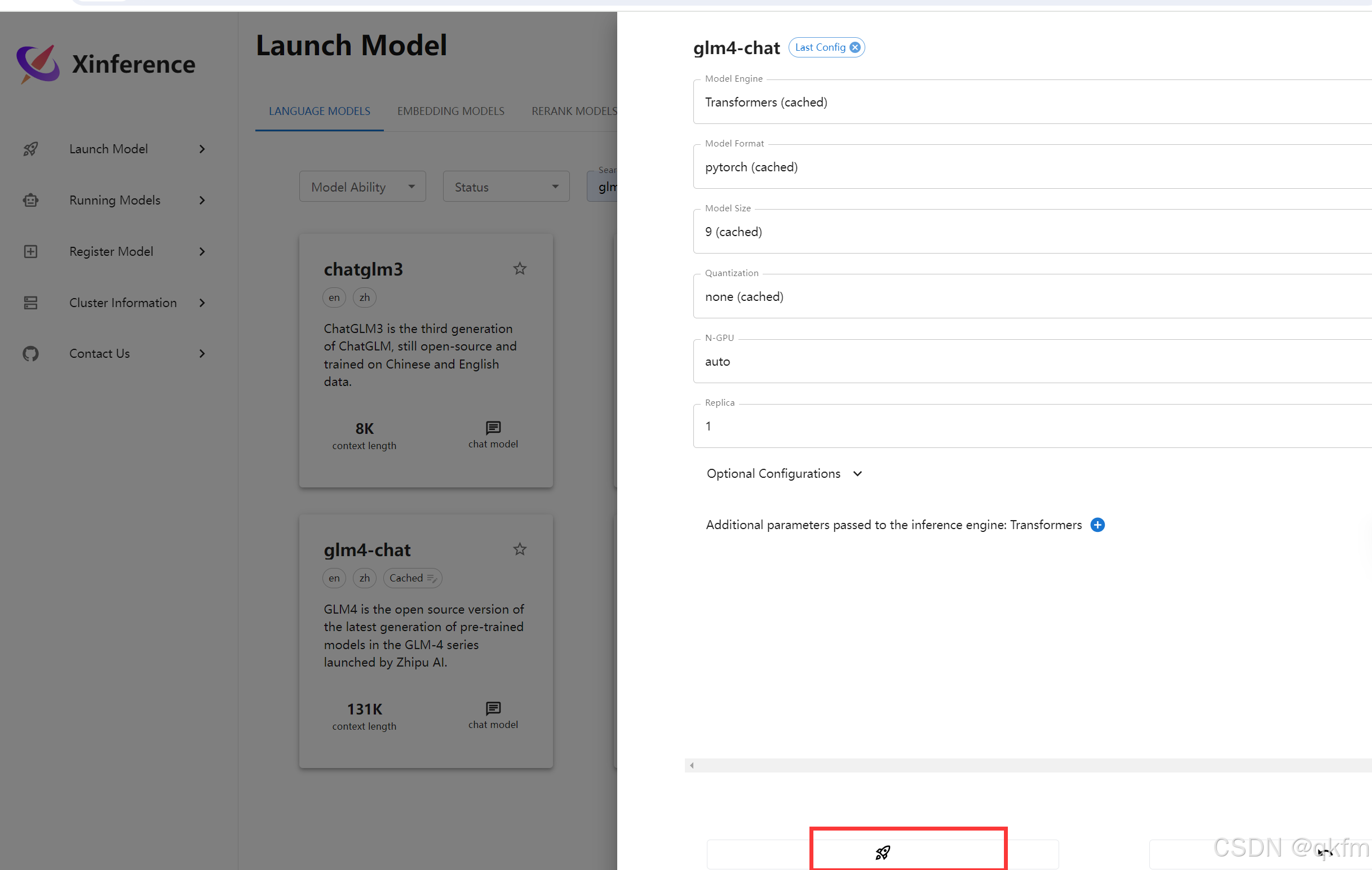
到cd /data/module/xinference/.xinference/cache/glm4-chat-pytorch-9b路径下建
建__valid_download文件,这样模型启动的时候才不会下载
{
    "model_type": "LLM",
    "address": null,
    "accelerators": null,
    "model_name": "glm4-chat",
    "model_lang": [
        "en",
        "zh"
    ],
    "model_ability": [
        "chat",
        "tools"
    ],
    "model_description": "GLM4 is the third generation of ChatGLM, still open-source and trained on Chinese and English data.",
    "model_format": "pytorch",
    "model_size_in_billions": 9,
    "model_family": "glm4-chat",
    "quantization": "8-bit",
    "model_hub": "modelscope",
    "revision": "aae8bd74af5c6dff63a49d7fbdcc89349ebf87aa",
    "context_length": 131072
}
其中revision 我之前是随便先填一个,启动的时候报错会提示找不到revision,在把log里面的revision拷贝过来, 如果没报错就没问题
最后/data/module/xinference/.xinference/cache/glm4-chat-pytorch-9b目录的文件如下
4、最后跑到xinference上启动就可以了
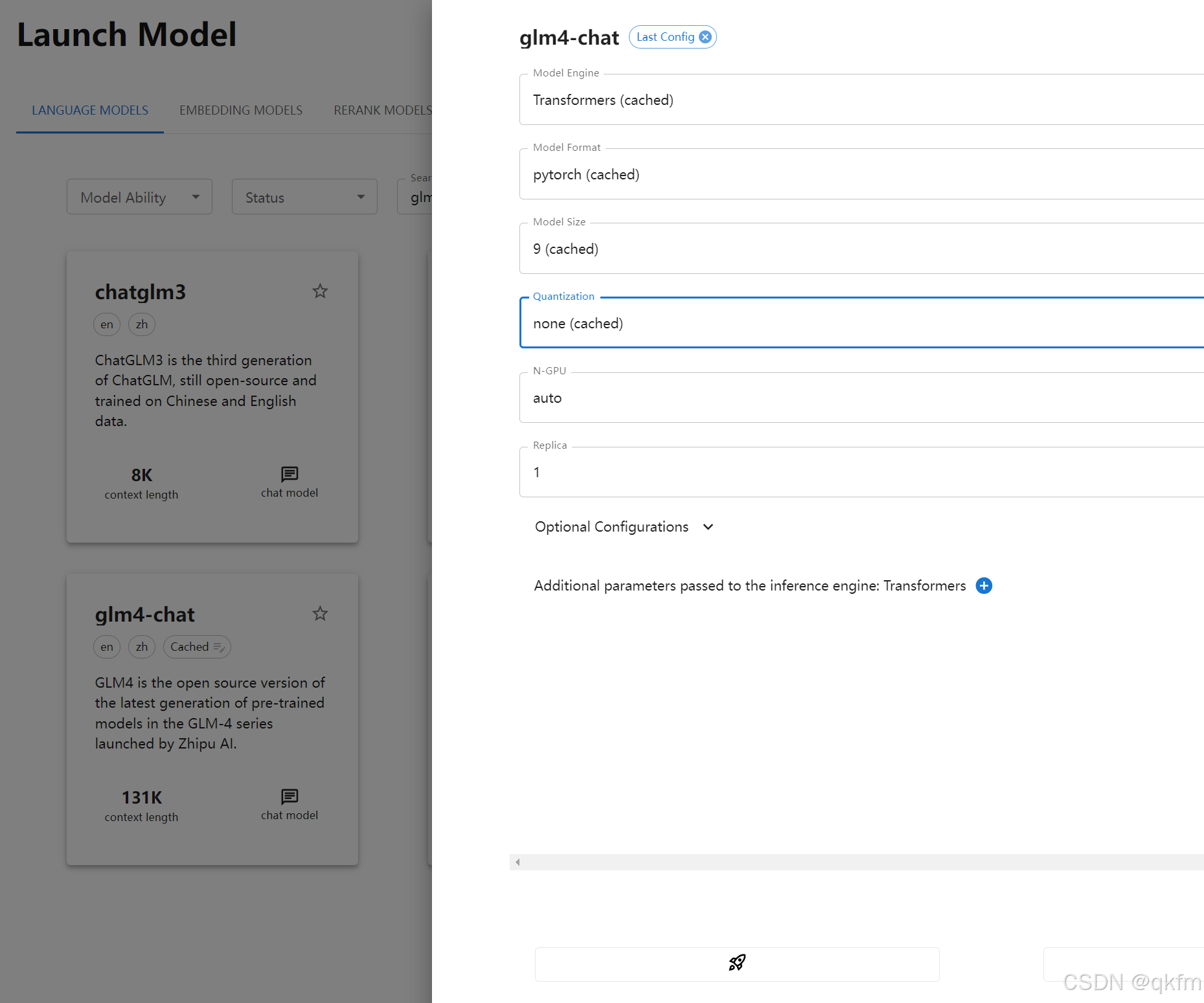
5、如果transforms版本不对跑不起来的话就重新安装
#升级pip 和 transformers
pip install --upgrade pip  -i https://pypi.tuna.tsinghua.edu.cn/simple
pip uninstall transformers
pip install transformers==4.44.2 -i https://pypi.tuna.tsinghua.edu.cn/simple
6、验证
到xinference容器内部
xinference chat --model-uid glm4-chat

中国智能体开发者社区,聚焦智能体与大模型开发,提供前沿资讯、实用工具链、开源项目及行业案例。通过技术沙龙、开发者大赛等活动,促进经验交流与协作,助力开发者快速构建创新智能应用。
更多推荐
 4
4 0
0- 0


 已为社区贡献1条内容

所有评论(0)