Elasticsearch 实现“不包含“查询的 4 种方法,你知道几个?
建索引时配置分词器,让"iPhone15"被拆分成"iphone"、"iphone15"、"15"三个token。Elasticsearch 没有直接的"不包含"操作符,但我们可以通过组合。开发测试阶段,咱们优先使用通配符或查询字符串,快速验证逻辑。操作符 —— 它会反转匹配条件,把"包含"变成"不包含"。咱们企业的临时复杂需求,可以用正则,但要监控性能。生产环境高频查询,必须使用自定义分词器方案
unsetunset1、核心问题unsetunset
Elasticsearch 没有直接的"不包含"操作符,但我们可以通过组合 must_not 和其他查询方式来实现。
本文介绍 4 种实用方法,从灵活到高效依次递进。

unsetunset2、准备测试数据unsetunset
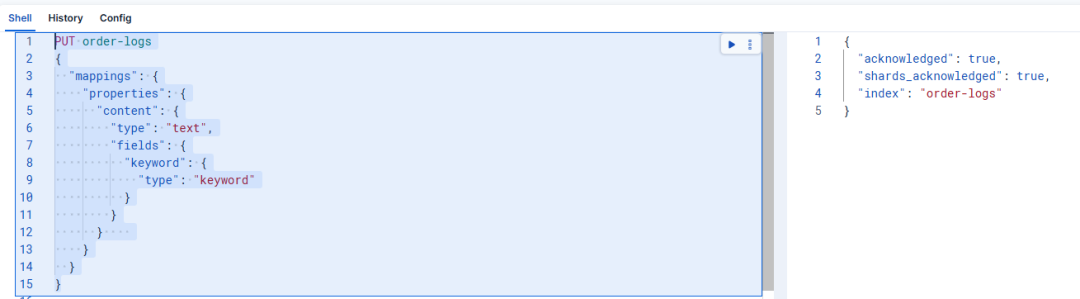
创建一个订单日志索引:
PUT order-logs
{
"mappings": {
    "properties": {
      "content": {
        "type": "text",
        "fields": {
          "keyword": {
            "type": "keyword"
          }
        }
      }
    }
  }
}
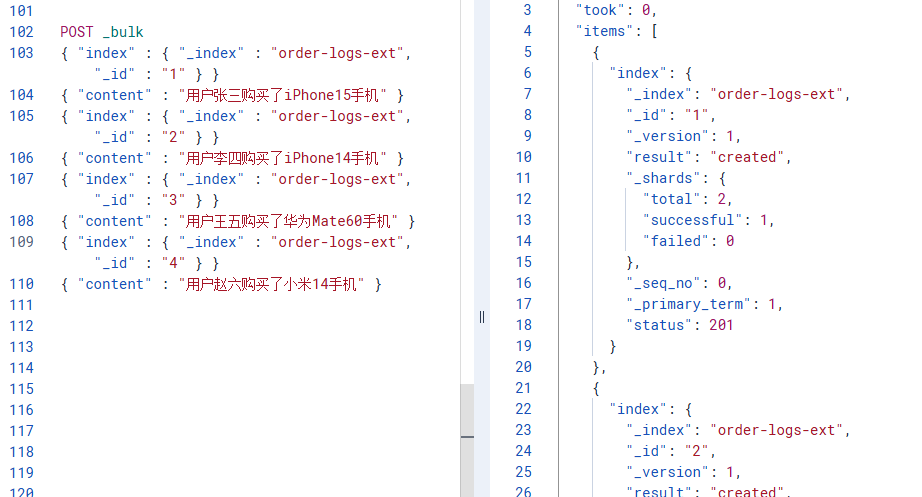
插入几条测试数据:
POST _bulk
{ "index" : { "_index" : "order-logs", "_id" : "1" } }
{ "content" : "用户张三购买了iPhone15手机" }
{ "index" : { "_index" : "order-logs", "_id" : "2" } }
{ "content" : "用户李四购买了iPhone14手机" }
{ "index" : { "_index" : "order-logs", "_id" : "3" } }
{ "content" : "用户王五购买了华为Mate60手机" }
{ "index" : { "_index" : "order-logs", "_id" : "4" } }
{ "content" : "用户赵六购买了小米14手机" }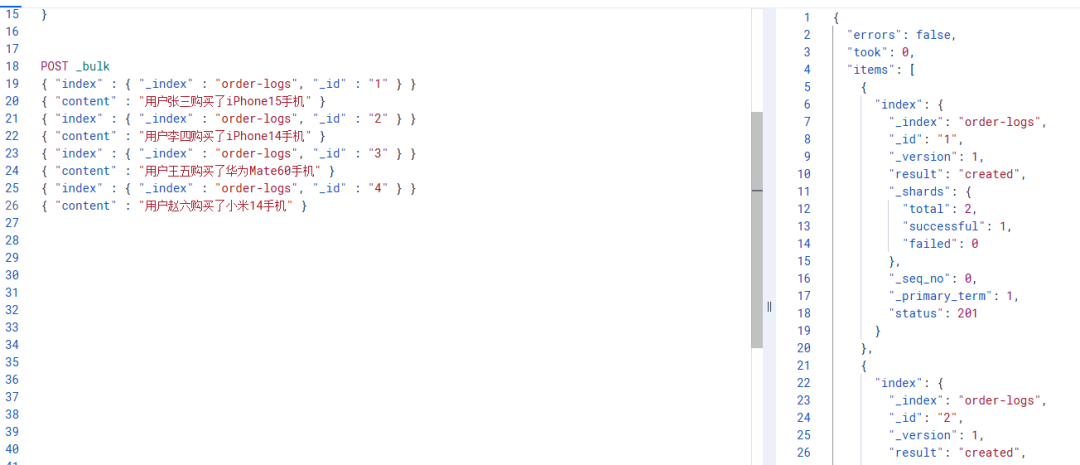
2.1 方法1: 正则表达式 (相对灵活)
适用场景: 需要复杂模式匹配时
需求: 排除所有包含 iPhone14 或 iPhone15 的订单
GET order-logs/_search
{
  "query": {
    "bool": {
      "must_not": [
         { "regexp": { "content.keyword": ".*iPhone1[4-5].*" } }
      ]
    }
  }
}
返回结果: 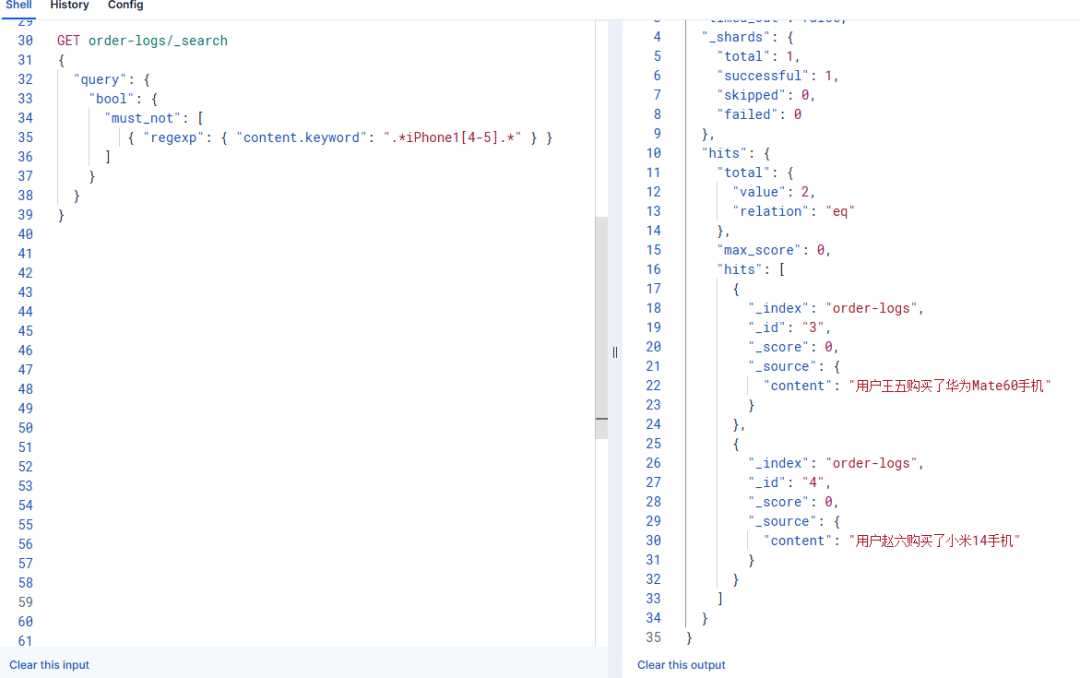
"hits": [
      {
        "_index": "order-logs",
        "_id": "3",
        "_score": 0,
        "_source": {
          "content": "用户王五购买了华为Mate60手机"
        }
      },
      {
        "_index": "order-logs",
        "_id": "4",
        "_score": 0,
        "_source": {
          "content": "用户赵六购买了小米14手机"
        }
      }
    ]
  }
}
缺点: 性能最差,仅在必须使用复杂模式时才选择
2.2 方法2: 通配符查询 (较快)
适用场景: 简单的子串匹配
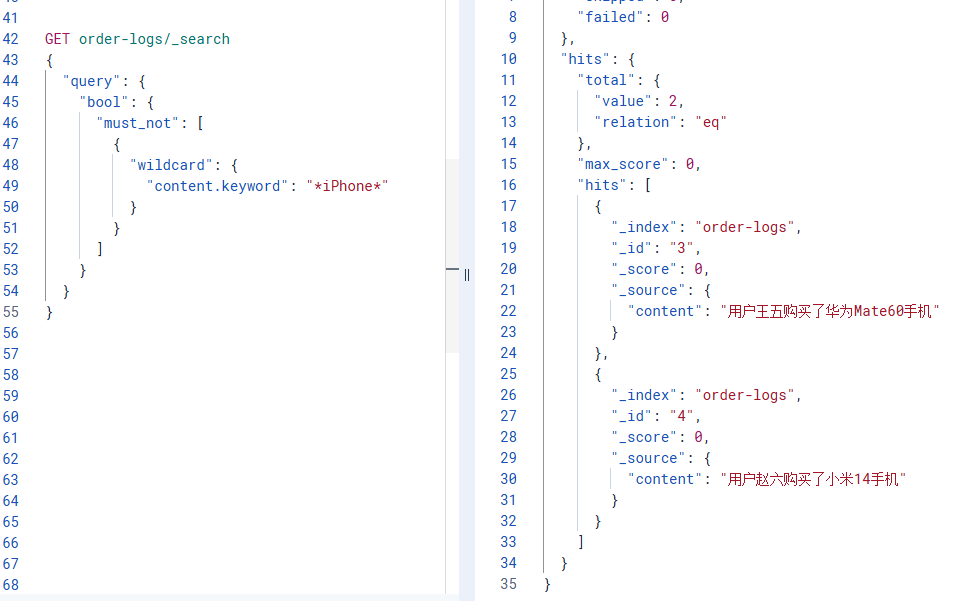
需求: 排除所有包含"iPhone"的订单
GET order-logs/_search
{
"query": {
    "bool": {
      "must_not": [
        {
          "wildcard": {
            "content.keyword": "*iPhone*"
          }
        }
      ]
    }
  }
}
返回结果:
"hits": [
      {
        "_index": "order-logs",
        "_id": "3",
        "_score": 0,
        "_source": {
          "content": "用户王五购买了华为Mate60手机"
        }
      },
      {
        "_index": "order-logs",
        "_id": "4",
        "_score": 0,
        "_source": {
          "content": "用户赵六购买了小米14手机"
        }
      }
    ]
  }
特点: 比正则快,但仍属于低性能操作
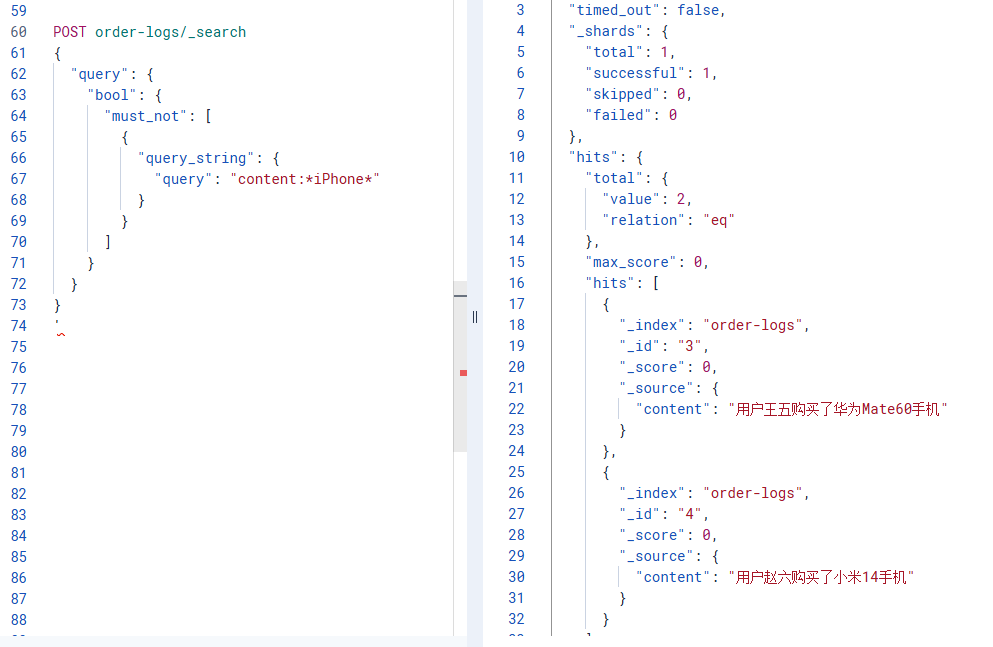
2.3 方法3: 查询字符串 (更简洁)
适用场景: 与方法2相同,但语法更简洁
POST order-logs/_search
{
  "query": {
    "bool": {
      "must_not": [
        {
          "query_string": {
            "query": "content:*iPhone*"
          }
        }
      ]
    }
  }
}
特点: 本质上也是通配符,但请求体更小
2.4 方法4: 自定义分词器 + Match (最快)
适用场景: 提前知道要过滤的关键词,追求极致性能
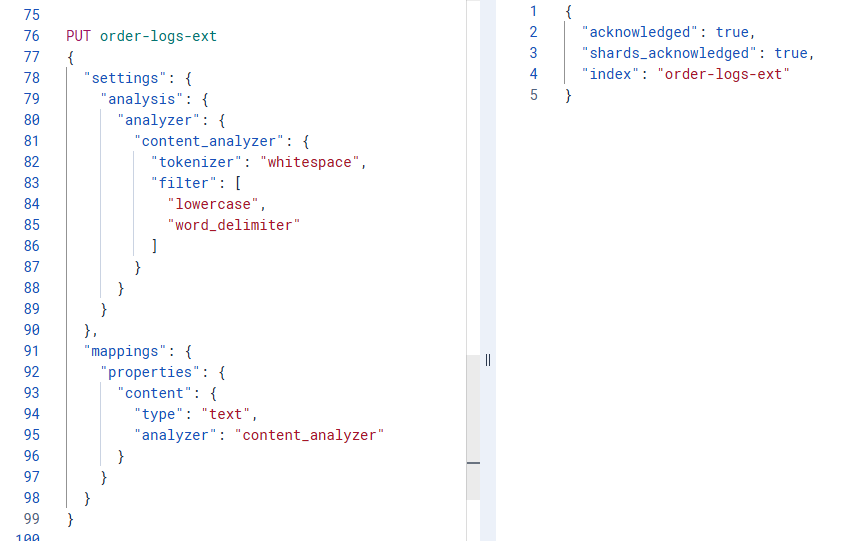
核心思路: 建索引时配置分词器,让"iPhone15"被拆分成"iphone"、"iphone15"、"15"三个token
重建索引并配置分词器:
PUT order-logs-ext
{
"settings": {
    "analysis": {
      "analyzer": {
        "content_analyzer": {
          "tokenizer": "whitespace",
          "filter": [
            "lowercase",
            "word_delimiter"
          ]
        }
      }
    }
  },
"mappings": {
    "properties": {
      "content": {
        "type": "text",
        "analyzer": "content_analyzer"
      }
    }
  }
}
 使用简单的 match 查询:
POST order-logs-ext/_search
{
"query": {
    "bool": {
      "must_not": [
        {
          "match": {
            "content": "iPhone"
          }
        }
      ]
    }
  }
}
优点: 性能最佳,比通配符和正则快得多
缺点: 索引配置复杂,只能匹配预设的分词规则 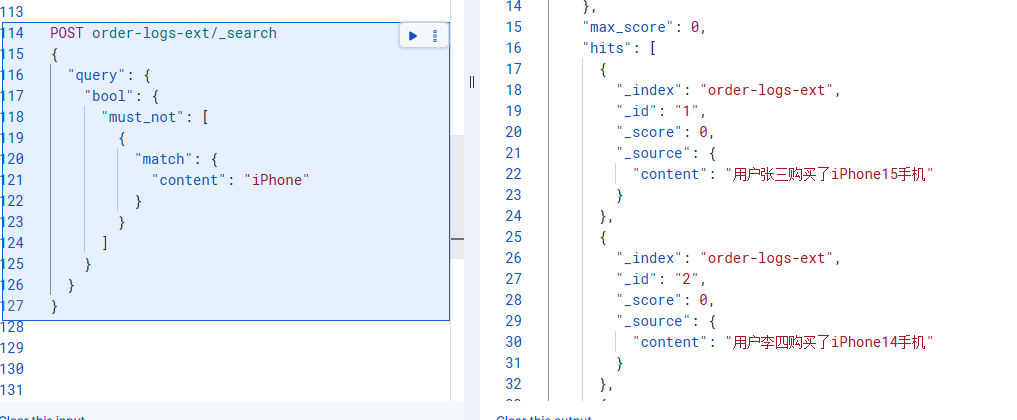
unsetunset3、方法选择建议unsetunset
|
方法 |
性能 |
灵活性 |
适用场景 |
|---|---|---|---|
|
正则表达式 |
⭐ |
⭐⭐⭐⭐⭐ |
复杂模式匹配 |
|
通配符 |
⭐⭐ |
⭐⭐⭐ |
简单子串匹配 |
|
查询字符串 |
⭐⭐ |
⭐⭐⭐ |
简单子串(语法简洁) |
|
自定义分词 |
⭐⭐⭐⭐⭐ |
⭐⭐ |
已知关键词,高并发场景 |
unsetunset4、实战建议unsetunset
开发测试阶段,咱们优先使用通配符或查询字符串,快速验证逻辑。
生产环境低频查询,可适当使用通配符。
生产环境高频查询,必须使用自定义分词器方案。
咱们企业的临时复杂需求,可以用正则,但要监控性能。
所有方法的核心都是 must_not 操作符 —— 它会反转匹配条件,把"包含"变成"不包含"。
前文全部案例均已在 Elasticsearch 9.0.0 版本验证成功。

更短时间更快习得更多干货!
和全球 2000+ Elastic 爱好者一起精进!

比同事抢先一步学习进阶干货!

火山引擎开发者社区是火山引擎打造的AI技术生态平台,聚焦Agent与大模型开发,提供豆包系列模型(图像/视频/视觉)、智能分析与会话工具,并配套评测集、动手实验室及行业案例库。社区通过技术沙龙、挑战赛等活动促进开发者成长,新用户可领50万Tokens权益,助力构建智能应用。
更多推荐
 4
4 0
0- 0


 已为社区贡献57条内容

所有评论(0)