使用大模型进行工具调用(和风天气API)
·
导入模块(hefengweather为上一教程制作的工具)
import json
import os
from hefengweather import format_current_weather, QWEATHER
from openai import OpenAI
from dotenv import load_dotenv

load_dotenv() # 加载.env文件中的环境变量申请千问API
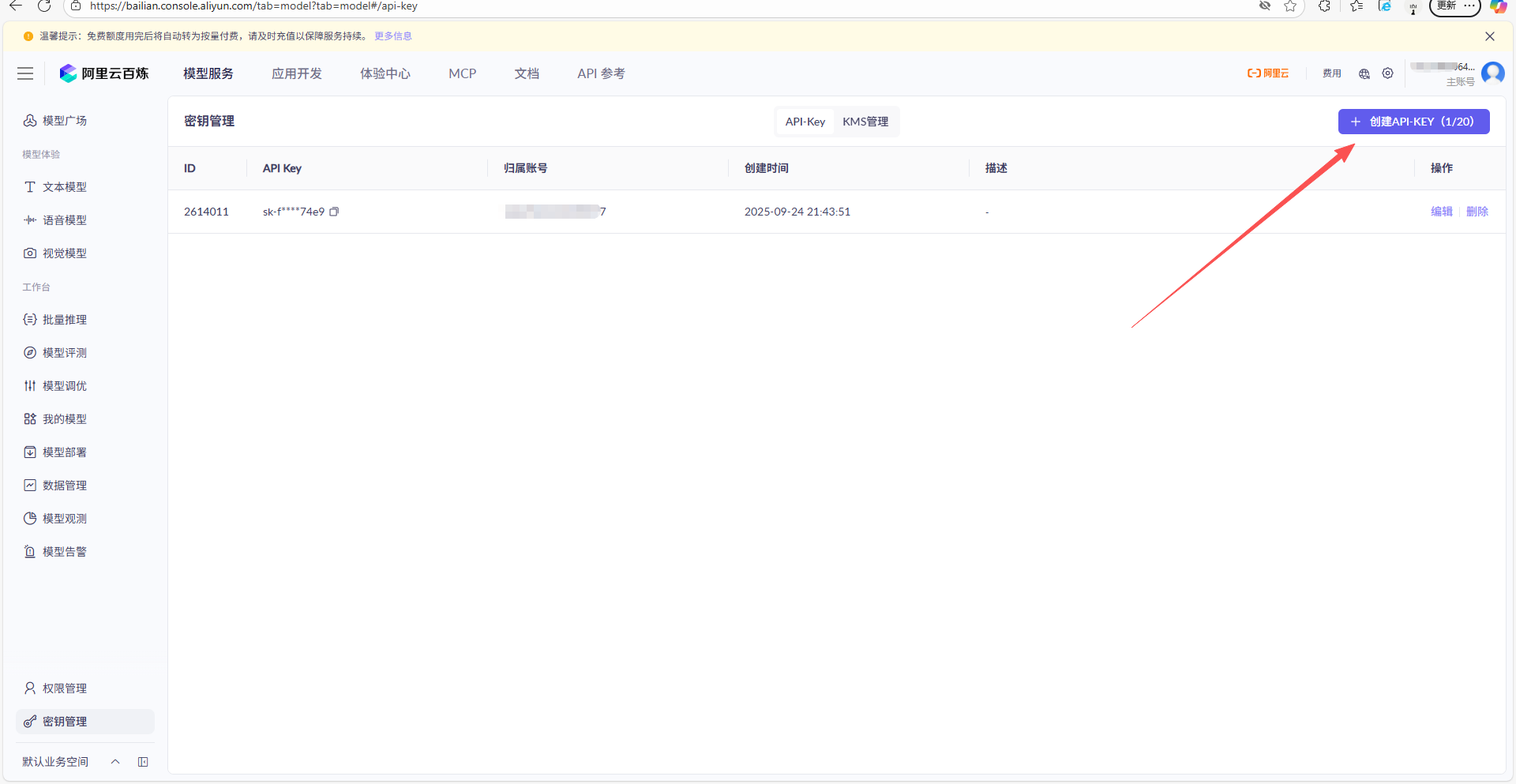
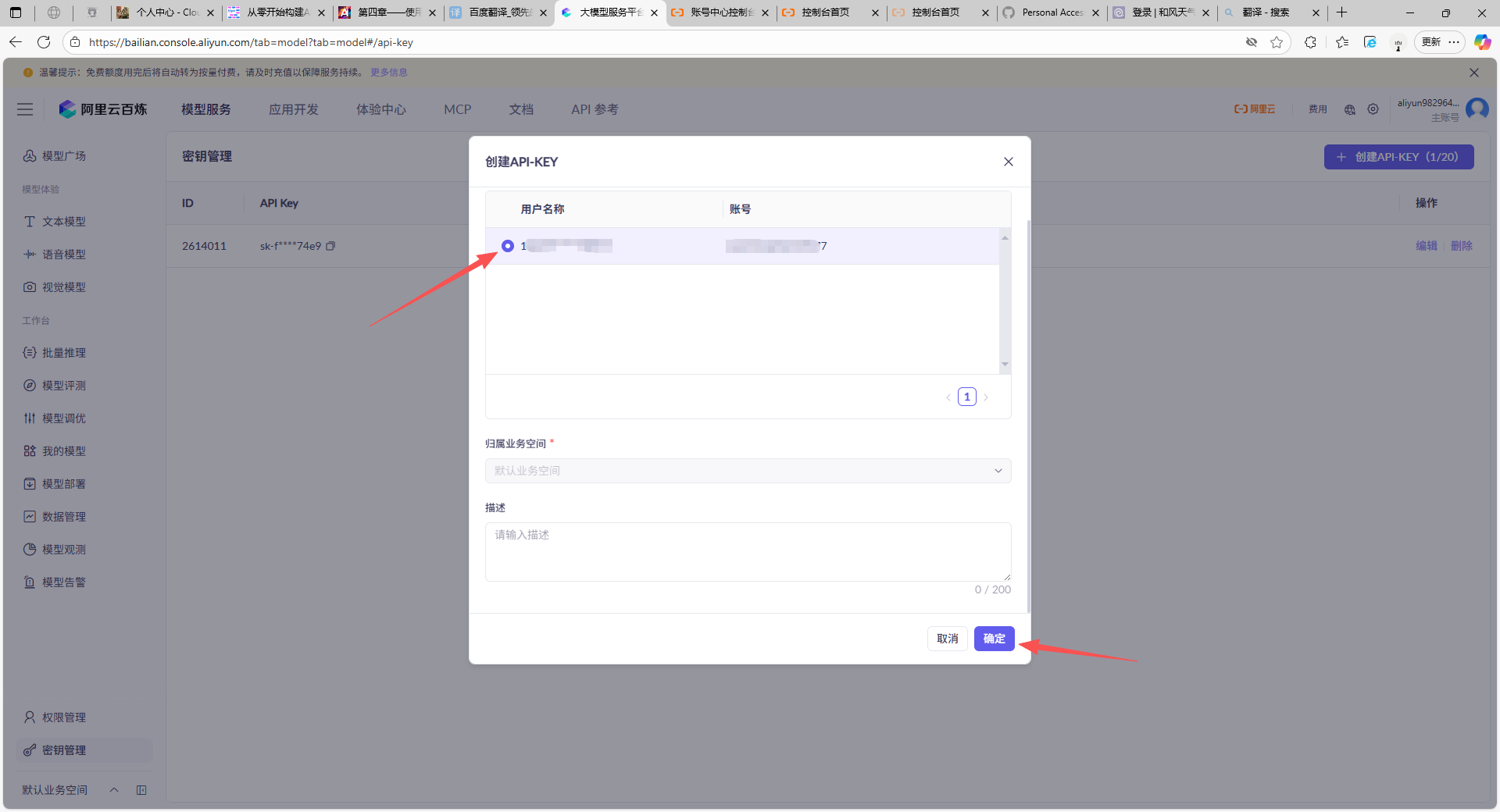
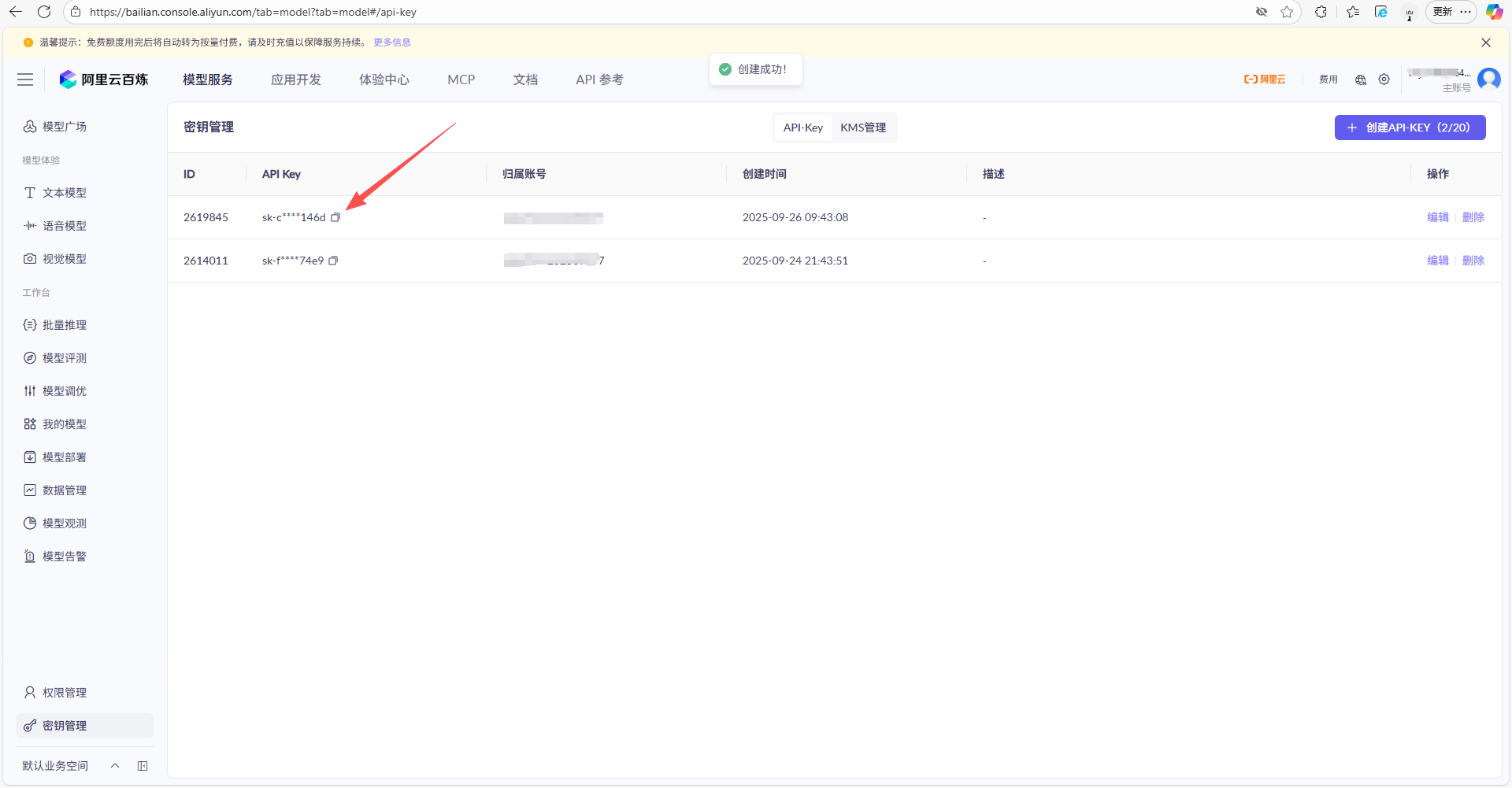
初始化千文客户端
client = OpenAI(
    api_key=os.getenv("DASHSCOPE_API_KEY"),
    base_url="https://dashscope.aliyuncs.com/compatible-mode/v1",  # 填写DashScope SDK的base_url
)
定义工具集
tools = [
     {
        "type": "function",
        "function": {
            "name": "format_current_weather",
            "description": "查询指定城市的天气",
            "parameters": {
                "type": "object",
                "properties": {
                    # 查询天气时需要提供位置,因此参数设置为location
                    "location": {
                        "type": "string",
                        "description": "城市或县区,比如北京市、杭州市、余杭区等。"
                    }
                },
                "required": ["location"]
            }
        }
    }
]
模拟创建对话
user_input = '北京今天天气怎么样?'
messages = [{
    'role': 'user',
    'content': user_input
}]
调用模型
completion = client.chat.completions.create(
    model='qwen-max',
    messages=messages,
    tools=tools,
    tool_choice='auto'
)
解析大模型返回的工具调用指令
tool_call = completion.choices[0].message.tool_calls[0]
function_name = tool_call.function.name  # 提取工具名:get_current_weather
function_args = json.loads(tool_call.function.arguments) # 提取参数:{"location": "北京市"}执行工具函数(使用前一篇博客中搭建的和风天气工具)
if function_name == "format_current_weather":
    location = function_args["location"]

    api_key = os.getenv('HEFENG_API_KEY')
    client_weather = QWEATHER(api_key)

    city_name = location

    city_id = client_weather.search_city(city_name)
    if not city_id:
        print(f"未找到城市:{city_name},请检查")
    else:
        weather_response = client_weather.get_current_weather(city_id)

    weather_result = format_current_weather(weather_response, city_name)  # 如返回:{"location":"北京市", "temperature":"18℃", ...}
将工具结果返回给大模型,让模型生成自然语言回答
# 更新对话历史,加入工具调用记录和结果
messages.append({
    "role": "assistant",
    "content": "",
    "tool_calls": [tool_call.dict()]  # 记录工具调用指令
})
messages.append({
    "role": "tool",
    "content": json.dumps(weather_result, ensure_ascii=False),  # 工具返回的天气数据
    "tool_call_id": tool_call.id  # 关联工具调用ID
})
再次调用模型,生成最终回答
final_completion = client.chat.completions.create(
    model='qwen-max',
    messages=messages,
    tools=tools
)

print(final_completion.choices[0].message.content)
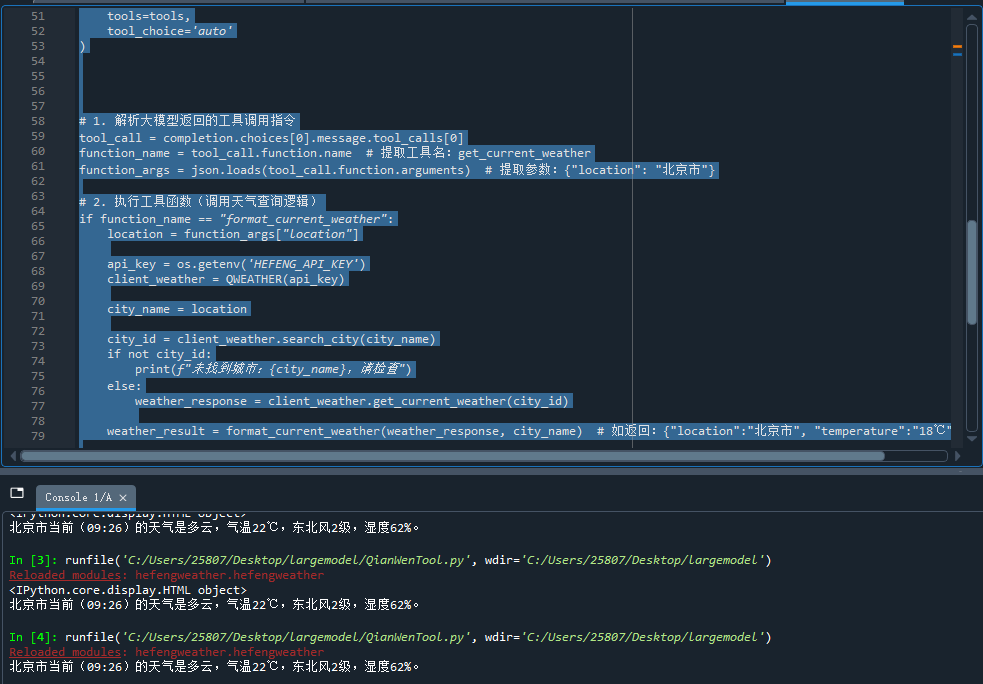
成功

中国智能体开发者社区,聚焦智能体与大模型开发,提供前沿资讯、实用工具链、开源项目及行业案例。通过技术沙龙、开发者大赛等活动,促进经验交流与协作,助力开发者快速构建创新智能应用。
更多推荐

 1
1 0
0- 0


 已为社区贡献2条内容

所有评论(0)