Python学习实战Day4——复刻faster whisper代码+Pytorch环境安装+显卡驱动安装+环境测试
一、复刻faster whisper实现的仿流式语音识别的项目
(一)项目概述:
这是一个基于faster whisper实现的仿流式语音识别的项目,其实是一句话识别。当我们讲完一句话的时候,会自动调用 asr 进行语音识别 本项目可以轻松对接大模型,从而实现离线环境的人机对话
(二)项目部署:
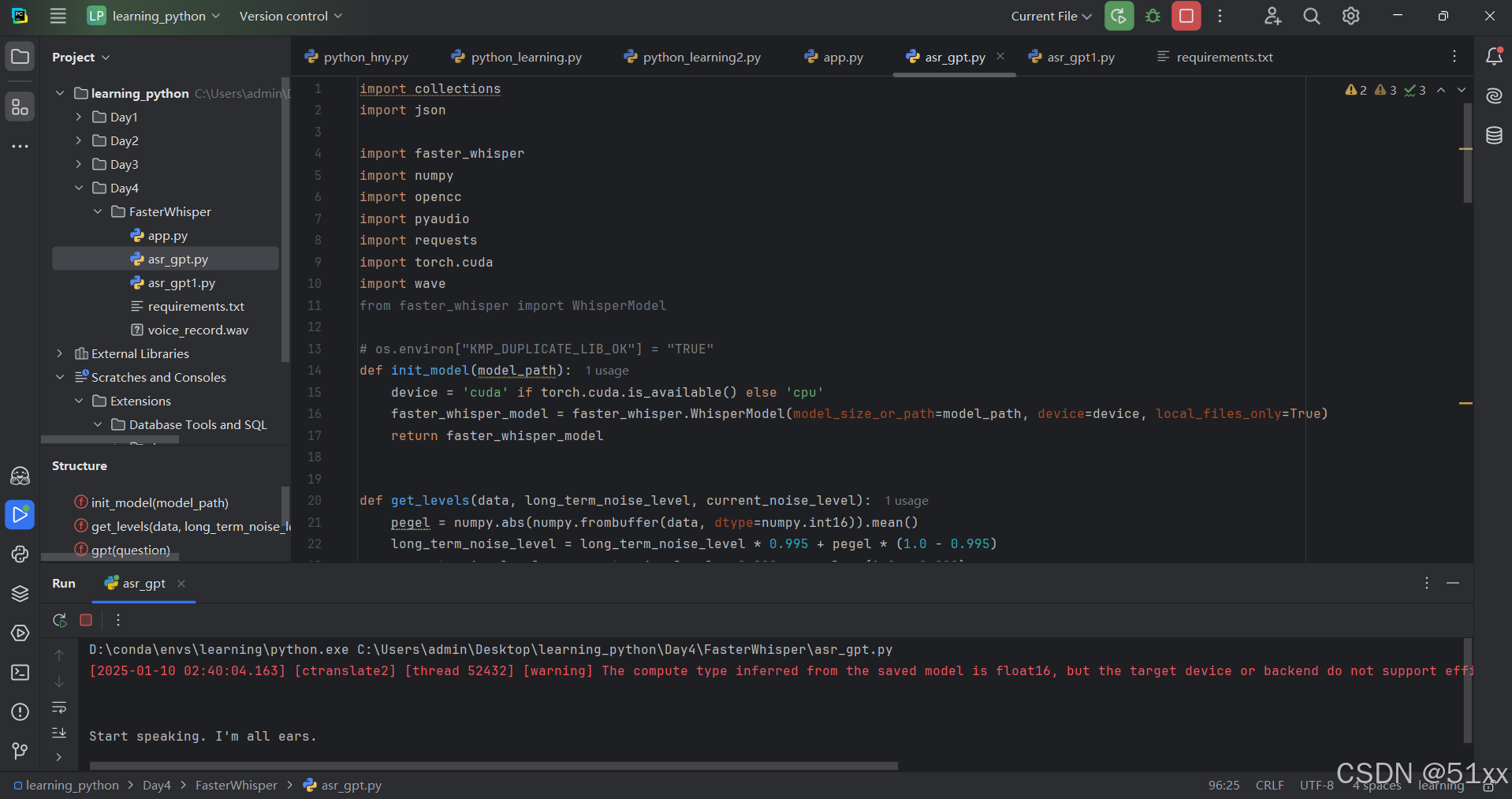
报错:The compute type inferred from the saved model is float16, but the target device or backend do not support efficient float16 computation. The model weights have been automatically converted to use the float32 compute type instead.
二、Pytorch环境安装+显卡驱动安装+环境测试
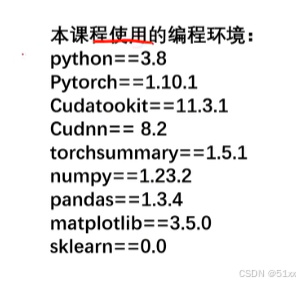
(一)显卡驱动安装
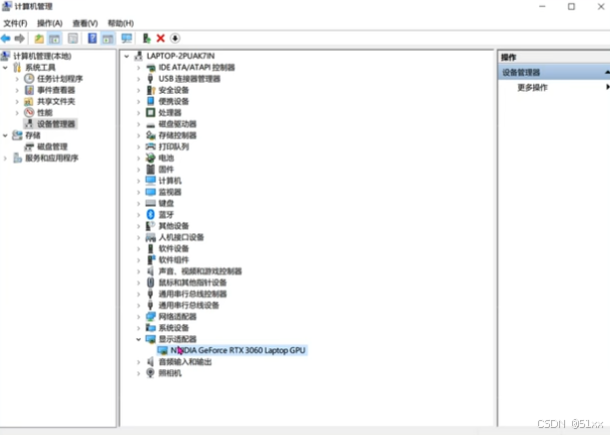
1.显卡查看
桌面此电脑——右击管理——设备管理器——显示适配器——查看显卡
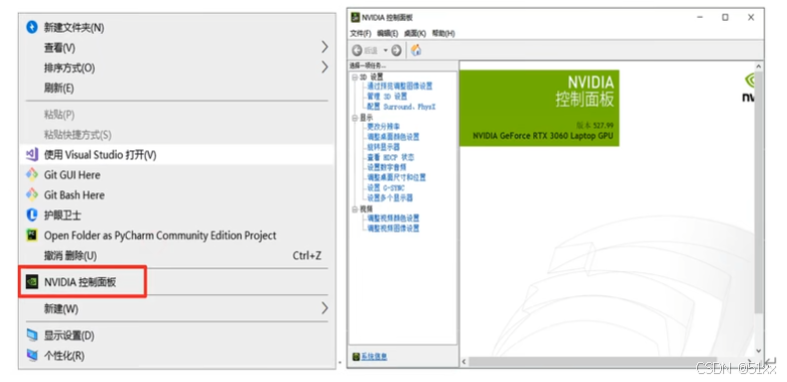
2.驱动下载
桌面右击——打开英伟达驱动面板
3.安装打开cmd命令窗口——查询显cuda tookit
卡驱动支持的最高版本(nvidia-smi)——安装cuda工具箱
(二)Pytorch深度学习环境安装
conda install pytorch==1.10.1 torchvision==0.11.2 torchaudio==0.10.1 cudatoolkit=11.3 -c pytorch -c conda-forge
pip install numpy==1.23.2
pip install torchsummary==1.5.1
pip install matplotlib==3.5.0
pip install sklearn==0.0
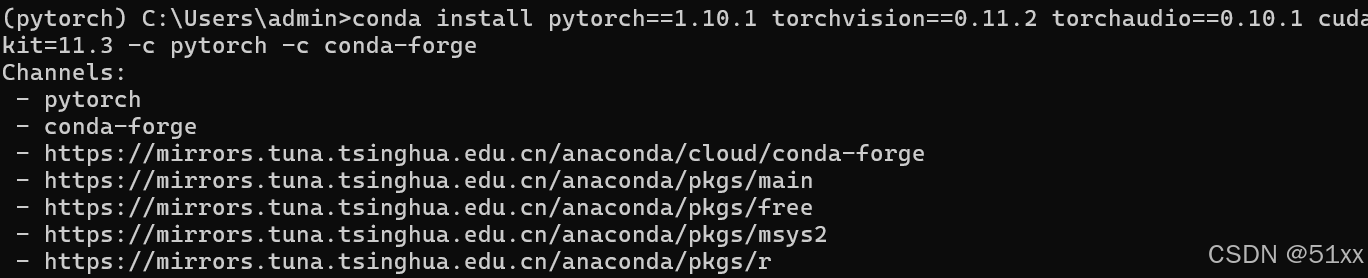
(三)环境测试
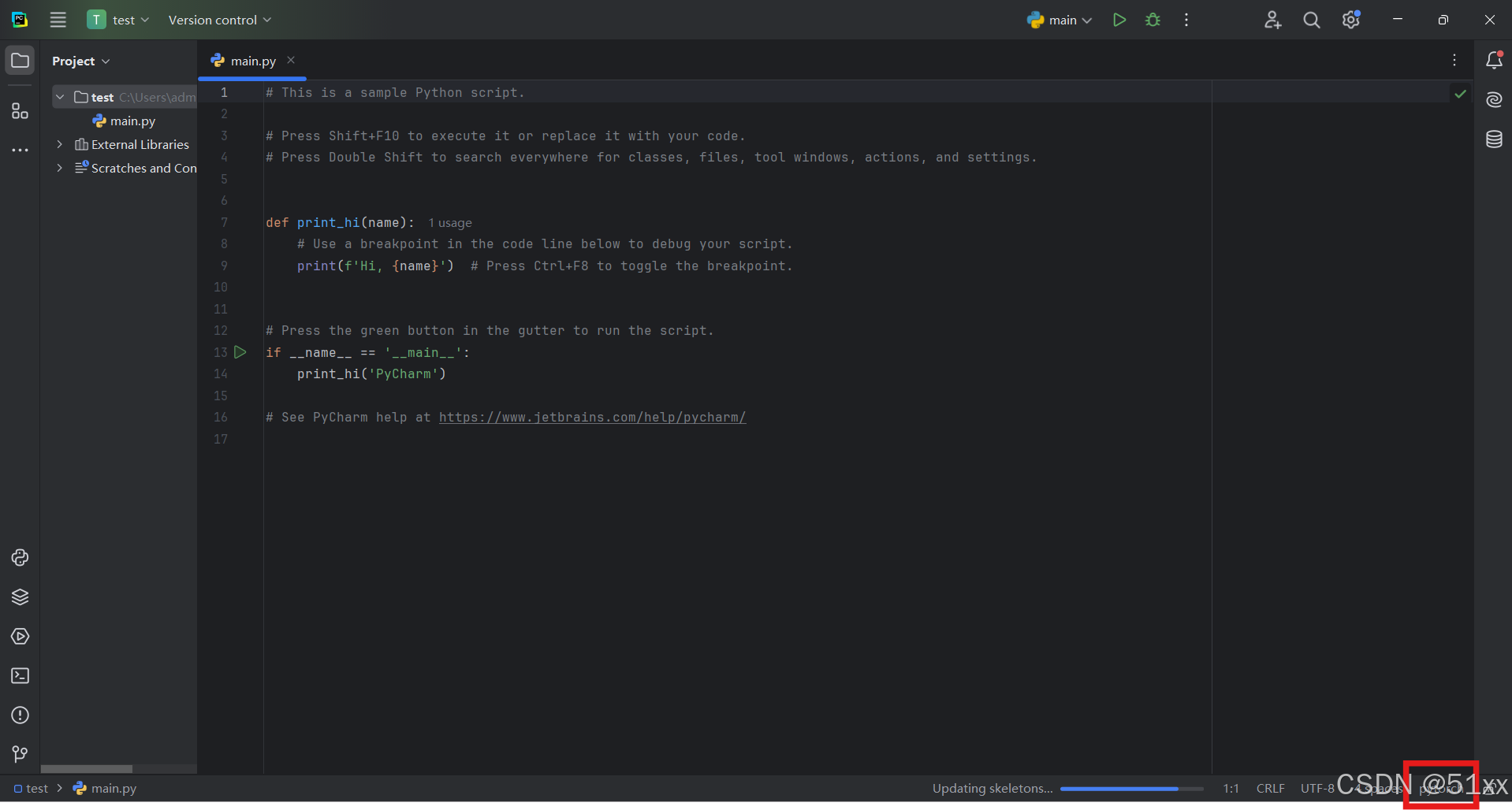
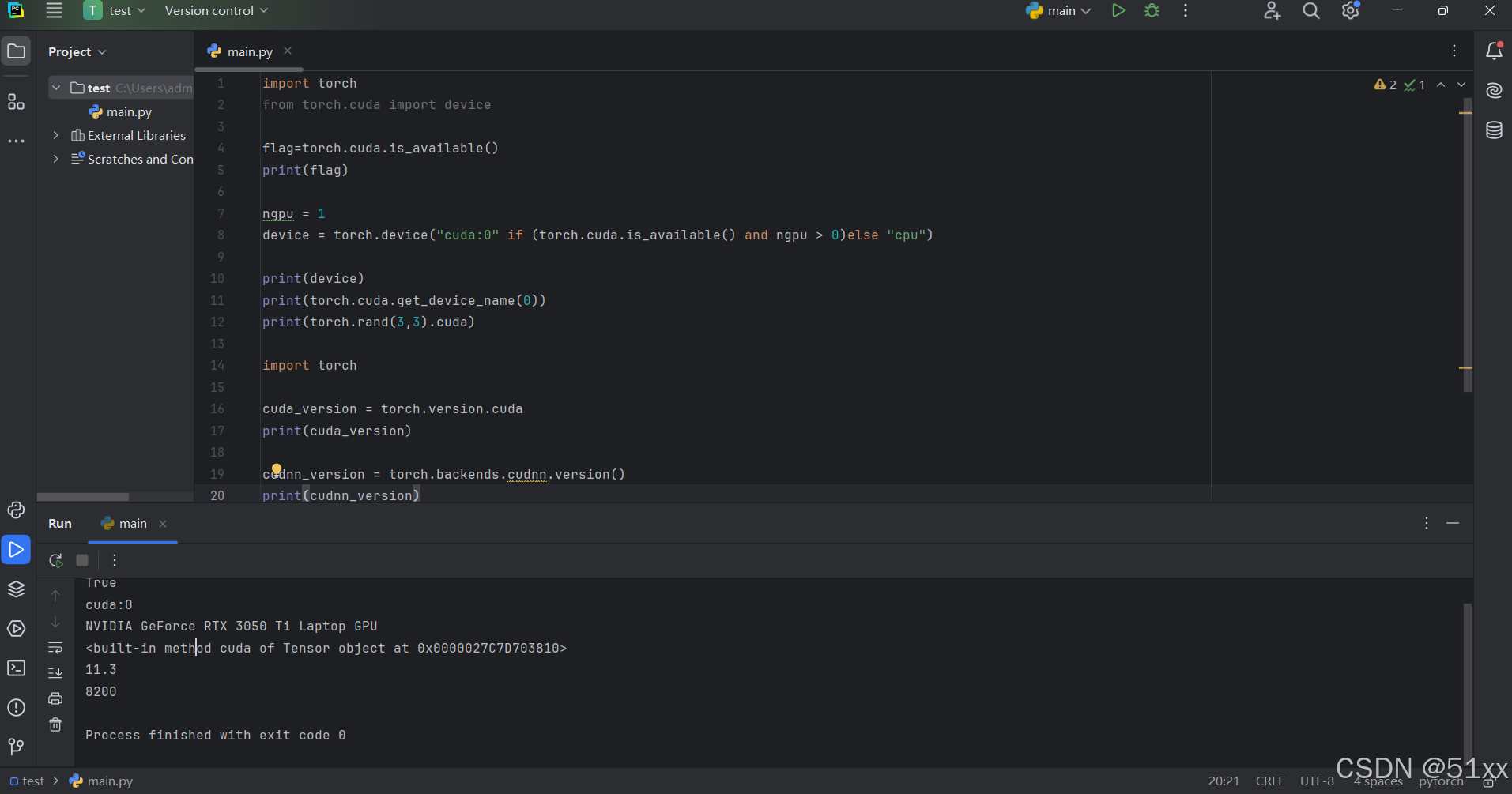
进入Pytorch环境——编写代码检验库的安装使用情况

中国智能体开发者社区,聚焦智能体与大模型开发,提供前沿资讯、实用工具链、开源项目及行业案例。通过技术沙龙、开发者大赛等活动,促进经验交流与协作,助力开发者快速构建创新智能应用。
更多推荐



 10
10 0
0- 0


 已为社区贡献1条内容

所有评论(0)