【AI】Docker部署ragflow笔记 github加速地址 Docker加速地址 解决‘include‘ does not match any of the regexes: ‘^x-‘
其中80端口为web服务端口,访问效果。ragflow接近3GB。
·
采用加速地址下载ragflow
git clone --depth=1 https://gh-proxy.com/https://github.com/infiniflow/ragflow.git当前环境
yeqiang@yeqiang-Default-string:~/src/ragflow/docker$ cat /etc/os-release
PRETTY_NAME="Ubuntu 22.04.1 LTS"
NAME="Ubuntu"
VERSION_ID="22.04"
VERSION="22.04.1 LTS (Jammy Jellyfish)"
VERSION_CODENAME=jammy
ID=ubuntu
ID_LIKE=debian
HOME_URL="https://www.ubuntu.com/"
SUPPORT_URL="https://help.ubuntu.com/"
BUG_REPORT_URL="https://bugs.launchpad.net/ubuntu/"
PRIVACY_POLICY_URL="https://www.ubuntu.com/legal/terms-and-policies/privacy-policy"
UBUNTU_CODENAME=jammy

配置docker加速地址
sudo vim /etc/docker/daemon.json {
"registry-mirrors": [
"https://register.librax.org"
]
}
sudo systemctl restart docker启动故障
yeqiang@yeqiang-Default-string:~/src/ragflow/docker$ docker-compose up
WARNING: The HF_ENDPOINT variable is not set. Defaulting to a blank string.
WARNING: The MACOS variable is not set. Defaulting to a blank string.
ERROR: The Compose file './docker-compose.yml' is invalid because:
'include' does not match any of the regexes: '^x-'

You might be seeing this error because you're using the wrong Compose file version. Either specify a supported version (e.g "2.2" or "3.3") and place your service definitions under the `services` key, or omit the `version` key and place your service definitions at the root of the file to use version 1.
For more on the Compose file format versions, see https://docs.docker.com/compose/compose-file/
卸载docker-compose,手动安装github最新版本
sudo apt remove docker-compose -y
wget https://gh-proxy.com/https://github.com/docker/compose/releases/download/v2.32.4/docker-compose-linux-x86_64
移动到系统目录
yeqiang@yeqiang-Default-string:~/Downloads$ sudo mv docker-compose-linux-x86_64 /usr/local/bin/docker-compose
[sudo] yeqiang 的密码:
yeqiang@yeqiang-Default-string:~/Downloads$ sudo chmod +x /usr/local/bin/docker-compose
yeqiang@yeqiang-Default-string:~/Downloads$ docker-compose --version
Docker Compose version v2.32.4
重新启动
等待下载镜像
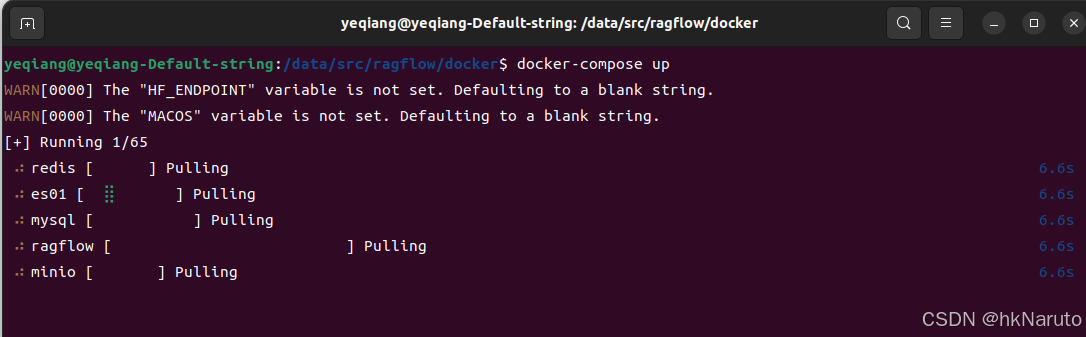
速度一般
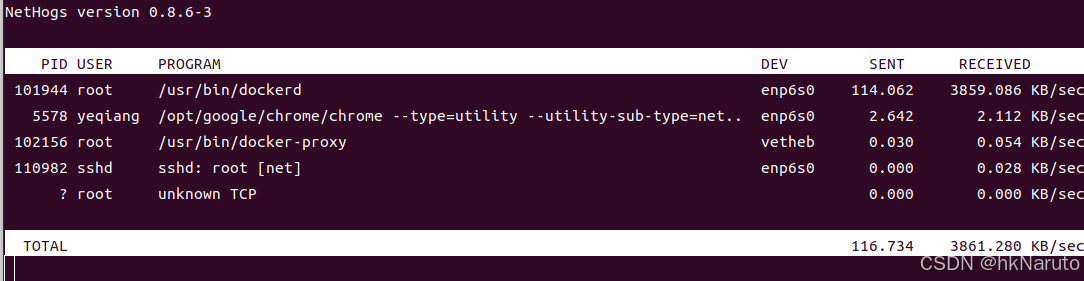
等待。
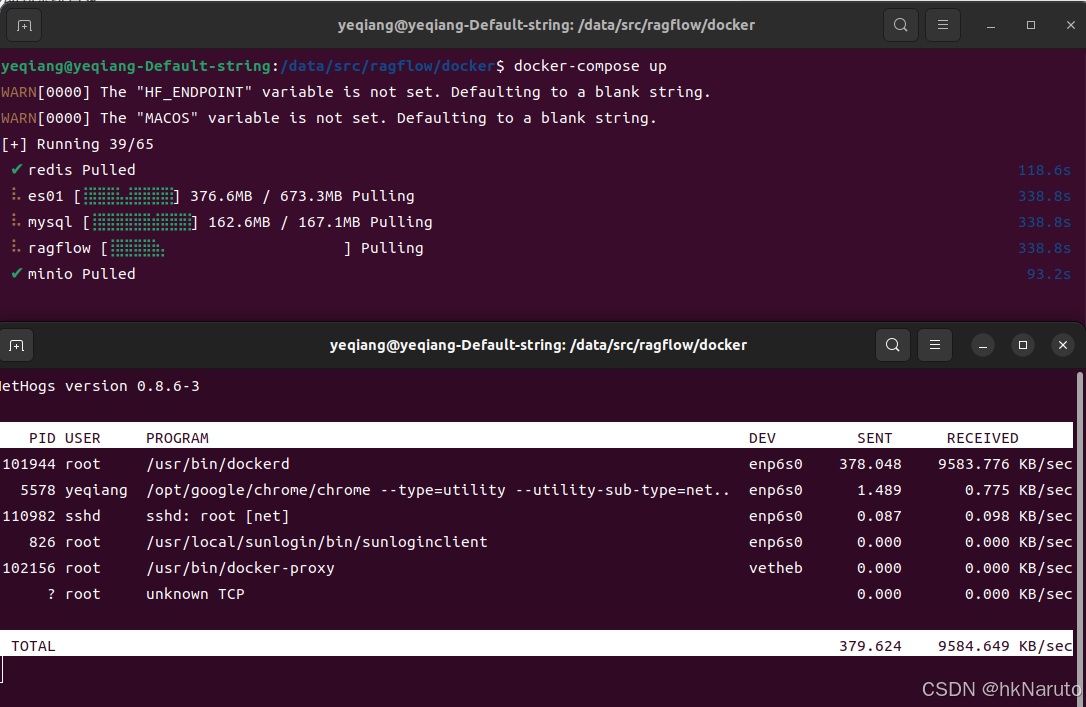
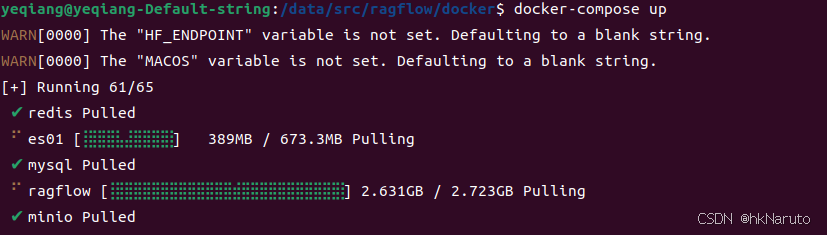
ragflow接近3GB
启动成功
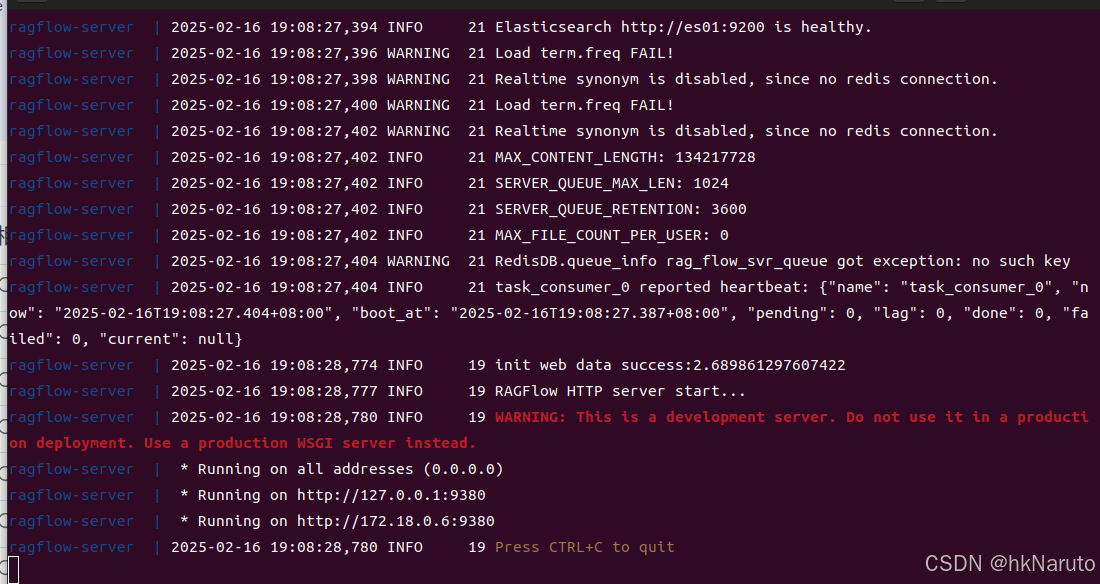
查看暴露的端口

成功部署
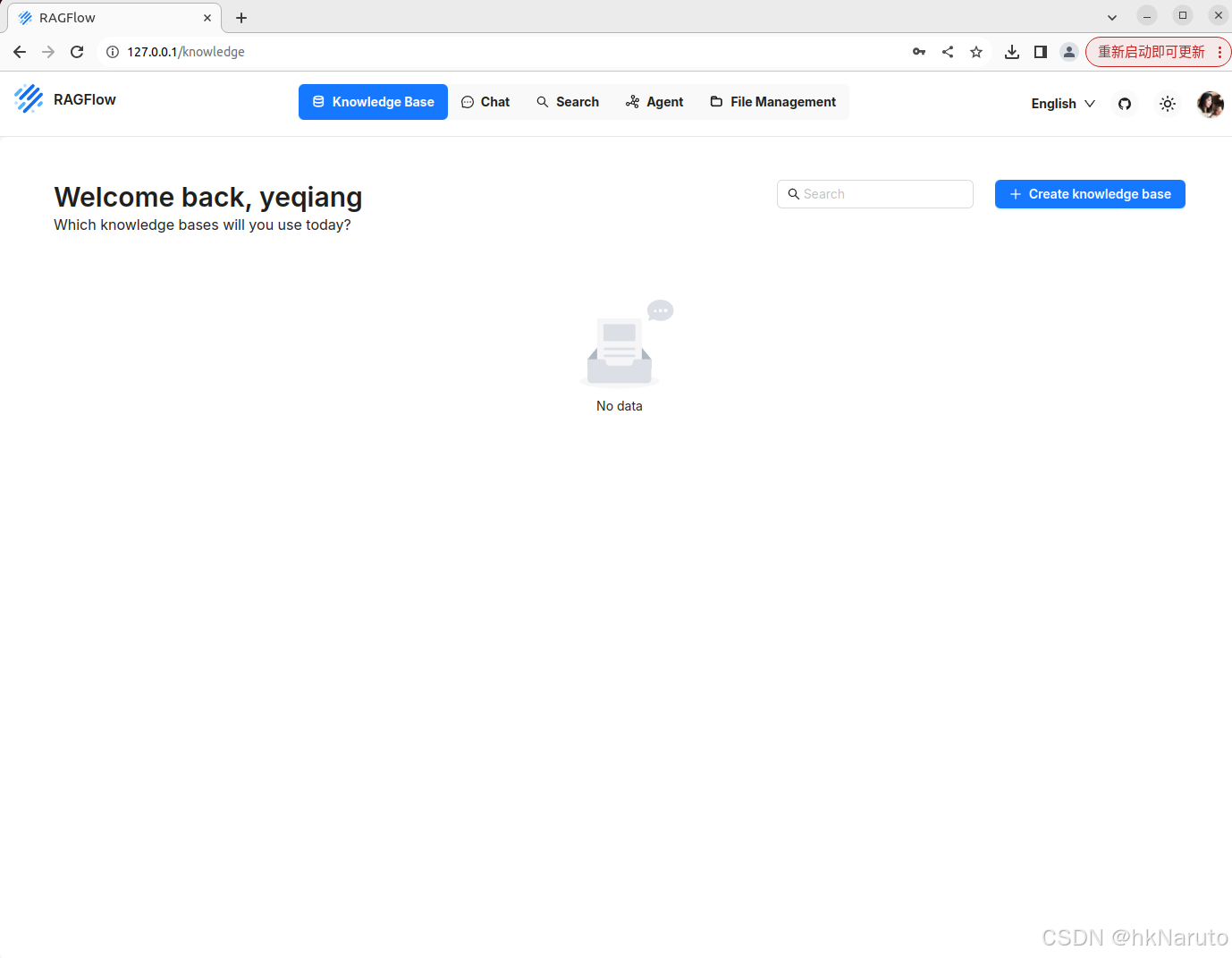
其中80端口为web服务端口,访问效果

基本使用
注册

登录成功

火山引擎开发者社区是火山引擎打造的AI技术生态平台,聚焦Agent与大模型开发,提供豆包系列模型(图像/视频/视觉)、智能分析与会话工具,并配套评测集、动手实验室及行业案例库。社区通过技术沙龙、挑战赛等活动促进开发者成长,新用户可领50万Tokens权益,助力构建智能应用。
更多推荐
 2
2 0
0- 0


 已为社区贡献16条内容

所有评论(0)