MacOS用Nginx部署苍穹外卖前端
1.下载Homebrew
在终端里输入以下命令来安装 Homebrew:
/bin/bash -c "$(curl -fsSL https://raw.githubusercontent.com/Homebrew/install/HEAD/install.sh)"
使用root权限添加环境变量:
sudo sh -c 'echo >> /Users/lvtong/.bash_profile; echo "eval "$(/opt/homebrew/bin/brew shellenv)"" >> /Users/lvtong/.bash_profile'
使环境变量配置生效:
eval "$(/opt/homebrew/bin/brew shellenv)"验证Homebrew是否可用:
Brew --version2.配置Nginx
Homebrew下载Nginx:
brew install nginx然后将day01的前端代码文件夹sky粘贴到/opt/homebrew/var/www/目录下
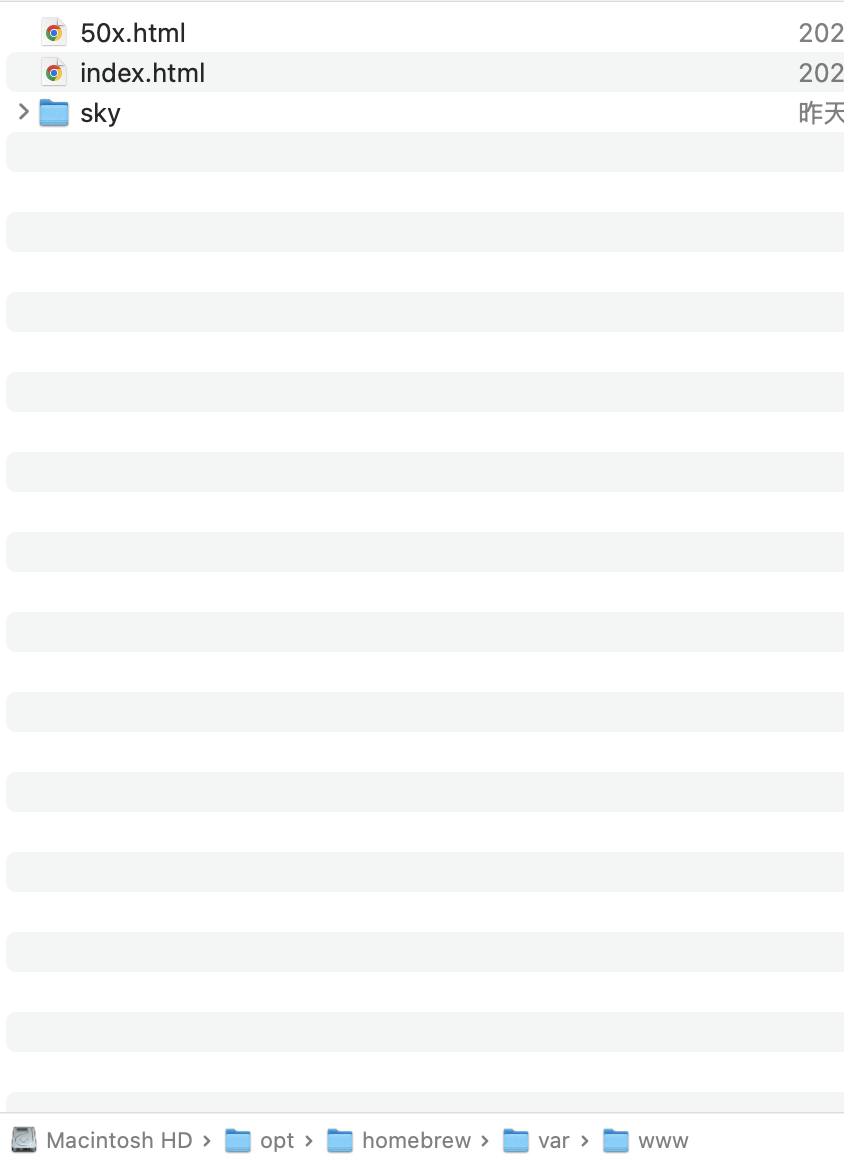
(使用brew下载nginx的话,这些目录地址应该是和我一样的)
注意:command+shift+. 显现隐藏文件夹
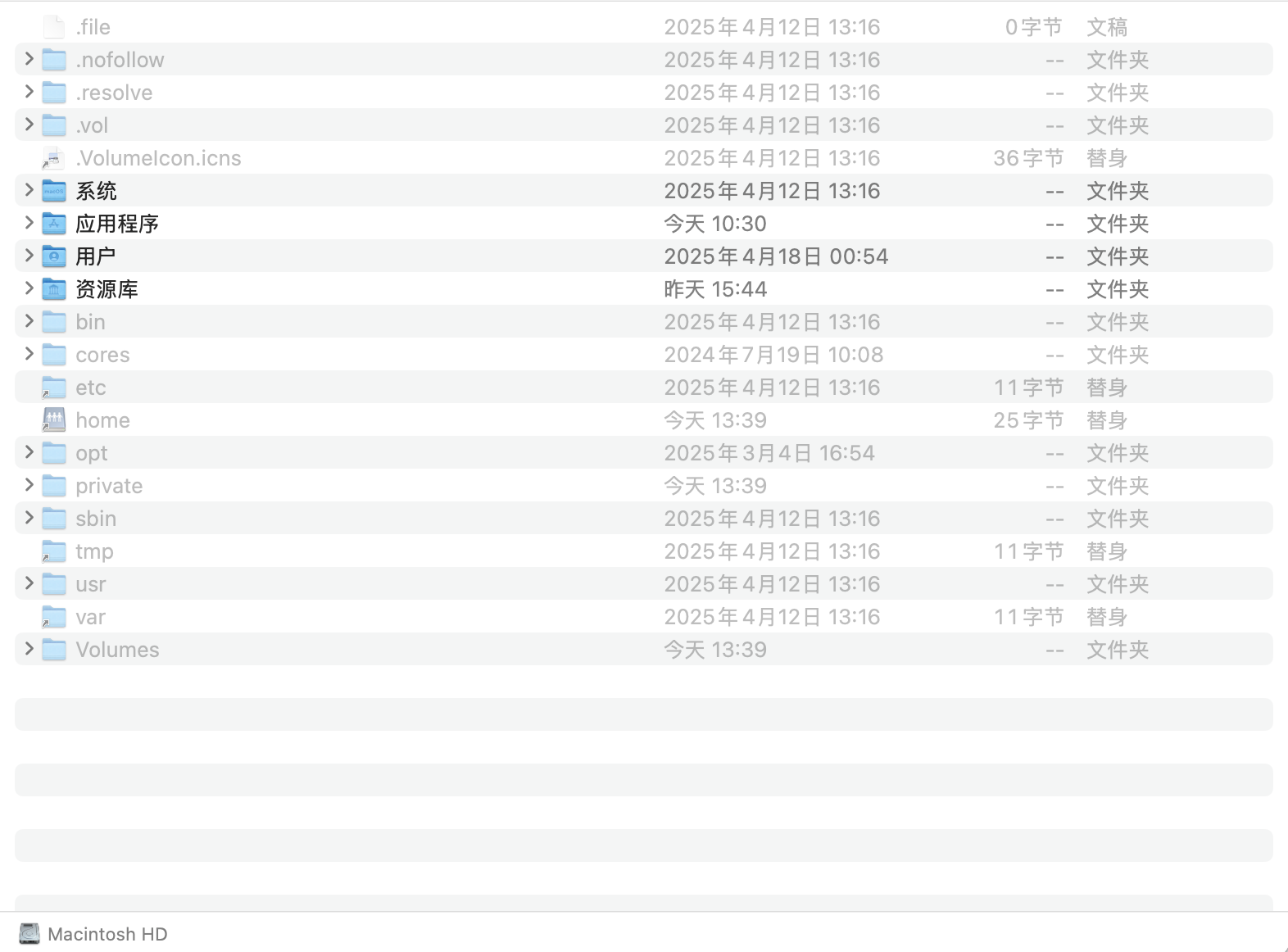
然后将day01的前端代码文件夹sky粘贴到/opt/homebrew/var/www/目录下
(最开始我把资料中其他前端代码放此目录下,访问前端地址的时候,一直403或者404,捣鼓一天才想起来是不是放错代码了。。。)
(资料领取,可以关注黑马公众号,黑马资源->免费资源下载)
之后,找到nginx配置文件,/opt/homebrew/etc/nginx/nginx.conf,使用文本编辑打开,将其中内容换成:
worker_processes  1;

events {
    worker_connections  1024;
}

http {
    include       mime.types;
    default_type  application/octet-stream;

    sendfile        on;
    keepalive_timeout  65;

    map $http_upgrade $connection_upgrade {
        default upgrade;
        '' close;
    }

    upstream webservers {
        server 127.0.0.1:8080 weight=90;
    }

    server {
        listen       8088;  # 尽量不要用8080端口,苍穹外卖的后端默认用的8080端口,避免冲突
        server_name  localhost;

        location / {
            root   /opt/homebrew/var/www/sky;  # 静态资源路径,修改为你的前端代码存放路径
            index  index.html index.htm;
        }

        location /api/ {
            proxy_pass   http://localhost:8080/admin/;
        }

        location /user/ {
            proxy_pass   http://webservers/user/;
        }

        location /ws/ {
            proxy_pass   http://webservers/ws/;
            proxy_http_version 1.1;
            proxy_read_timeout 3600s;
            proxy_set_header Upgrade $http_upgrade;
            proxy_set_header Connection "$connection_upgrade";
        }

        error_page   500 502 503 504  /50x.html;
        location = /50x.html {
            root   html;
        }
    }
}
注意:

listen的端口号自定义
同时,
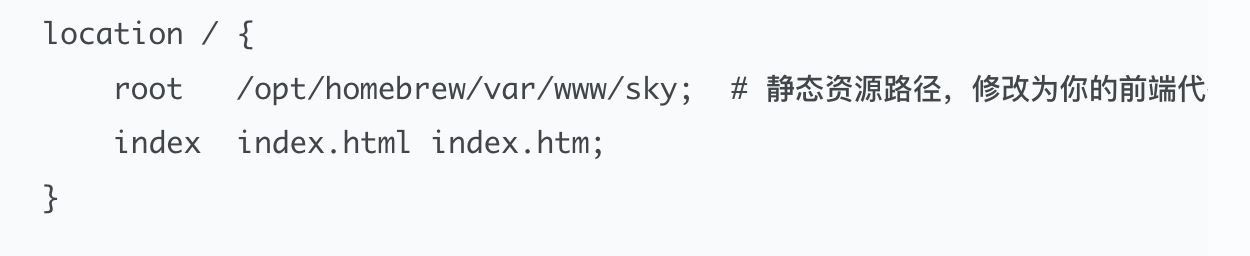
注意这部分,root那一行就是以root身份,运行/opt/homebrwe/www/sky的内容,所以要根据自己对应文件的路径修改,不然会报404等错误。
配置好nginx.conf文件后,保存,启动nginx:
brew services start nginx访问localhost:8088即可。
----------------------------
二编:
MacOS中:
启动nginx,直接在命令行输入:nginx
停止nginx,在命令行输入:nginx -s stop
因为我用brew services start/stop nginx有一点小问题,经过查阅和实践,上述两条命令貌似更好用。

中国智能体开发者社区,聚焦智能体与大模型开发,提供前沿资讯、实用工具链、开源项目及行业案例。通过技术沙龙、开发者大赛等活动,促进经验交流与协作,助力开发者快速构建创新智能应用。
更多推荐


 6
6 0
0- 0


 已为社区贡献1条内容

所有评论(0)