unity_MCP
·
一、python配置环境
 conda create --name unity_MCP python=3.10
 conda activate unity_MCP
pip install uv
二、创建unity项目
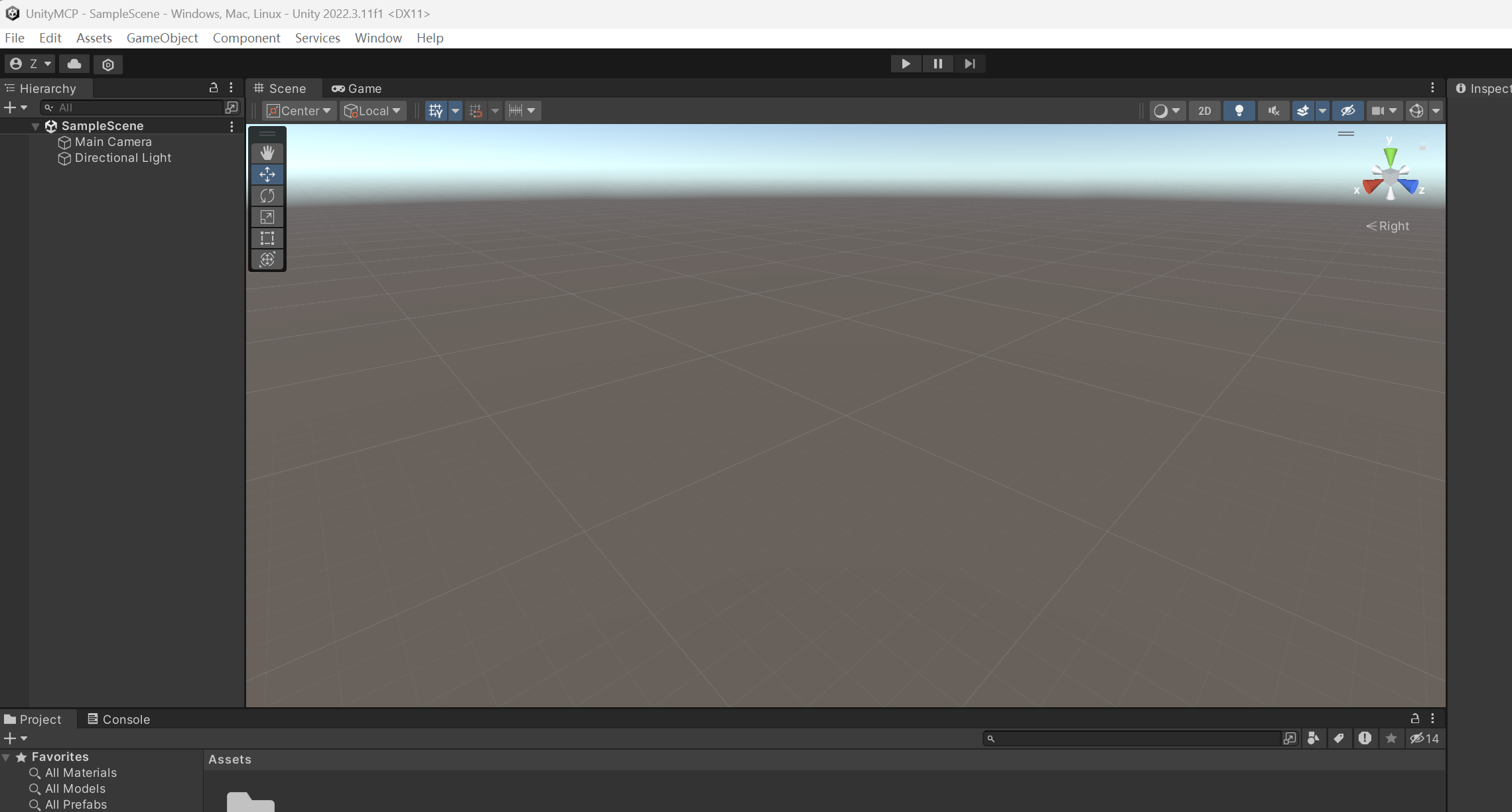
安装MCP
Step 1:
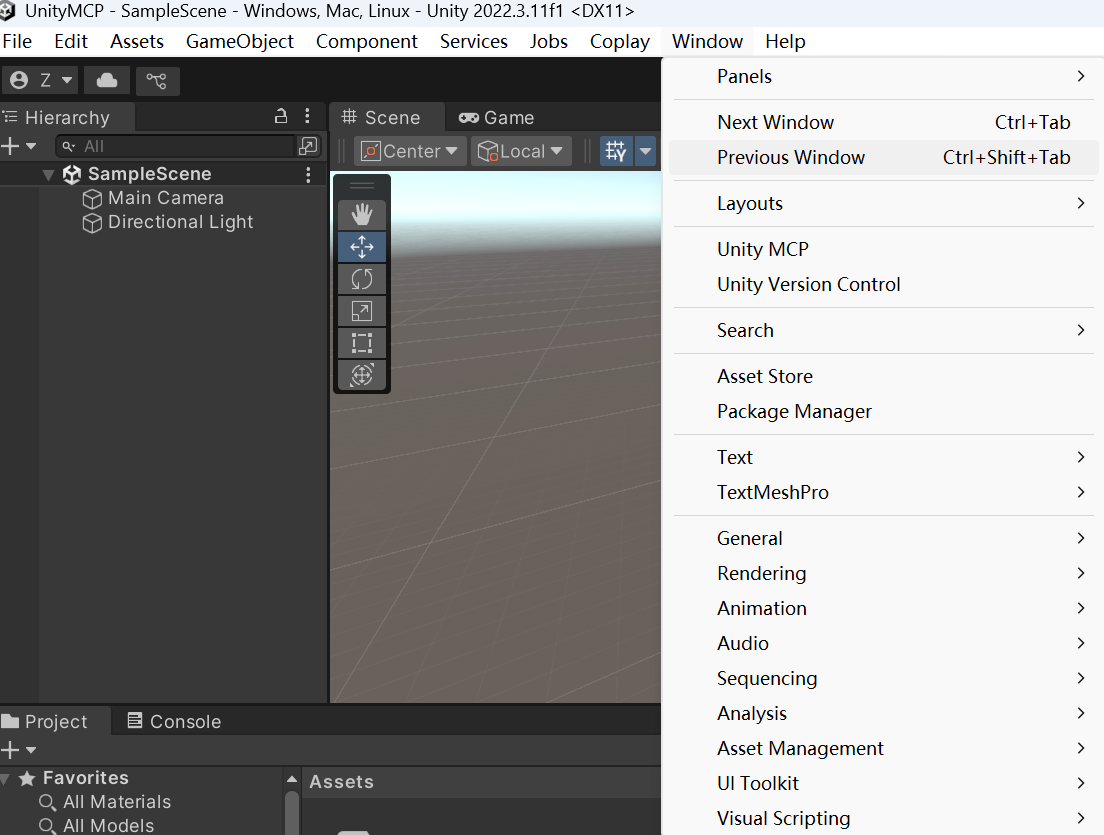
- 打开 Unity 编辑器,进入菜单栏
Window → Package Manager - 点击左上角 "+" 按钮,选择 "Add package from git URL..."
- 输入 MCP 包的官方仓库地址
https://github.com/justinpbarnett/unity-mcp.git?path=/UnityMcpBridge
Step 2:

中国智能体开发者社区,聚焦智能体与大模型开发,提供前沿资讯、实用工具链、开源项目及行业案例。通过技术沙龙、开发者大赛等活动,促进经验交流与协作,助力开发者快速构建创新智能应用。
更多推荐



 5
5 0
0- 0


 已为社区贡献3条内容

所有评论(0)