Linux基于docker安装dify
·
dify开源的 LLM 应用开发平台。提供从 Agent 构建到 AI workflow 编排、RAG 检索、模型管理等能力,轻松构建和运营生成式 AI 原生应用。
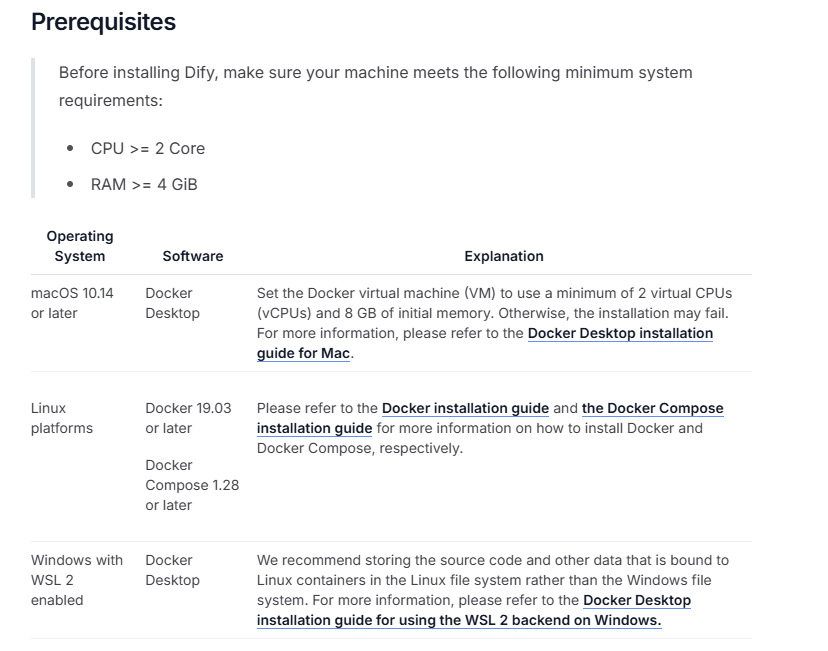
一、安装要求
二、安装Docker
1、更新
sudo apt-get update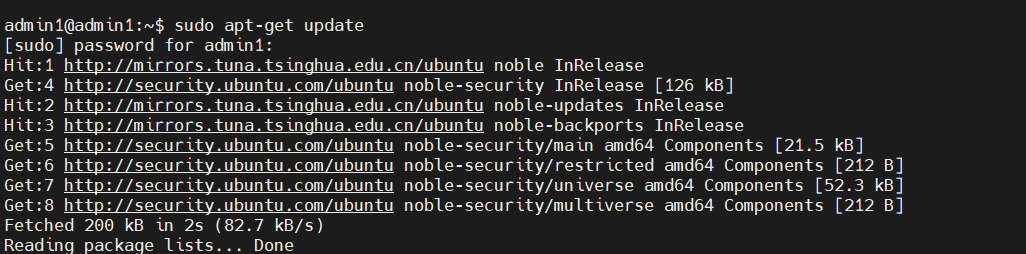
2、安装依赖环境
sudo apt-get update
sudo apt-get install -y \
    apt-transport-https \
    ca-certificates \
    curl \
    gnupg \
    lsb-release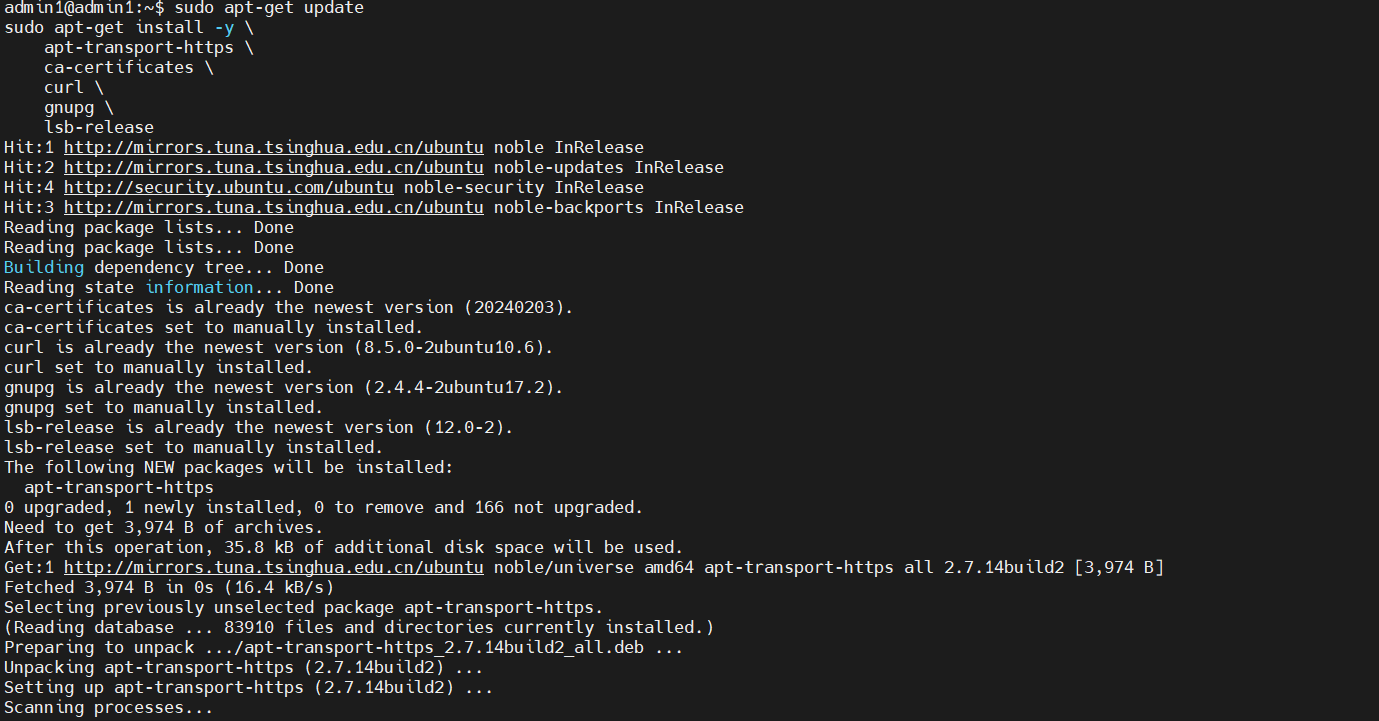
3、添加 Docker 官方 GPG 密钥
curl -fsSL https://download.docker.com/linux/ubuntu/gpg | sudo gpg --dearmor -o /usr/share/keyrings/docker-archive-keyring.gpg
4、添加 Docker 软件源
echo \
  "deb [arch=amd64 signed-by=/usr/share/keyrings/docker-archive-keyring.gpg] https://download.docker.com/linux/ubuntu \
  $(lsb_release -cs) stable" | sudo tee /etc/apt/sources.list.d/docker.list > /dev/null
5、安装 Docker 引擎
sudo apt-get update
sudo apt-get install -y docker-ce docker-ce-cli containerd.io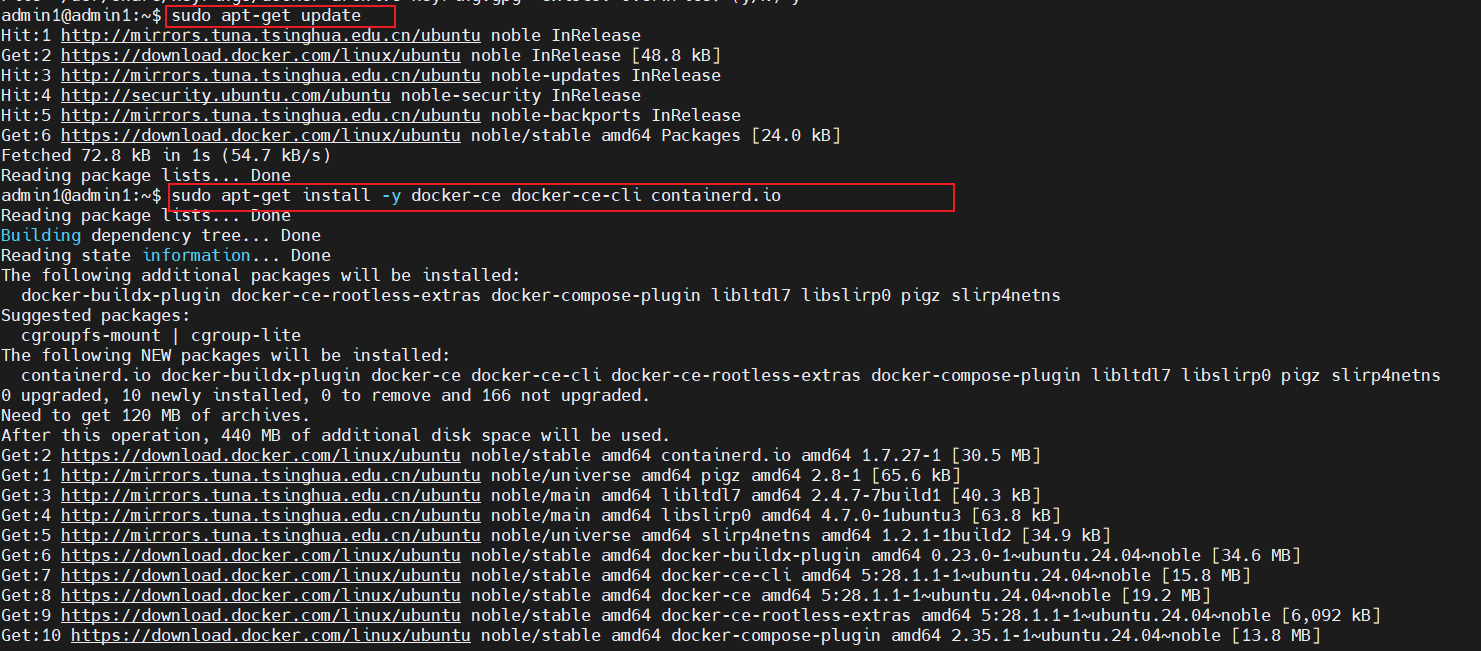
6、验证安装
sudo systemctl status docker三、下载dify
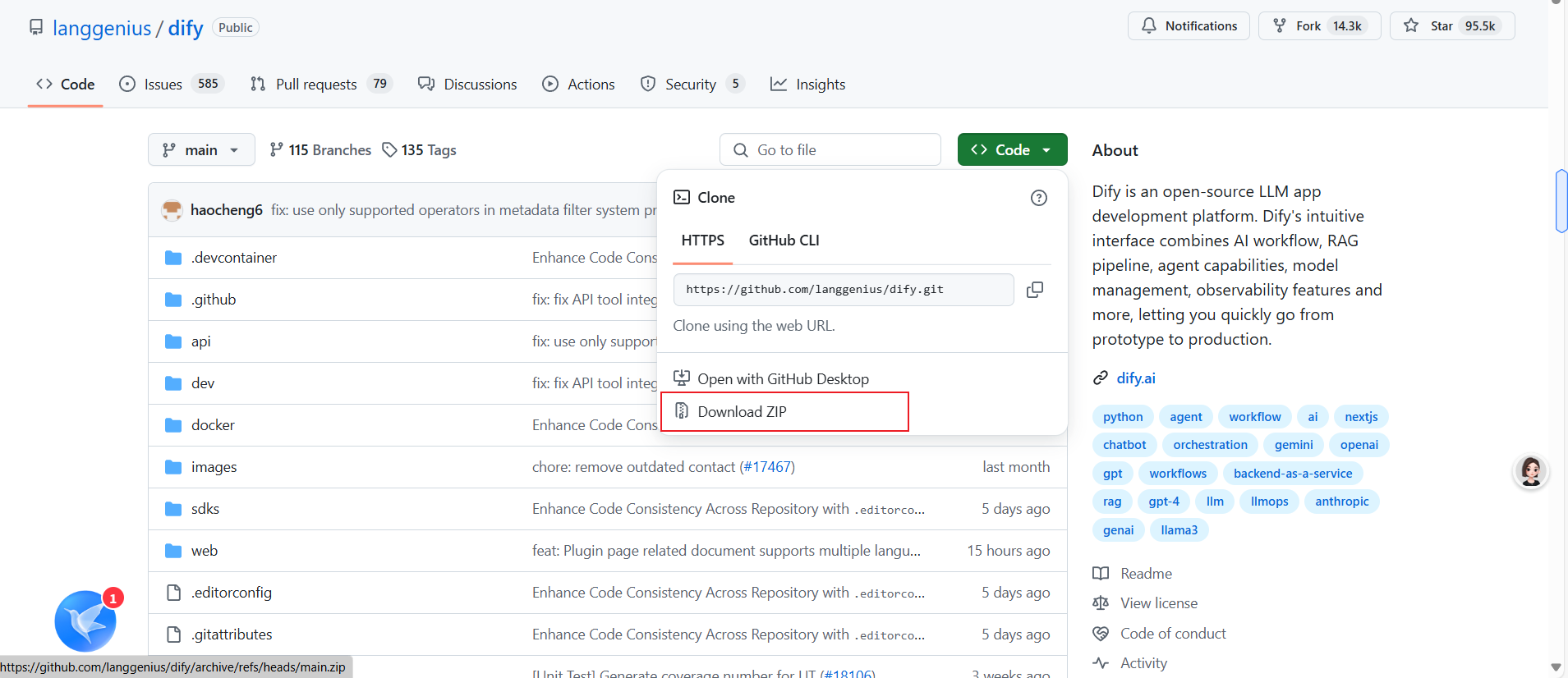
四、拉取镜像
1、进入dify文件夹下找到docker文件
cd dify-main/dify-main/docker/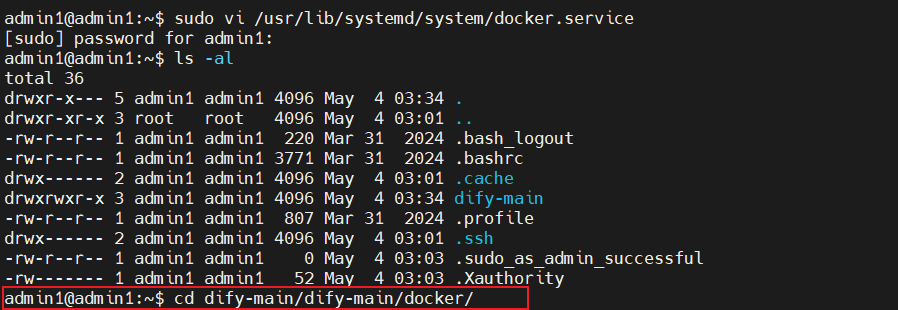
2、拉取镜像
sudo docker compose up -d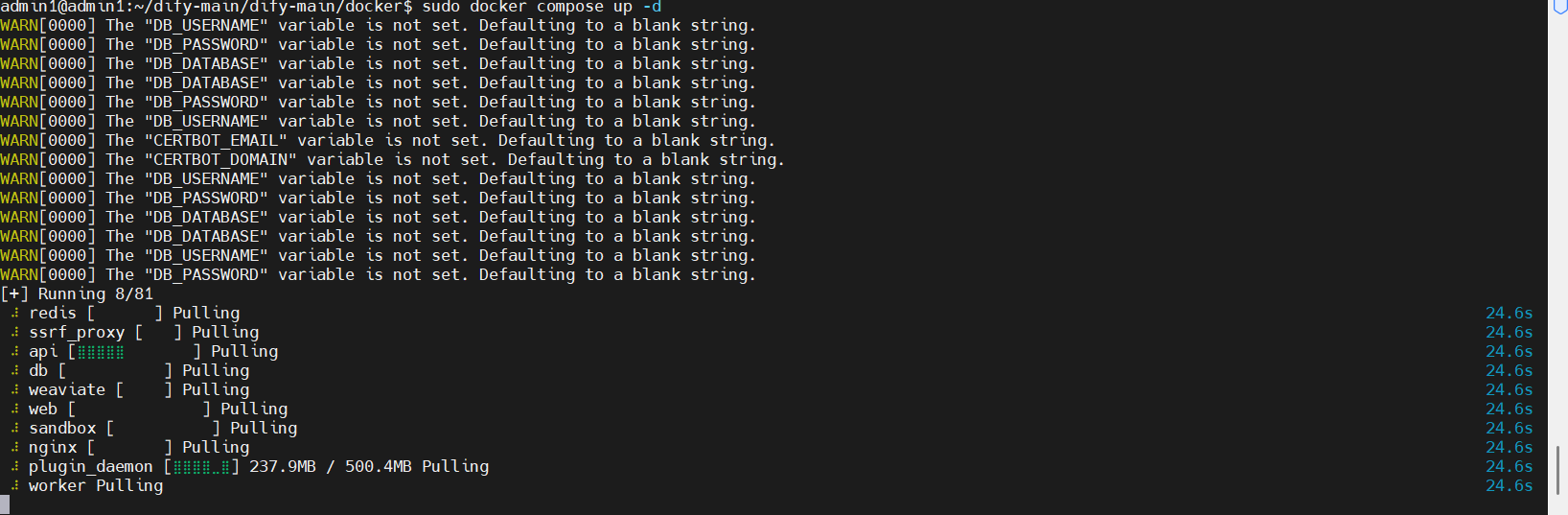
3、查看docker运行
sudo docker ps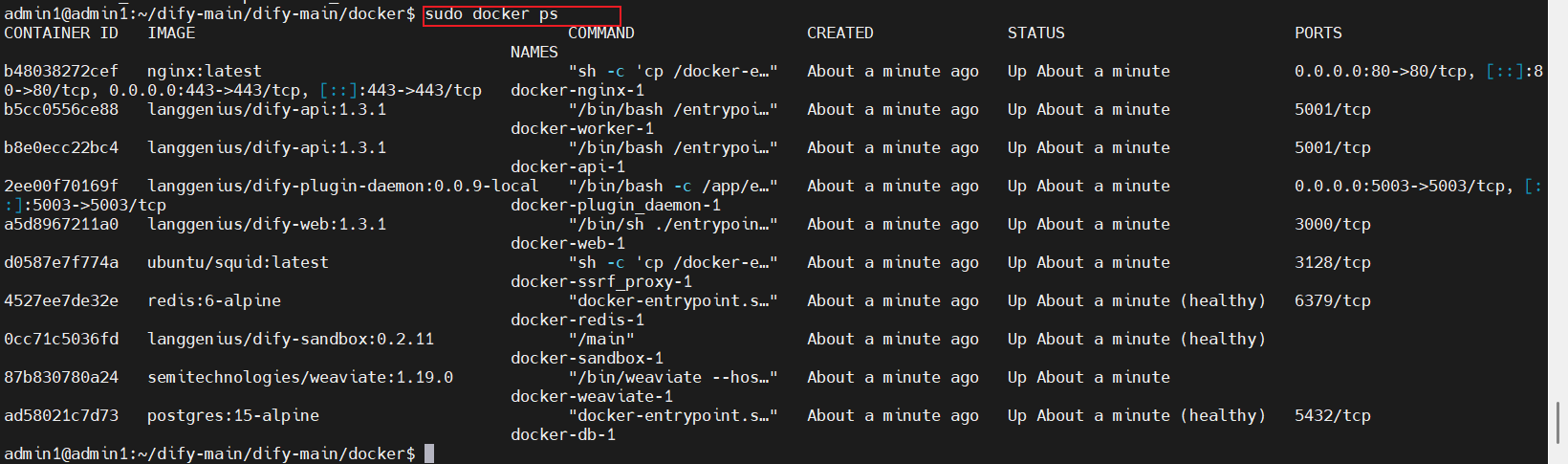
五、访问dify
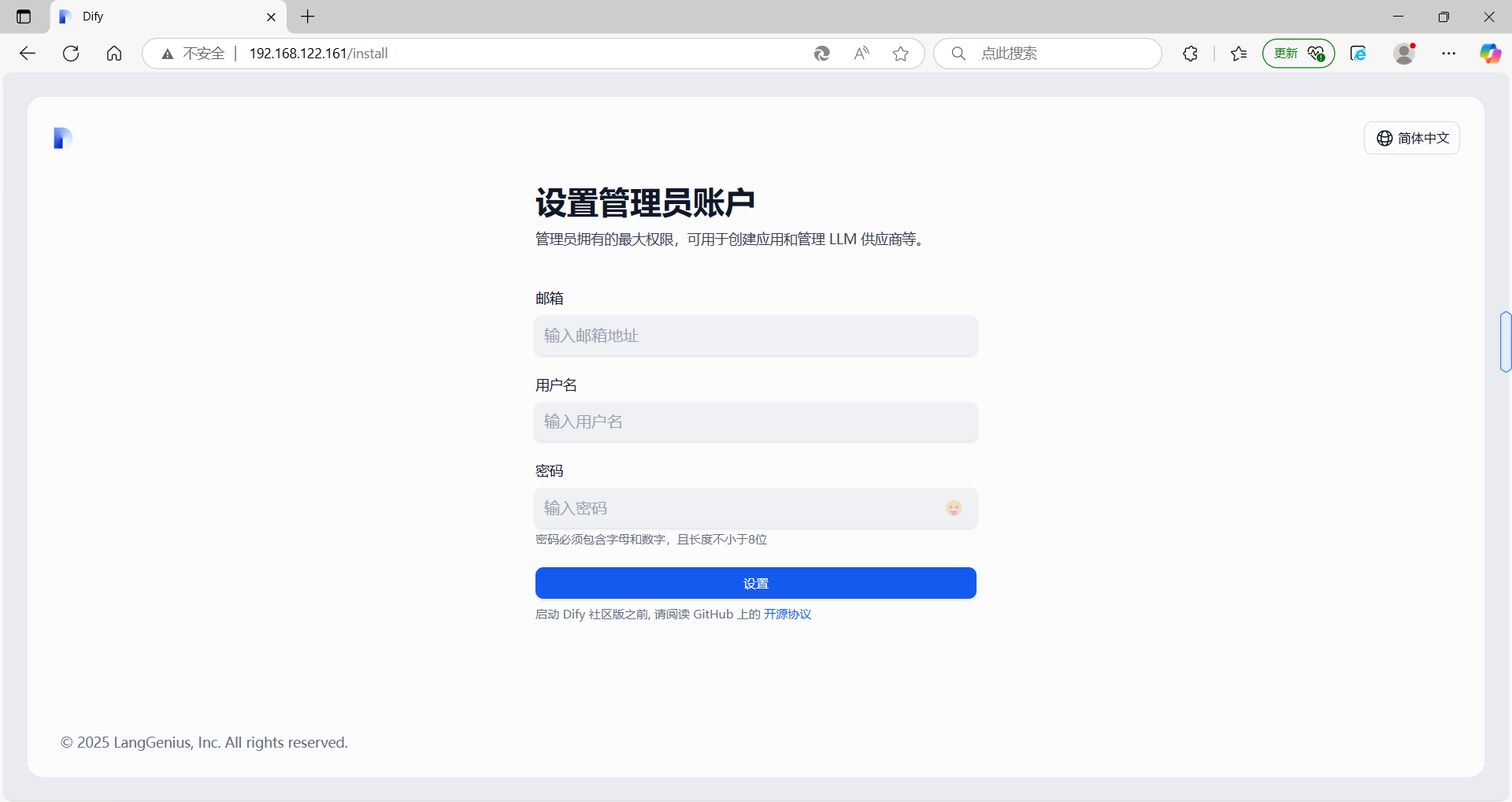
在浏览器中访问http://虚拟机地址即可使用 Dify 平台。

中国智能体开发者社区,聚焦智能体与大模型开发,提供前沿资讯、实用工具链、开源项目及行业案例。通过技术沙龙、开发者大赛等活动,促进经验交流与协作,助力开发者快速构建创新智能应用。
更多推荐

 6
6 0
0- 0


 已为社区贡献1条内容

所有评论(0)