【GitHub项目推荐--Univer:构建AI原生电子表格的全栈框架】
univer_demo
简介
Univer 是一款革命性的开源电子表格框架,专为构建AI原生的表格应用而设计。作为一个同构全栈框架,Univer能够在浏览器和Node.js环境中无缝运行,提供电子表格、文档和演示文稿的创建与编辑功能。其核心创新在于通过Univer MCP支持自然语言驱动,让用户能够用自然语言与电子表格交互,真正实现了智能化的数据处理体验。
🔗 GitHub地址:
https://github.com/dream-num/univer
⚡ 核心价值:
同构全栈 · AI原生 · 高性能渲染
解决的行业痛点
|
传统表格处理痛点 |
Univer解决方案 |
|---|---|
|
桌面软件依赖性强 |
浏览器内完全运行,无需安装 |
|
协作功能有限 |
实时协同编辑,多用户同时操作 |
|
AI集成困难 |
原生支持自然语言交互和AI驱动 |
|
定制化成本高 |
插件架构,轻松扩展功能 |
|
跨平台兼容性差 |
同构设计,Web/Server一致API |
|
大数据性能瓶颈 |
高效Canvas渲染引擎,支持海量数据 |
核心功能架构
1. 系统架构概览
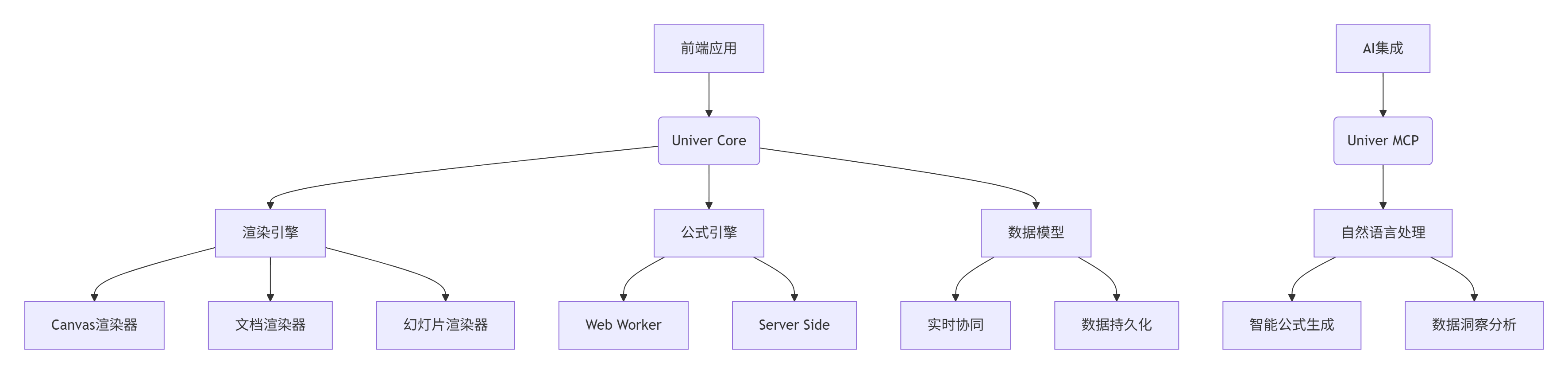
2. 功能矩阵
|
功能类别 |
核心能力 |
技术实现 |
|---|---|---|
|
核心表格功能 |
单元格、行列、工作表、工作簿 |
虚拟DOM + 增量更新 |
|
公式系统 |
300+内置函数,自定义函数 |
高性能公式引擎 |
|
数据可视化 |
图表、数据条、色阶、图标集 |
Canvas矢量渲染 |
|
协作编辑 |
多用户实时协同,冲突解决 |
Operational Transformation |
|
导入导出 |
Excel兼容,XLSX/CSV支持 |
流式处理 + 内存优化 |
|
AI集成 |
自然语言转公式,智能数据分析 |
MCP协议 + LLM集成 |
|
扩展开发 |
插件系统,API扩展 |
微内核架构 + 依赖注入 |
3. 技术特色
-
同构架构:同一套代码在浏览器和Node.js中运行
-
高性能渲染:基于Canvas的渲染引擎,支持百万级数据
-
实时协作:基于CRDT的冲突解决算法
-
AI原生:内置自然语言到公式的转换能力
-
多文档支持:电子表格、文档、幻灯片统一框架
-
国际化:支持10+语言,包括RTL语言
安装与配置
1. 基础安装
# 通过npm安装
npm install @univerjs/core @univerjs/sheets

# 或使用pnpm
pnpm add @univerjs/core @univerjs/sheets

# 或使用yarn
yarn add @univerjs/core @univerjs/sheets
2. 快速开始
import { Univer } from '@univerjs/core';
import { UniverSheets } from '@univerjs/sheets';

// 创建Univer实例
const univer = new Univer();

// 注册表格插件
univer.registerPlugin(UniverSheets);

// 创建工作簿
const workbook = univer.createUniverSheet({
  id: 'workbook-1',
  sheets: {
    'sheet-1': {
      id: 'sheet-1',
      name: 'Sheet1',
      cellData: {
        0: {
          0: { v: 'Hello', t: 2 },
          1: { v: 'World', t: 2 }
        }
      }
    }
  }
});

// 获取表格API
const sheet = workbook.getActiveSheet();
3. AI功能配置
import { UniverAI } from '@univerjs/ai';

// 配置AI提供商
const aiConfig = {
  providers: {
    openai: {
      apiKey: process.env.OPENAI_API_KEY,
      baseURL: 'https://api.openai.com/v1'
    },
    azure: {
      apiKey: process.env.AZURE_API_KEY,
      endpoint: process.env.AZURE_ENDPOINT
    }
  },
  defaultModel: 'gpt-4',
  features: {
    formulaGeneration: true,
    dataAnalysis: true,
    naturalLanguageQuery: true
  }
};

// 注册AI插件
univer.registerPlugin(UniverAI, aiConfig);
4. Docker部署
# Dockerfile
FROM node:18-alpine

WORKDIR /app
COPY package*.json ./
RUN npm install

COPY . .
RUN npm run build

EXPOSE 3000
CMD ["npm", "start"]
# docker-compose.yml
version: '3.8'
services:
univer-server:
image: univer/server:latest
ports:
- "3000:3000"
environment:
- NODE_ENV=production
- OPENAI_API_KEY=${OPENAI_API_KEY}
volumes:
- ./data:/app/data
univer-worker:
image: univer/worker:latest
environment:
- REDIS_URL=redis://redis:6379
depends_on:
- redis
redis:
image: redis:alpine
ports:
- "6379:6379"使用指南
1. 基础表格操作
// 创建简单表格
const workbook = univer.createUniverSheet({
  id: 'demo-workbook',
  sheets: {
    'demo-sheet': {
      id: 'demo-sheet',
      name: 'Demo',
      cellData: {
        0: { 0: { v: 'Product', t: 2 }, 1: { v: 'Price', t: 2 } },
        1: { 0: { v: 'Apple', t: 2 }, 1: { v: 2.5, t: 1 } },
        2: { 0: { v: 'Banana', t: 2 }, 1: { v: 1.8, t: 1 } }
      }
    }
  }
});

// 操作单元格
const sheet = workbook.getActiveSheet();
sheet.setCellValue(3, 0, 'Orange');
sheet.setCellValue(3, 1, 3.2);

// 使用公式
sheet.setCellValue(4, 0, 'Total');
sheet.setCellFormula(4, 1, 'SUM(B2:B4)');

// 获取计算结果
const total = sheet.getCellValue(4, 1);
console.log(`Total: ${total}`); // 输出: Total: 7.5
2. AI自然语言交互
// 使用自然语言创建公式
const aiPlugin = univer.getPlugin('UniverAI');
const result = await aiPlugin.generateFormula({
  prompt: "计算B2到B4单元格的总和",
  context: {
    sheetData: sheet.getData(),
    selection: { startRow: 2, endRow: 4, startCol: 2, endCol: 2 }
  }
});

if (result.success) {
  sheet.setCellFormula(5, 1, result.formula);
  console.log(`生成的公式: ${result.formula}`); // SUM(B2:B4)
}

// 智能数据分析
const analysis = await aiPlugin.analyzeData({
  dataRange: 'A1:B4',
  question: "哪种水果价格最高?"
});

console.log(analysis.answer); // Apple价格最高,为2.5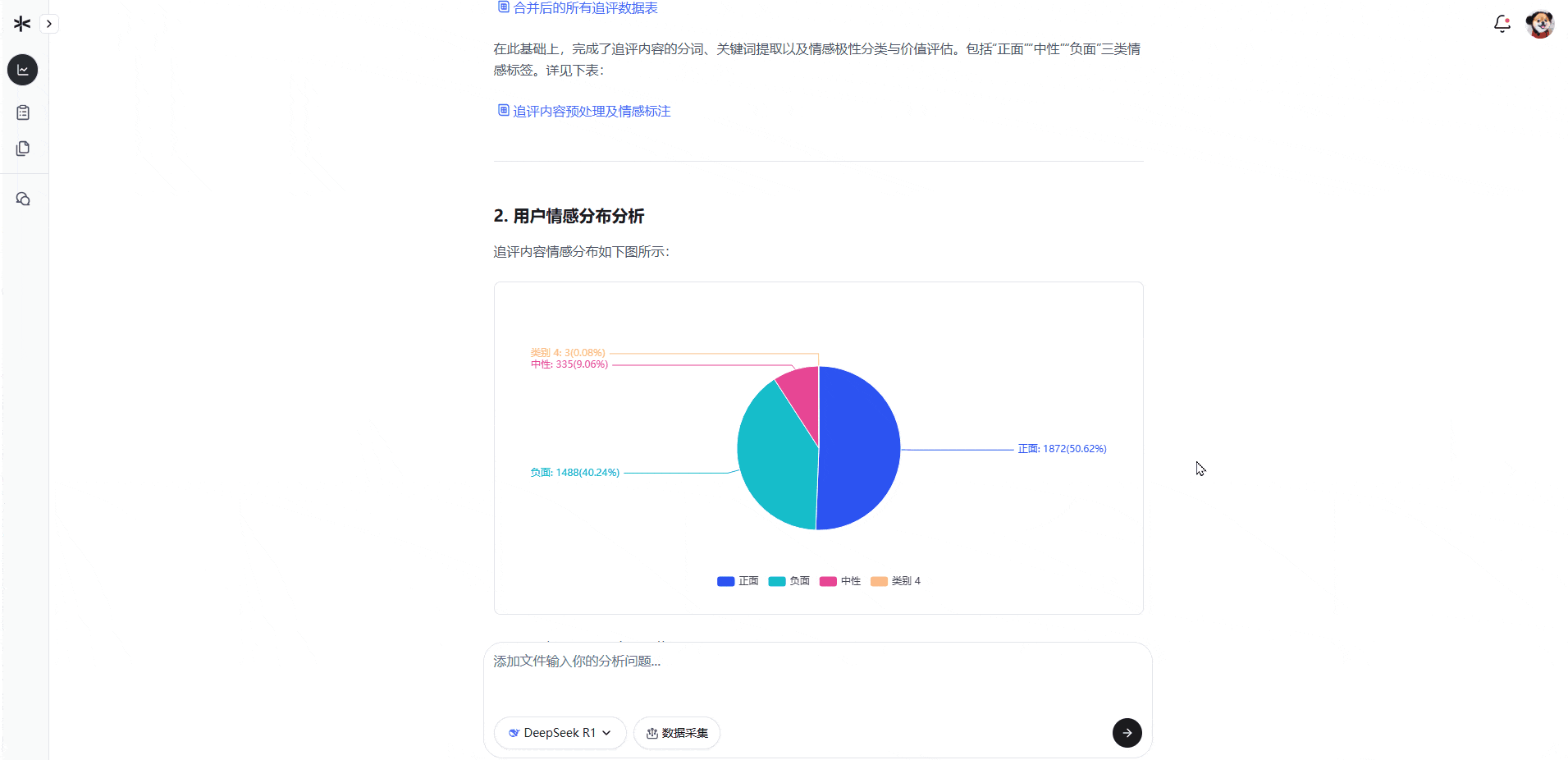
3. 实时协作配置
// 配置实时协作
import { UniverCollaboration } from '@univerjs/collaboration';

const collaborationConfig = {
  server: 'wss://collab.example.com',
  roomId: 'workbook-123',
  userId: 'user-456',
  onConflict: (conflict) => {
    // 自定义冲突解决逻辑
    return conflict.resolveWithMerging();
  }
};

univer.registerPlugin(UniverCollaboration, collaborationConfig);

// 监听协作事件
collaboration.on('change', (changes) => {
  console.log('协同更改:', changes);
});

collaboration.on('user-joined', (user) => {
  console.log(`用户加入: ${user.name}`);
});
4. 自定义插件开发
// 自定义公式插件
import { Plugin, ICommandService, IUniverInstanceService } from '@univerjs/core';

export class CustomFormulaPlugin extends Plugin {
  static pluginName = 'custom-formula-plugin';

  constructor() {
    super();
  }

  onStarting(): void {
    // 注册自定义公式
    this.registerCustomFormulas();
  }

  private registerCustomFormulas(): void {
    const formulaService = this.injector.get(IFormulaService);

    formulaService.registerFunction('CUSTOM_SUM', {
      calculate: (params: Array<number | number[]>) => {
        const flattened = params.flat();
        return flattened.reduce((sum, num) => sum + num, 0);
      },
      description: '自定义求和函数'
    });
  }
}

// 注册自定义插件
univer.registerPlugin(CustomFormulaPlugin);
应用场景实例
案例1:智能财务分析平台
场景:企业需要实时财务数据分析和预测
解决方案:
// 创建财务分析工作簿
const financialWorkbook = univer.createUniverSheet({
  id: 'financial-analysis',
  sheets: {
    'income-statement': {
      // 损益表结构
      cellData: financialData
    },
    'balance-sheet': {
      // 资产负债表
      cellData: balanceData
    }
  }
});

// AI驱动的财务分析
const analysisResults = await aiPlugin.analyzeFinancials({
  statements: ['income-statement', 'balance-sheet'],
  metrics: ['profit-margin', 'roi', 'current-ratio'],
  timeframe: 'quarterly'
});

// 生成智能洞察
const insights = await aiPlugin.generateInsights({
  data: analysisResults,
  prompt: "生成财务健康度报告和改进建议"
});

// 自动化报告生成
financialWorkbook.getSheet('report').setCellValue(0, 0, insights.report);成效:
-
财务分析时间 从数小时→几分钟
-
预测准确率 提升40%
-
报告生成 完全自动化
案例2:实时供应链看板
场景:制造业需要实时监控供应链状态
工作流:
// 连接实时数据源
const supplyChainData = await fetchSupplyChainData();
const workbook = univer.createUniverSheet({
  id: 'supply-chain-dashboard',
  sheets: {
    inventory: { cellData: supplyChainData.inventory },
    orders: { cellData: supplyChainData.orders },
    shipments: { cellData: supplyChainData.shipments }
  }
});

// 设置实时数据更新
setInterval(async () => {
  const updates = await fetchRealTimeUpdates();
  workbook.batchUpdate((sheets) => {
    updates.forEach(update => {
      sheets[update.sheet].setCellValue(update.row, update.col, update.value);
    });
  });
}, 5000); // 每5秒更新

// AI预警系统
aiPlugin.monitorAnomalies({
  dataRange: 'inventory!A1:Z100',
  thresholds: {
    stockout: { condition: 'value < 10', severity: 'high' },
    overstock: { condition: 'value > 1000', severity: 'medium' }
  },
  onAlert: (alert) => {
    sendNotification(`供应链预警: ${alert.message}`);
  }
});价值:
-
库存周转率 优化25%
-
缺货风险 降低60%
-
决策响应速度 提升3倍
案例3:教育数据分析平台
场景:学校需要分析学生成绩和学习行为
教育专用配置:
# univer.config.yaml
education:
  analytics:
    enabled: true
    metrics: [grades, attendance, engagement]
    privacy: strict
    anonymization: true

  templates:
    gradebook: true
    attendance: true
    progress_reports: true

  ai_features:
    performance_prediction: true
    intervention_recommendations: true
personalized_learning_paths: true数据分析流程:
// 导入学生数据
const studentData = await importStudentRecords();
const gradebook = univer.createUniverSheet({
  id: 'student-gradebook',
  sheets: {
    grades: { cellData: studentData.grades },
    attendance: { cellData: studentData.attendance }
  }
});

// AI学习分析
const studentAnalytics = await aiPlugin.analyzeStudentPerformance({
  gradeData: 'grades!A1:F50',
  attendanceData: 'attendance!A1:B50',
  factors: ['consistency', 'improvement', 'engagement']
});

// 生成个性化学习建议
const recommendations = await aiPlugin.generateRecommendations({
  studentId: 'student-123',
  analytics: studentAnalytics,
  learningObjectives: ['math-proficiency', 'critical-thinking']
});

// 输出学习报告
generateProgressReport(recommendations);效益:
-
个性化教学 覆盖100%学生
-
学习成效 提升35%
-
教师工作效率 提高50%
高级功能与定制
1. 自定义渲染器
// 创建自定义单元格渲染器
class CustomCellRenderer extends BaseCellRenderer {
  render(ctx: CanvasRenderingContext2D, cell: ICellData, style: IStyle) {
    // 自定义渲染逻辑
    if (cell.v > 1000) {
      ctx.fillStyle = '#ff6b6b';
    } else if (cell.v > 500) {
      ctx.fillStyle = '#f9ca24';
    } else {
      ctx.fillStyle = '#1dd1a1';
    }

    ctx.fillRect(0, 0, ctx.canvas.width, ctx.canvas.height);
    ctx.fillStyle = '#2d3436';
    ctx.fillText(cell.v.toString(), 10, 20);
  }
}

// 注册自定义渲染器
renderEngine.registerRenderer('custom-cell', CustomCellRenderer);
2. 大数据优化
// 虚拟滚动配置
const config = {
  rendering: {
    virtualScrolling: {
      enabled: true,
      batchSize: 1000,
      preload: 2000
    },
    incrementalRendering: {
      enabled: true,
      throttle: 16 // 60fps
    }
  },
  performance: {
    webWorkers: {
      formula: true,
      sorting: true,
      filtering: true
    },
    memoization: {
      enabled: true,
      cacheSize: 10000
    }
  }
};

univer.configure(config);
3. 安全与权限
// 细粒度权限控制
const permissionSystem = univer.getPermissionSystem();

permissionSystem.defineRules({
  'sheet:read': (user, sheet) => {
    return user.roles.includes('viewer');
  },
  'sheet:write': (user, sheet) => {
    return user.roles.includes('editor');
  },
  'cell:edit': (user, cell) => {
    if (cell.locked) return false;
    return user.department === cell.department;
  }
});

// 数据加密
const encryptionPlugin = univer.registerPlugin(EncryptionPlugin, {
  algorithm: 'aes-256-gcm',
  keyManagement: {
    rotation: '30d',
    storage: 'secure'
  }
});
企业级部署
1. 高可用集群
# kubernetes部署
apiVersion: apps/v1
kind: Deployment
metadata:
  name: univer-cluster
spec:
  replicas: 3
  template:
    spec:
      containers:
      - name: univer
        image: univer/enterprise:latest
        env:
        - name: REDIS_URL
          value: "redis://redis:6379"
        - name: AI_PROVIDERS
          value: "openai,azure,anthropic"
        resources:
          limits:
            memory: "2Gi"
            cpu: "1"
        ports:
        - containerPort: 3000
---
apiVersion: v1
kind: Service
metadata:
  name: univer-service
spec:
  selector:
    app: univer
  ports:
  - port: 80
    targetPort: 3000
  type: LoadBalancer
2. 监控与运维
# 监控配置
monitoring:
  metrics:
    - name: "render_performance"
      type: "histogram"
      labels: ["fps", "memory"]
    - name: "formula_execution_time"
      type: "summary"
    - name: "collaboration_latency"
      type: "gauge"

  alerts:
    - alert: "HighMemoryUsage"
      expr: "process_memory_usage > 90%"
      severity: "critical"
    - alert: "SlowRendering"
      expr: "render_fps < 30"
      severity: "warning"

  logging:
    level: "info"
    format: "json"
    retention: "30d"
3. 安全合规
security:
  authentication:
    providers: ["jwt", "oauth2", "saml"]
    sessionTimeout: "24h"

  authorization:
    rbac: true
    abac: true
    auditLogging: true

  dataProtection:
    encryption:
      atRest: true
      inTransit: true
    masking: true
    anonymization: true

  compliance:
    gdpr: true
    hipaa: true
    soc2: true
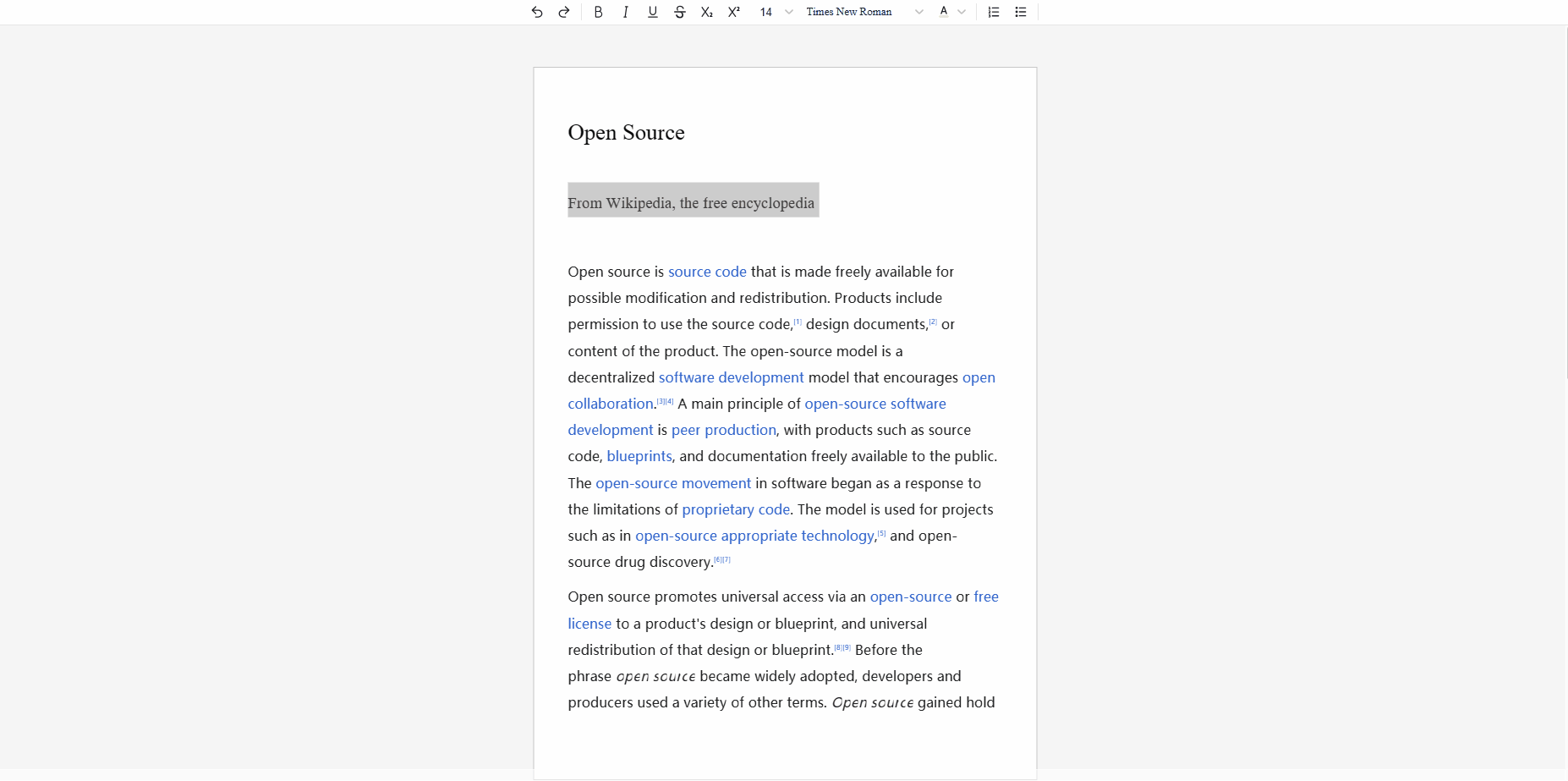
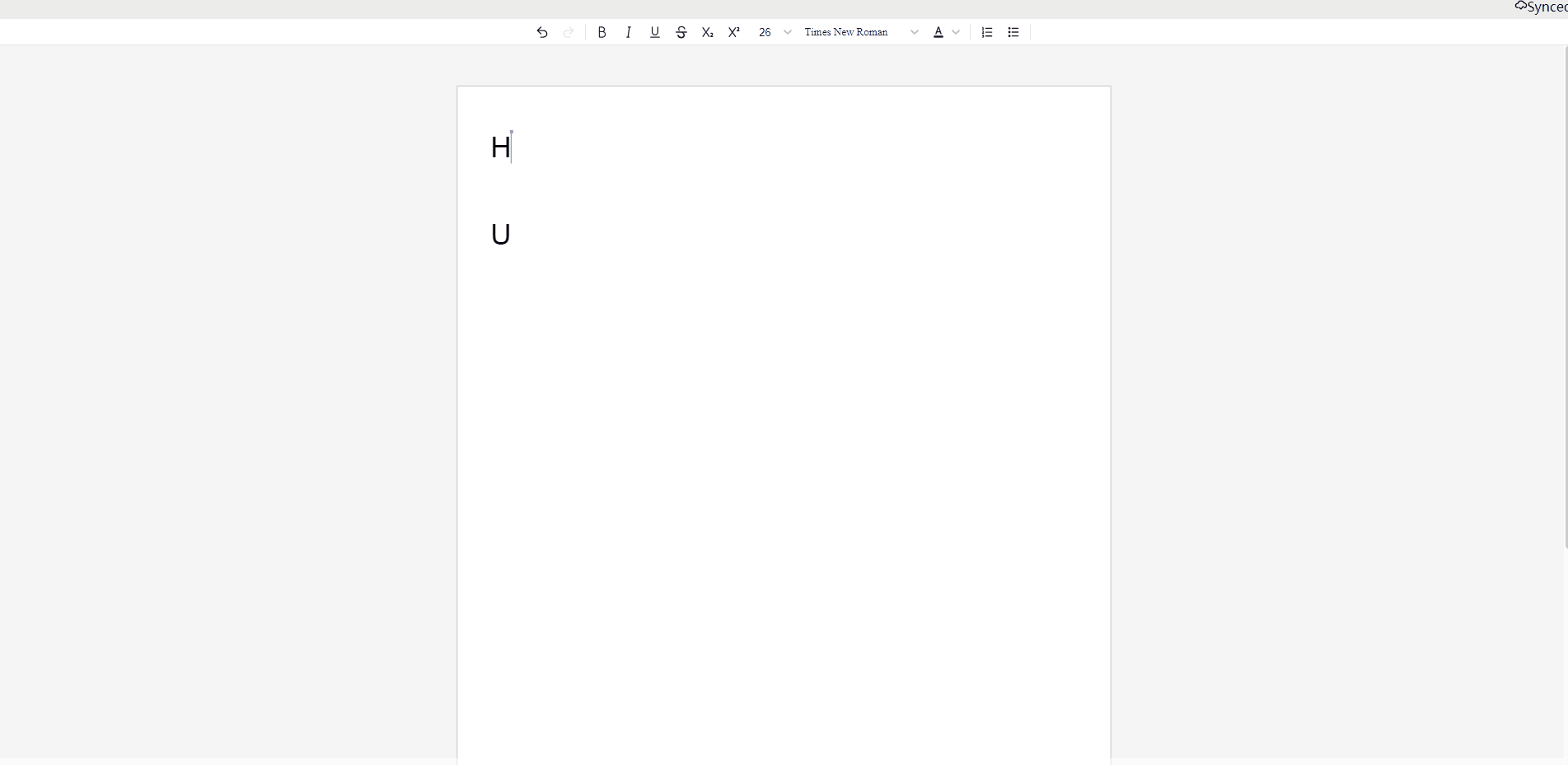
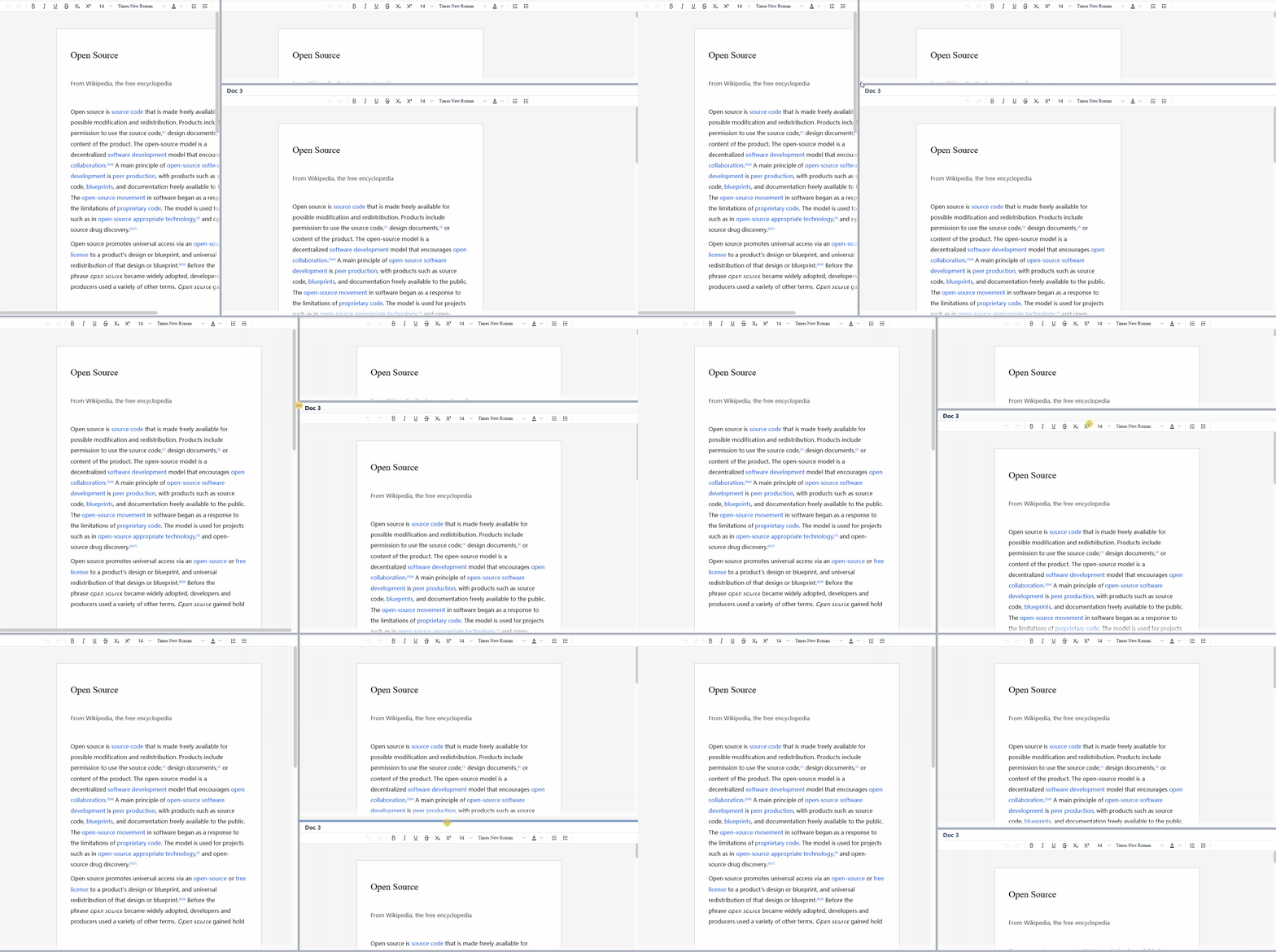
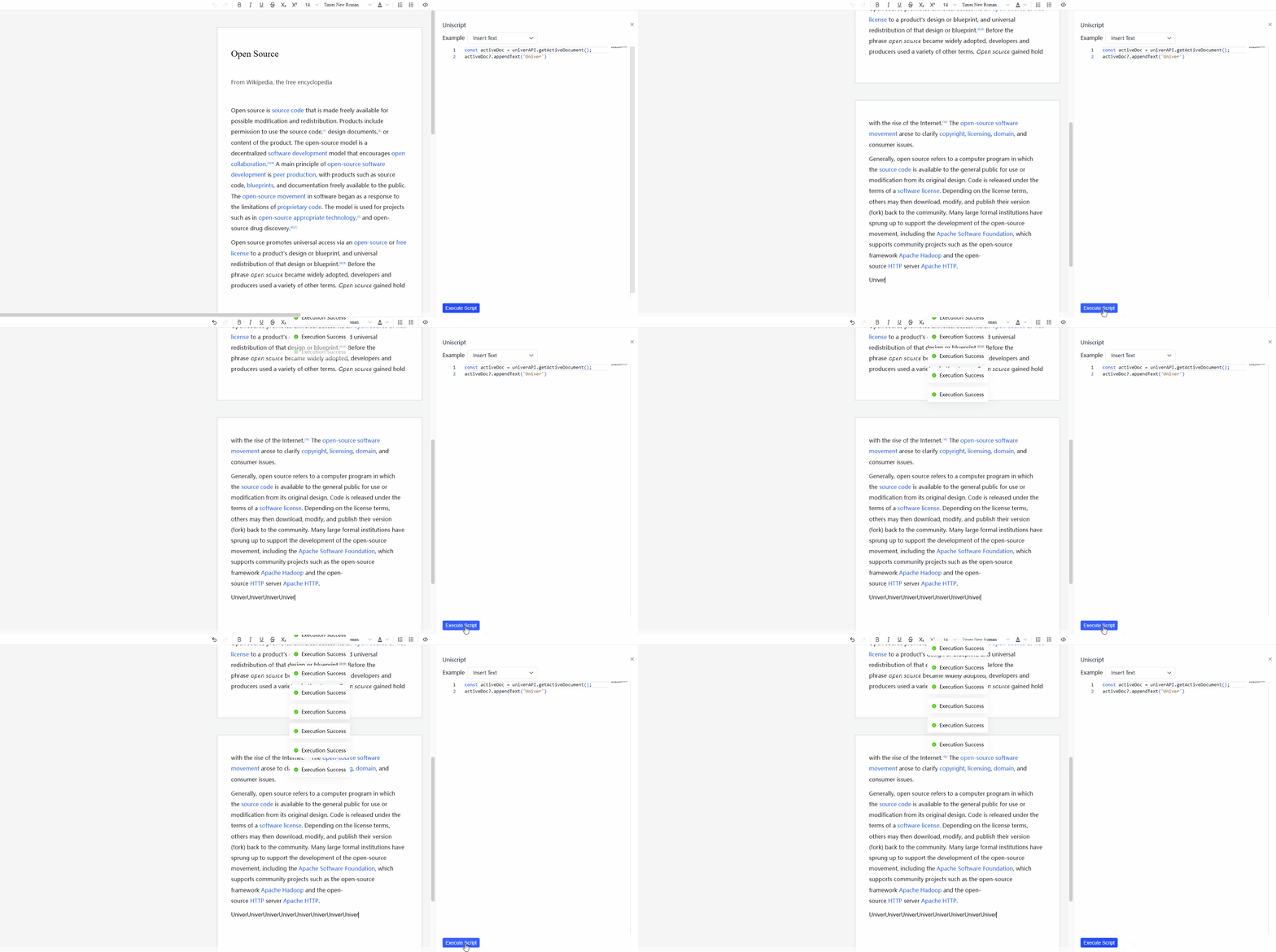
你可以在 Univer Examples 中找到所有的示例。
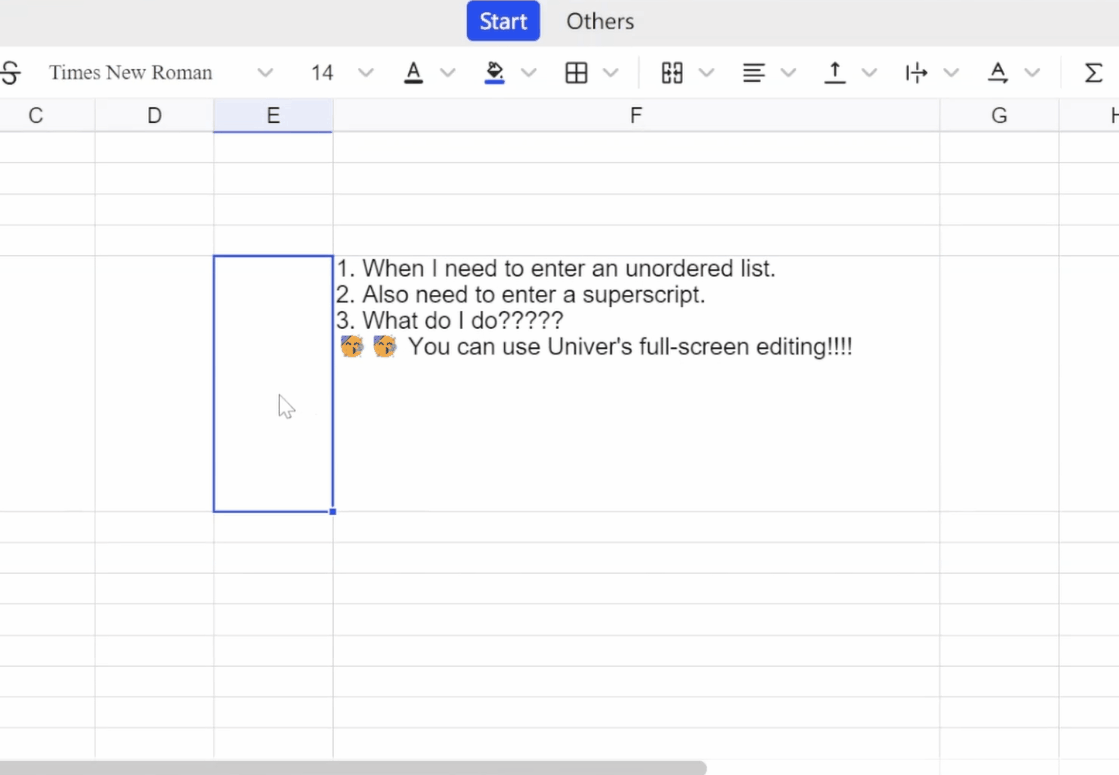
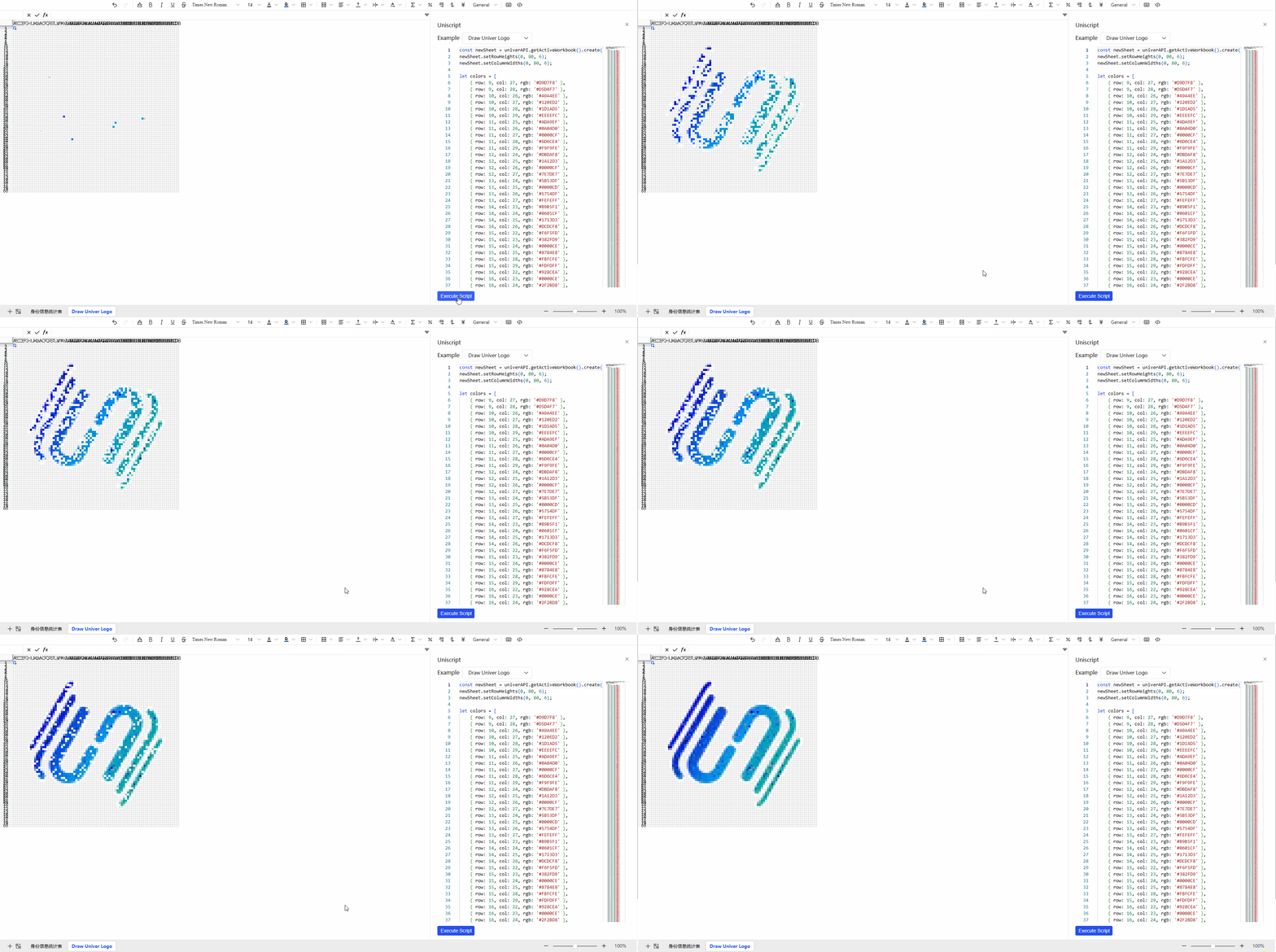
| 📊 Spreadsheets | 📊 Multi-instance | 📊 Uniscript |
|---|---|---|
 |
 |
|
| 📊 Big data | 📊 Collaboration | 📊 Collaboration Playground |
|
|
|
|
| 📊 Import & Export | 📊 Printing | 📝 Documents |
|
|
|
 |
| 📝 Multi-instance | 📝 Uniscript | 📝 Big data |
|
|
|
|
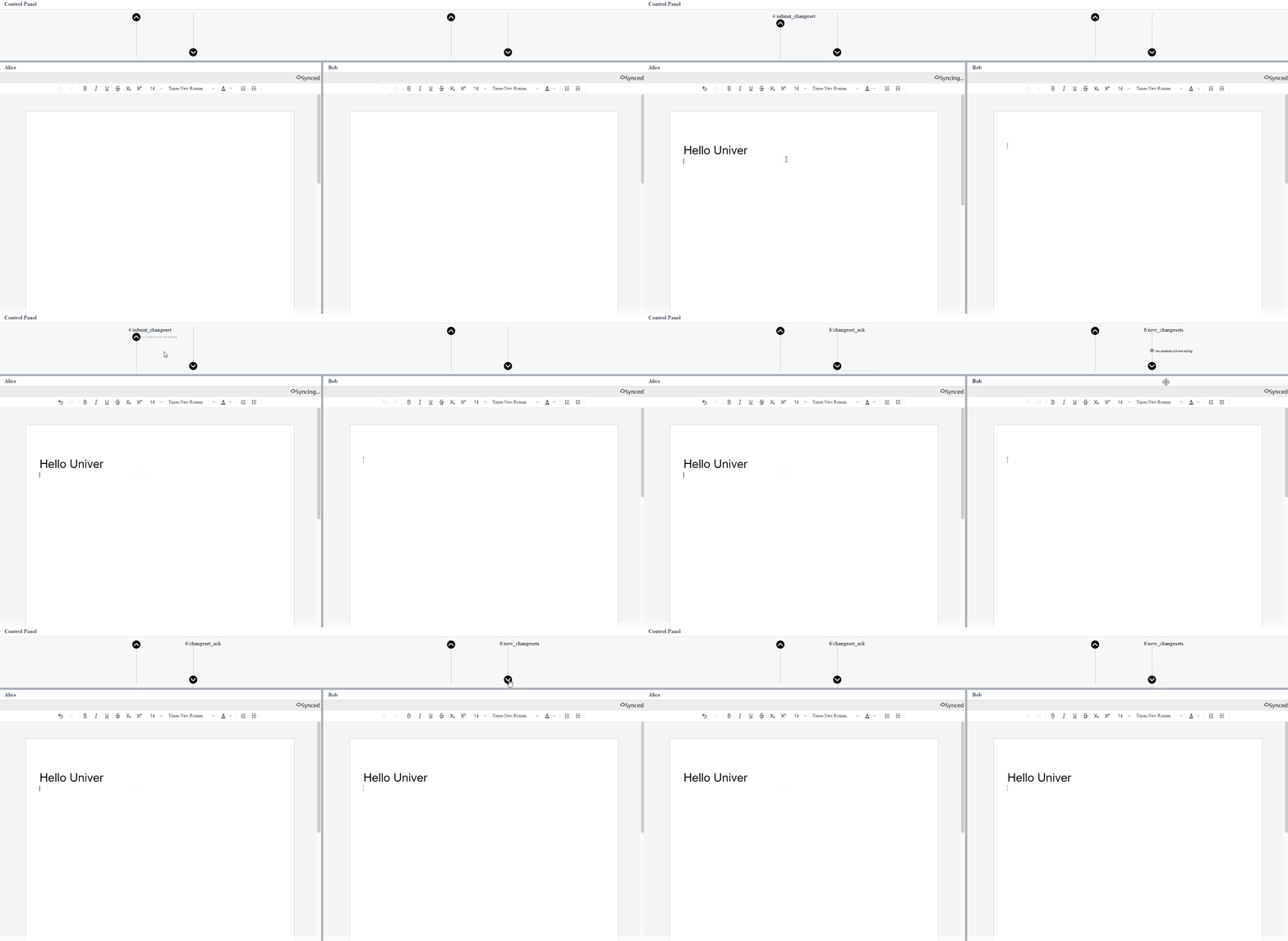
| 📝 Collaboration | 📝 Collaboration Playground | 📽️ Presentations |
 |
|
|
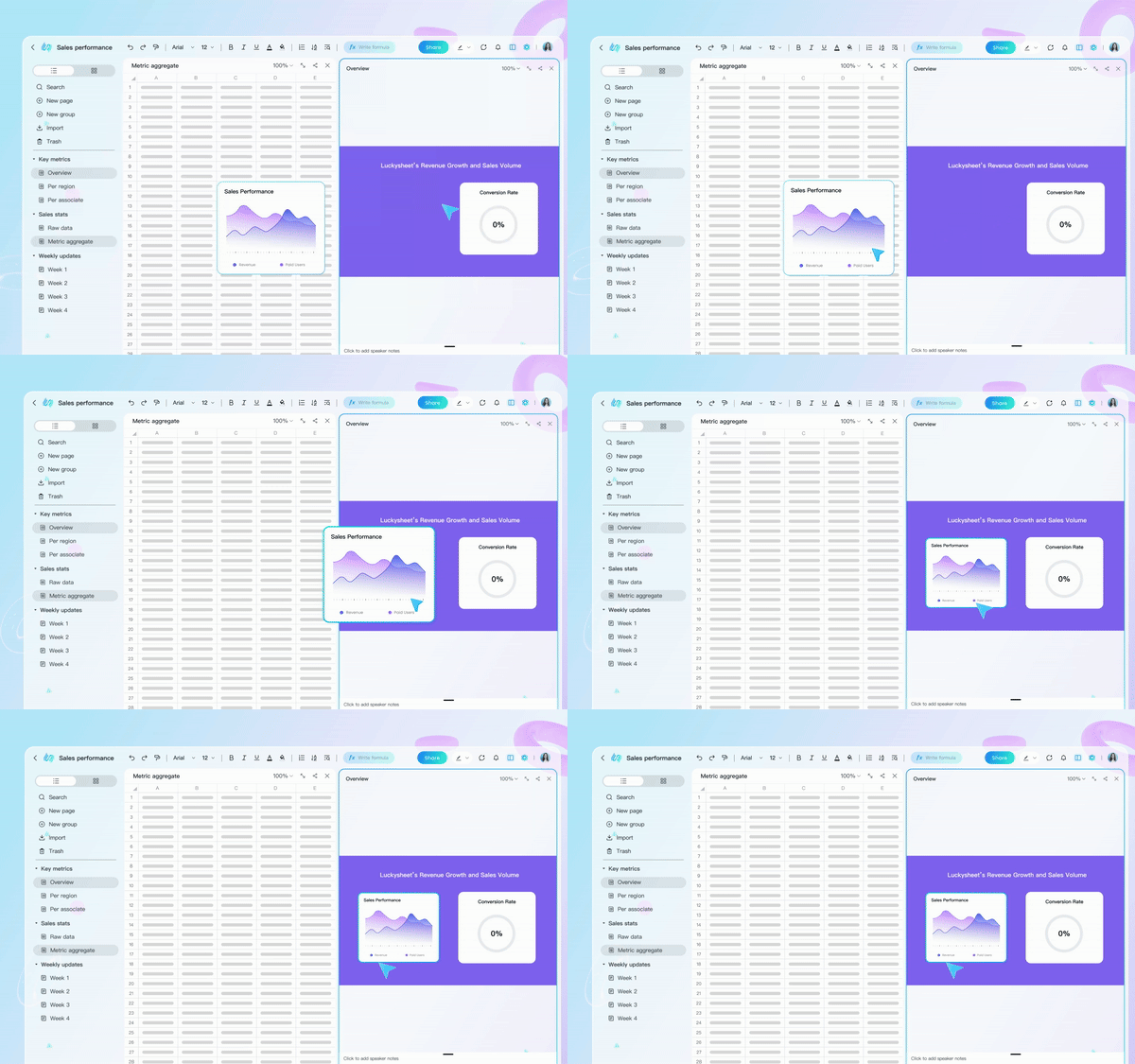
| 📊 Zen Editor | Univer Workspace (SaaS version) | |
 |
|







🚀 GitHub地址:
https://github.com/dream-num/univer
📊 性能数据:
支持100万+单元格 · 实时协作1000+用户 · 公式计算<100ms
Univer正在重新定义电子表格的未来——通过将AI原生能力与高性能架构相结合,它让数据处理变得智能而高效。正如用户反馈:
"从静态表格到智能数据助手,Univer让我们的数据分析工作流完全改变了"
该框架已被金融、教育、制造、科技等行业广泛采用,日均处理 超过10亿个 数据单元格,成为现代数据应用的核心基础设施。

中国智能体开发者社区,聚焦智能体与大模型开发,提供前沿资讯、实用工具链、开源项目及行业案例。通过技术沙龙、开发者大赛等活动,促进经验交流与协作,助力开发者快速构建创新智能应用。
更多推荐


 16
16 0
0- 0


 已为社区贡献246条内容

所有评论(0)